मिथुन
सिनेमाई GLOW | Dramatic Light Portrait
यह मिथुन के लिए लिखा गया है। अलग मॉडल में परिणाम और रेफ़रेंस फ़ोटो का समर्थन अलग हो सकता है।
इस प्रॉम्प्ट का उपयोग करने से पहले
सूचीबद्ध टूल: मिथुन। पूर्ण निर्देश: 1,487 अक्षर। 1 आपूर्ति की गई उदाहरण छवि।
This prompt mentions reference images. Read its instructions for the required number of photos and identity constraints. We have not independently tested this prompt. Tool labels and supplied images are not a guarantee of compatibility or output quality.
पूरा प्रॉम्प्ट
Transform the uploaded photo into a highly realistic cinematic editorial portrait with dramatic glowing light.
Preserve the person's exact facial identity, facial structure, hairstyle, skin texture, natural expression and body proportions. Do not alter or beautify the face.
Place the subject in a dark premium architectural environment with a strong warm beam of cinematic light falling diagonally across the face and body. Add subtle atmospheric haze, soft glowing highlights and deep natural shadows for a dramatic movie-still effect.
Give the subject a stylish modern fashion look with realistic fabric texture and natural body language. Create beautiful rim lighting around the hair and shoulders while keeping the face naturally detailed and sharp.
Use realistic skin pores, individual hair strands, physically believable shadows, subtle lens bloom and cinematic depth of field. The background should remain elegant and slightly blurred so the subject becomes the visual focus.
Make the final image look like a real professional luxury fashion photograph captured with a high-end cinema camera, not AI-generated.
Photorealistic, ultra-detailed, cinematic lighting, premium editorial photography, realistic hands and fingers, natural skin, 85mm lens look, shallow depth of field, vertical 4:5 composition.
No face distortion, no identity change, no plastic skin, no extra fingers, no deformed hands, no duplicate person, no unrealistic lighting, no text, no watermark.
/facepresever
पूरा प्रॉम्प्ट कॉपी करें और जहाँ कहा गया है अपनी रेफ़रेंस फ़ोटो लगाएं।
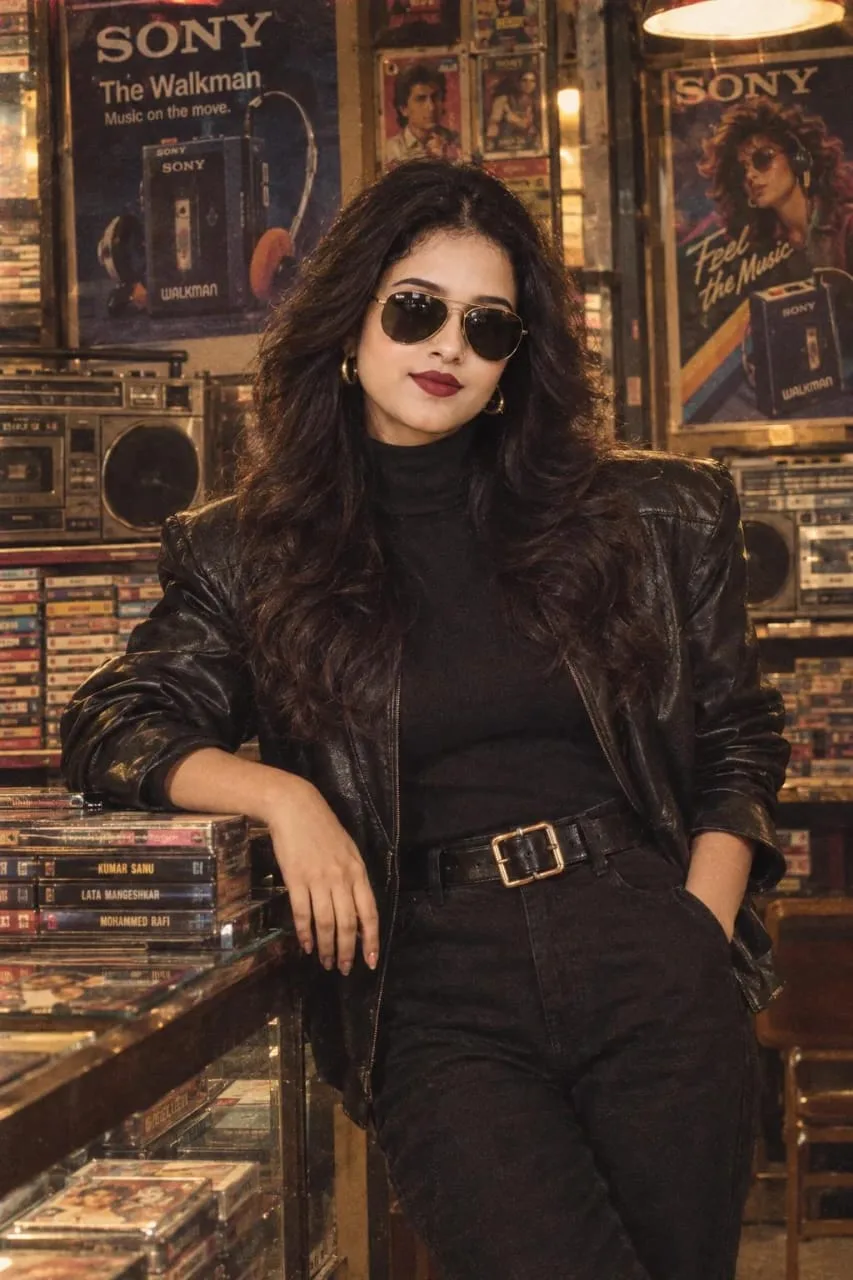
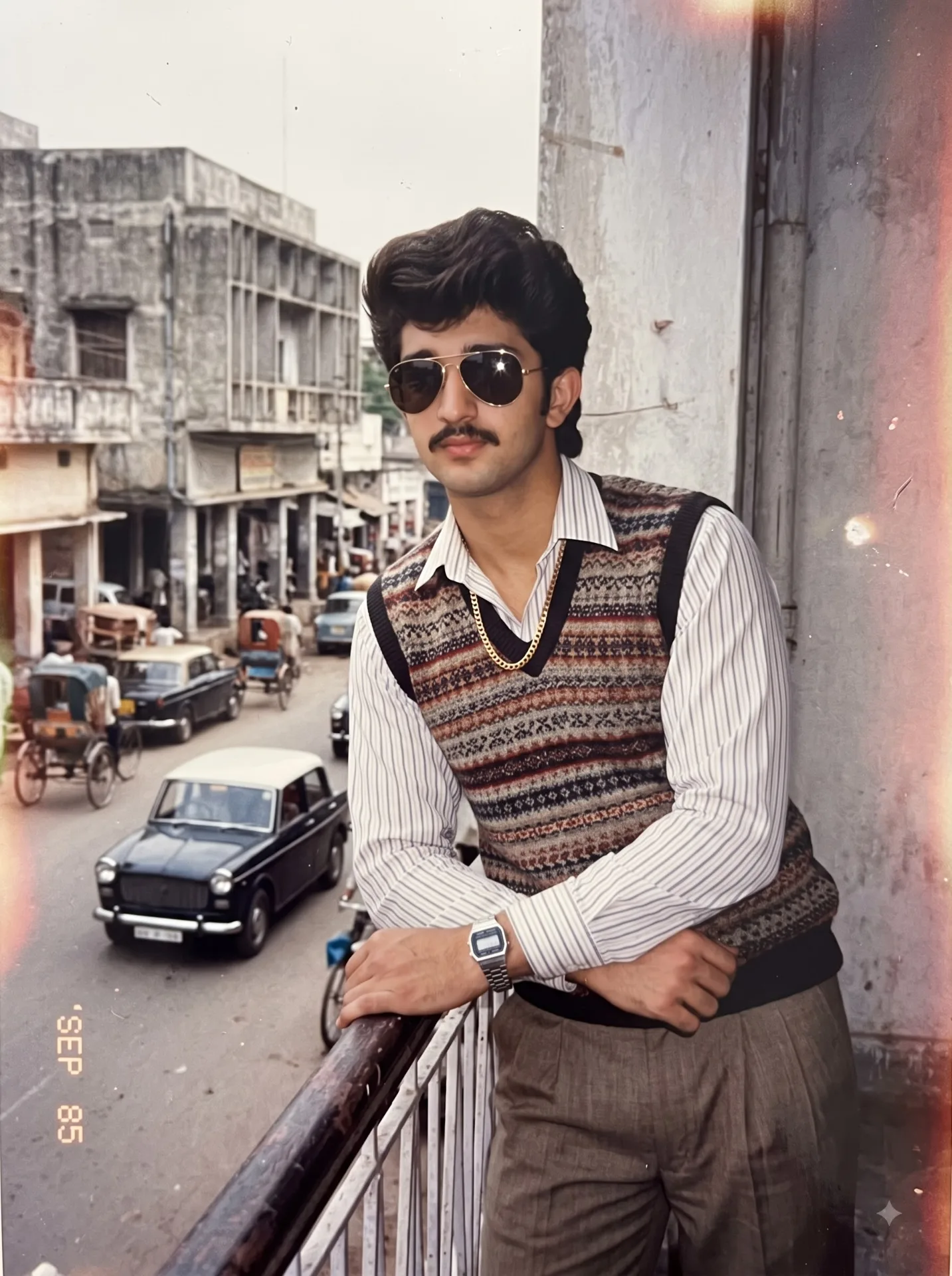
इस प्रॉम्प्ट के साथ दिया गया उदाहरण चित्र। हमारे साइट पर परीक्षण नहीं हुआ है।