Bate-papoGPT
Jai Shri Kedar – Retrato de Darshan do Templo Kedarnath
Escrito para Bate-papoGPT. Os resultados e o suporte da foto de referência podem diferir entre os modelos.
Antes de usar este prompt
Ferramenta listada: Bate-papoGPT. Instruções completas: 1,457 caracteres. 1 imagem de exemplo fornecida.
This prompt mentions reference images. Read its instructions for the required number of photos and identity constraints. We have not independently tested this prompt. Tool labels and supplied images are not a guarantee of compatibility or output quality.
Prompt completo
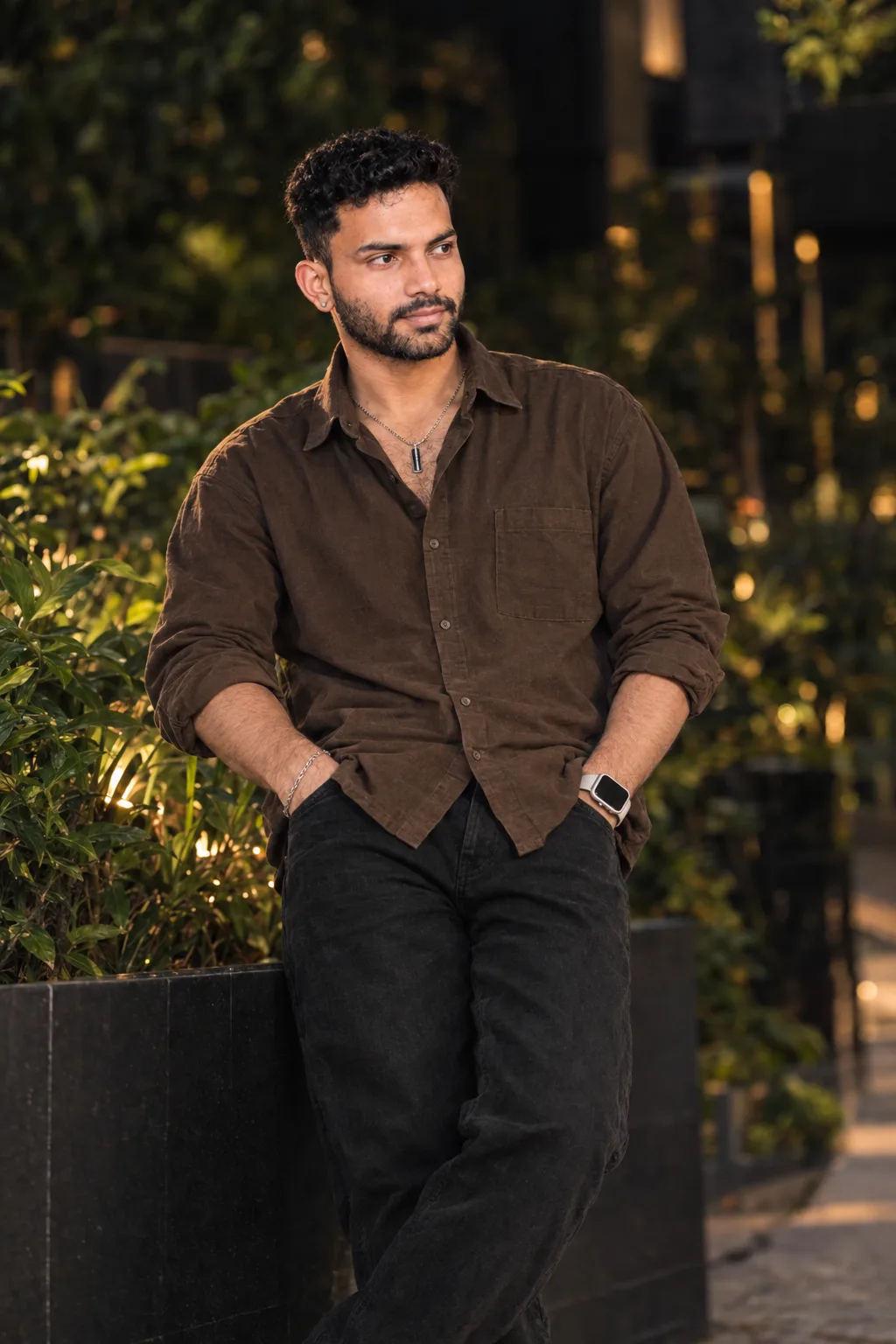
Use the uploaded image as the main reference. Create a highly realistic, cinematic travel portrait at Shri Kedarnath Temple in the Himalayan mountains. Preserve the subject’s exact facial identity, hairstyle, facial features, expression, body proportions, pose, and overall appearance from the reference image.

Place the young man naturally in the foreground, standing confidently in front of the historic Kedarnath Temple. Keep the ancient stone temple architecture, intricate carvings, colorful blue/yellow/red doorway decorations, “जय श्री केदार” sign, decorated railings, sacred bull statue, devotees, and Himalayan surroundings clearly visible.

Maintain his casual winter outfit: light grey hoodie/T-shirt underneath a purple-and-white checked overshirt. Keep the clothing realistic and naturally fitted without changing its design.

Create a premium photorealistic pilgrimage travel photograph, natural Himalayan daylight, soft overcast mountain atmosphere, realistic skin texture, sharp facial details, authentic stone textures, natural depth of field, cinematic composition, balanced exposure, vibrant but realistic colors, professional travel photography, ultra-detailed, 4K/8K quality.

Important: Preserve the original temple and subject composition as much as possible. Do not change the subject’s identity or facial structure. Do not add unrealistic objects, excessive beauty retouching, artificial skin smoothing, or distorted hands/fingers.
Copie o prompt completo e use suas próprias fotos de referência quando solicitado.
Imagem de exemplo fornecida com este prompt. Este prompt não foi testado pelo nosso site.