產生的範例 · 2026-09-26
一張情侶照片的即時底片照片
使用虛構的 AI 生成的成人在 Codex 中透過 OpenAI 影像生成創建。
輸入照片
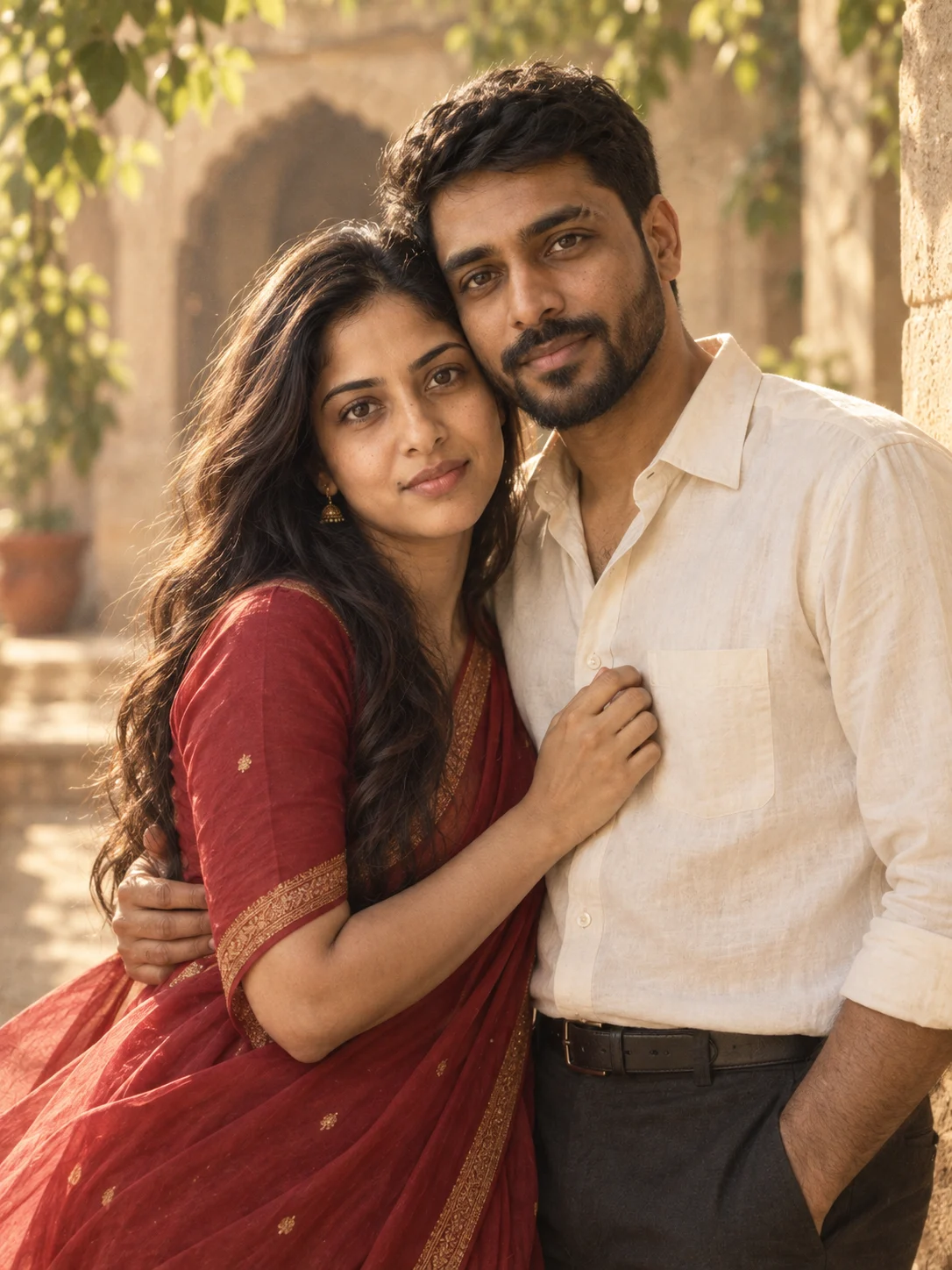
依所示順序使用輸入。
- 生成工具
- Codex 中的 OpenAI 影像生成
- 生成於
- 2026-09-26
- 參考照片
- 你們在一起的照片
生成結果
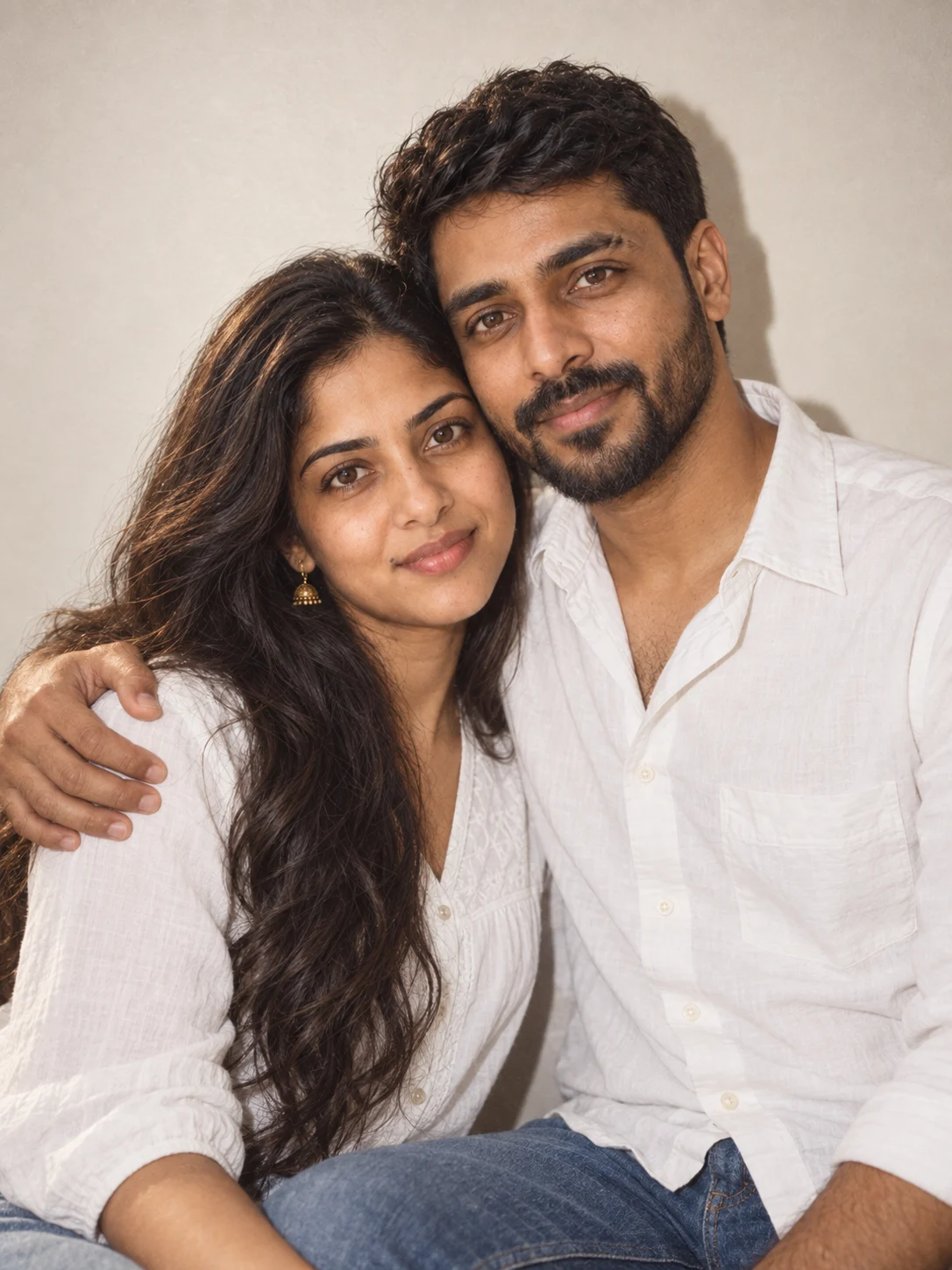
在此結果中檢查什麼
結果將復古服裝改為白色上衣和牛仔布,同時保留共享照片中可識別的臉部、頭髮和鬍鬚特徵。可以看到直接閃光陰影和普通牆壁。裁剪是腰部以上,而不是要求的肩部以上,而且膠片顆粒很微妙。需要新的渲染才能獲得更緊密的裁剪。
使用的確切提示
Use the uploaded couple photo as the identity reference for BOTH adults. Keep each person’s distinct facial features, individual skin tone, age, hairstyle, and natural body proportions recognizable. Do not merge their identities or replace them with generic models.

Create a close shoulder-up portrait of the couple in a comfortable side hug against a plain indoor wall. Both smile at the camera; keep their faces unobstructed and heads at a natural distance. Use gentle direct flash with soft wall shadows.

Dress the couple in simple white cotton tops with denim accents, keeping the styling casual and comfortable.

Use an instant-film-inspired look with gentle grain, slightly softened color, realistic direct-flash falloff, and natural skin. Make one photograph, not a collage, with no printed border or text.

Keep both faces clearly visible, with realistic anatomy and natural hands. Include only the two referenced adults. Compose as one 3:4 portrait. No added writing, logos, or watermark.
查看原提示 →