聊天GPT
迷霧喜馬拉雅逃生🏔️🌧️ |奢華旅行肖像
為聊天GPT 編寫。不同型號的結果和參考照片支援可能有所不同。
使用提示詞前
列出的工具:聊天GPT。完整說明:1,618 個字元。 1 個提供的範例影像。
This prompt mentions reference images. Read its instructions for the required number of photos and identity constraints. We have not independently tested this prompt. Tool labels and supplied images are not a guarantee of compatibility or output quality.
完整提示詞
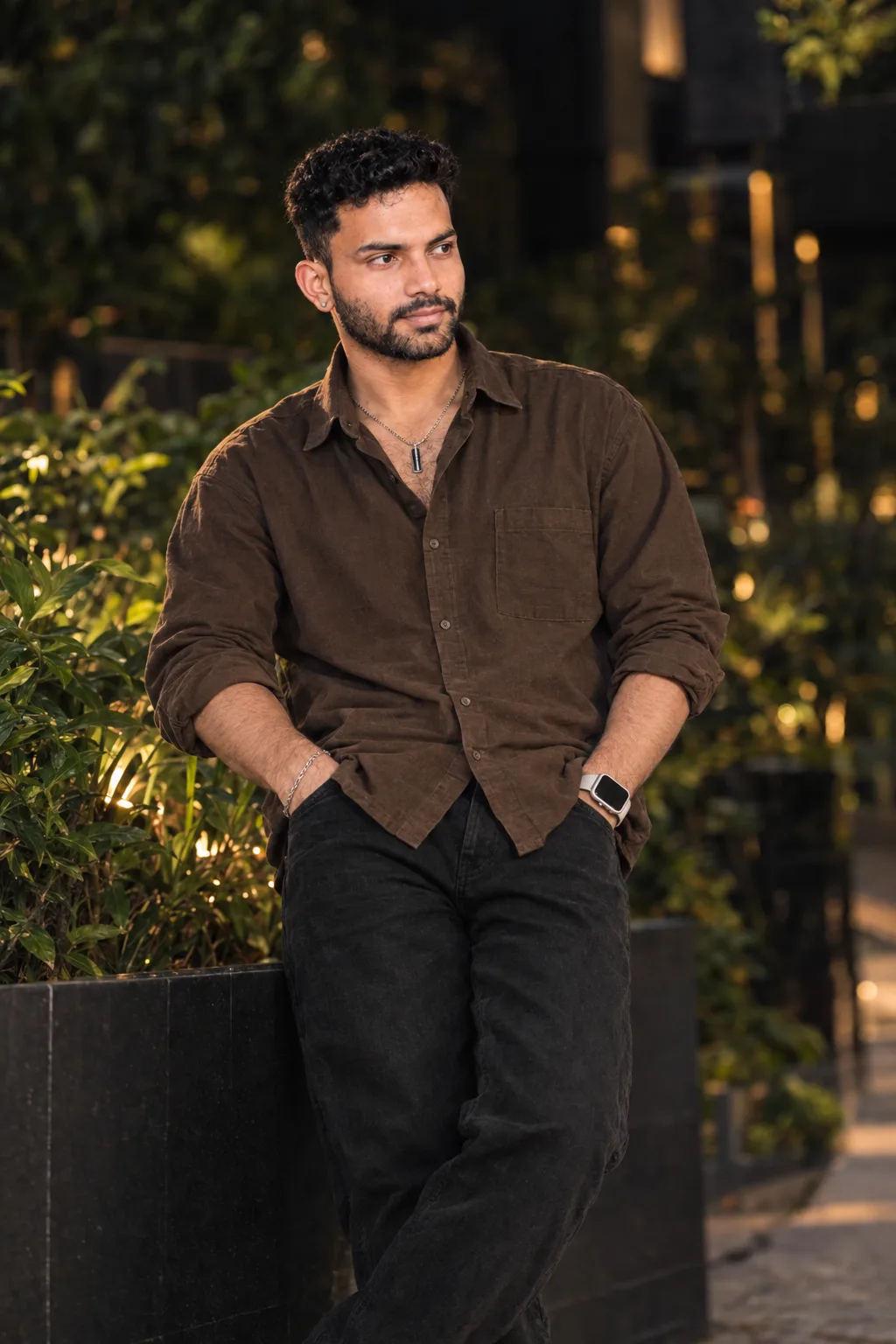
Transform the uploaded photo into a highly realistic cinematic Himalayan travel portrait.

Preserve the person's exact facial identity, facial features, hairstyle, skin tone, age and natural body proportions.

Place the person naturally at a scenic Himalayan mountain viewpoint during a peaceful monsoon morning. Create layered green mountains fading into realistic mist, distant valleys, wet natural rocks and subtle clouds moving through the hills.

The person should sit casually on a large natural rock, looking slightly toward the mountain valley with a calm, thoughtful expression. Keep the pose relaxed and candid, like a genuine travel photograph.

Dress the person in premium but natural travel clothing suitable for cool rainy weather, with realistic fabric texture and subtle earthy colors.

Use soft diffused monsoon daylight, gentle atmospheric haze, realistic mountain depth and natural moisture in the environment. Add very subtle water droplets on nearby rocks and vegetation, without making the scene look artificially rainy.

Make the final image look like a genuine high-end travel photograph captured by a professional DSLR, not an AI-generated image.

Photorealistic skin texture, realistic hair strands, natural hands, authentic clothing texture, 35–50mm lens look, realistic depth of field, cinematic natural color grading, subtle film grain, vertical 4:5 composition.

No face distortion, no identity change, no extra fingers, no deformed hands, no unrealistic mountains, no fake fog, no excessive HDR, no oversaturation, no plastic skin, no CGI appearance, no text, no watermark.
/facepreserve
複製完整的提示並根據要求使用您自己的參考照片。
此提示提供的範例影像。此提示尚未經過我們網站的測試。