Gemini
Iphone DUO - Promotional Image Prompt
Written for Gemini. Results and reference-photo support may differ across models.
Before you use this prompt
Listed tool: Gemini. Full instructions: 768 characters. 4 supplied example images.
This prompt mentions reference images. Read its instructions for the required number of photos and identity constraints. We have not independently tested this prompt. Tool labels and supplied images are not a guarantee of compatibility or output quality.
The complete prompt
Use my reference photo as the exact identity reference for the person’s face and body. Create a full-body luxury campaign image for the new iPhone Duo, set in a deep red / burgundy studio environment. Show me standing in the center of the frame, wearing elegant light-toned clothing with a modern, refined styling. I am holding the new iPhone Duo with both hands in a clean promotional pose. The background should be minimal and premium, with large text reading “iPhone Duo” to give the image the feeling of an official product-launch campaign. The composition should be balanced, fashion-forward, and highly realistic, with soft studio lighting, subtle shadows, and sharp product detail. Preserve my exact facial structure, skin tone, hairstyle, and body proportions.Copy the complete prompt and use your own reference photos where requested.
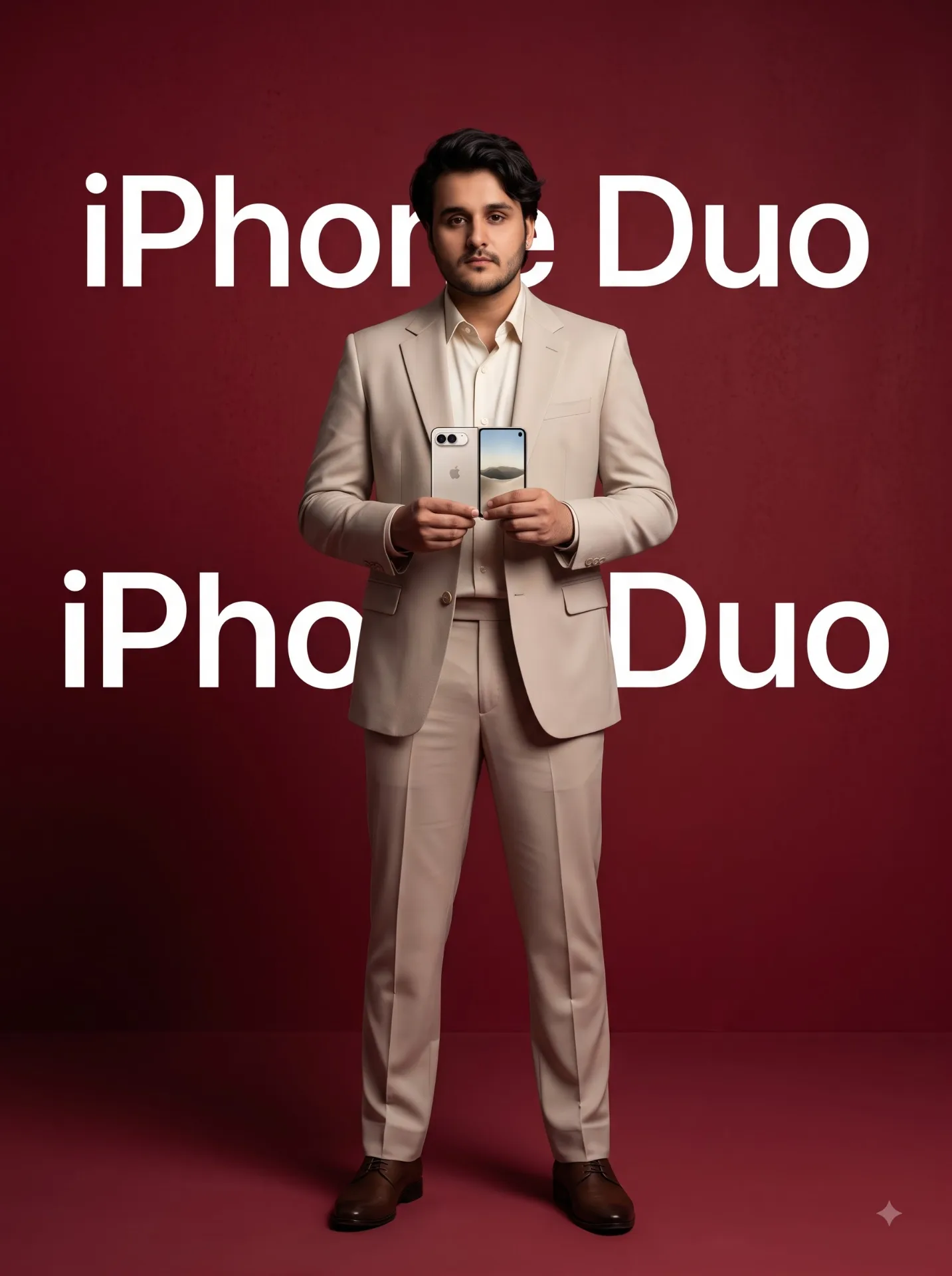
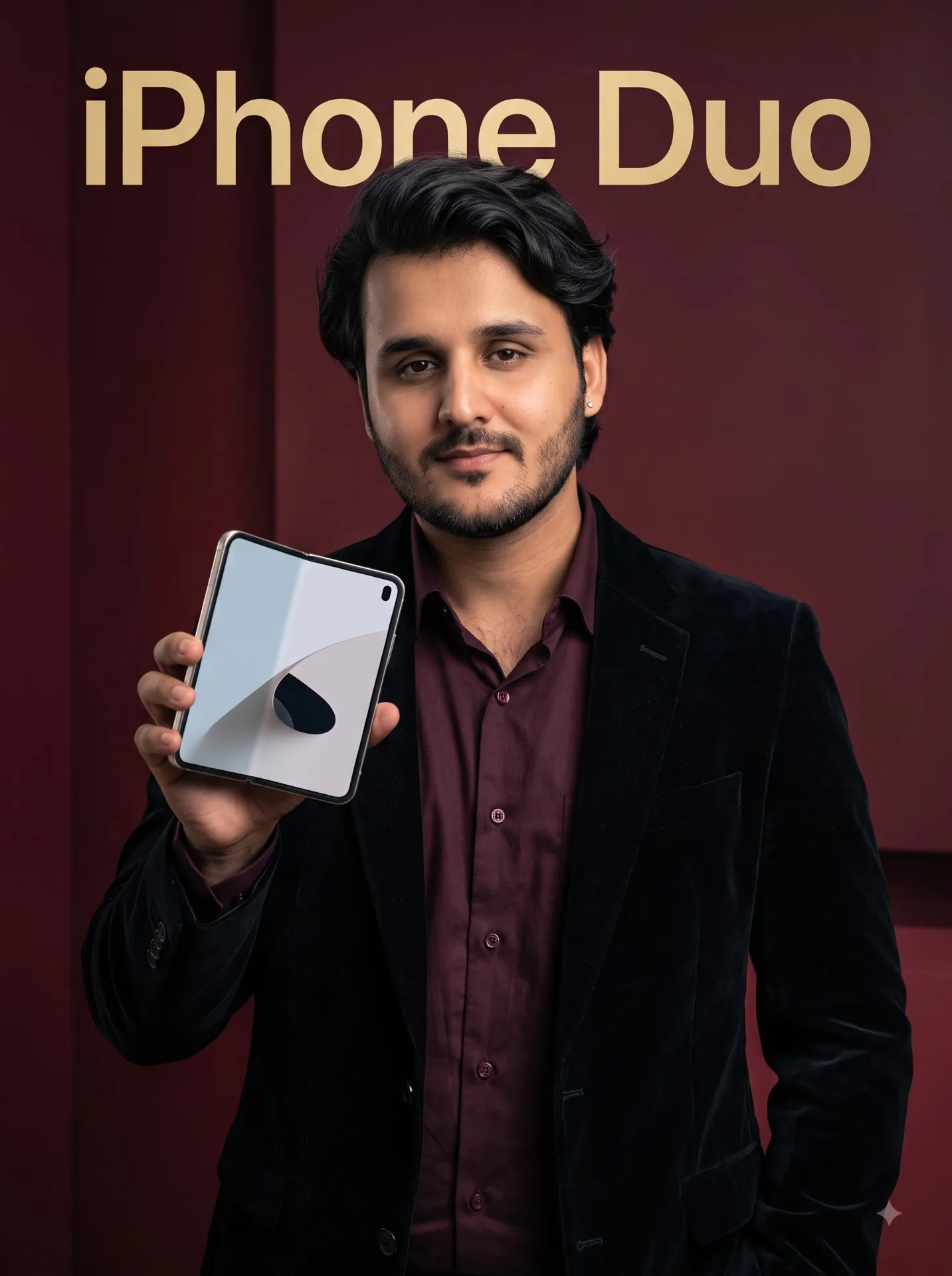
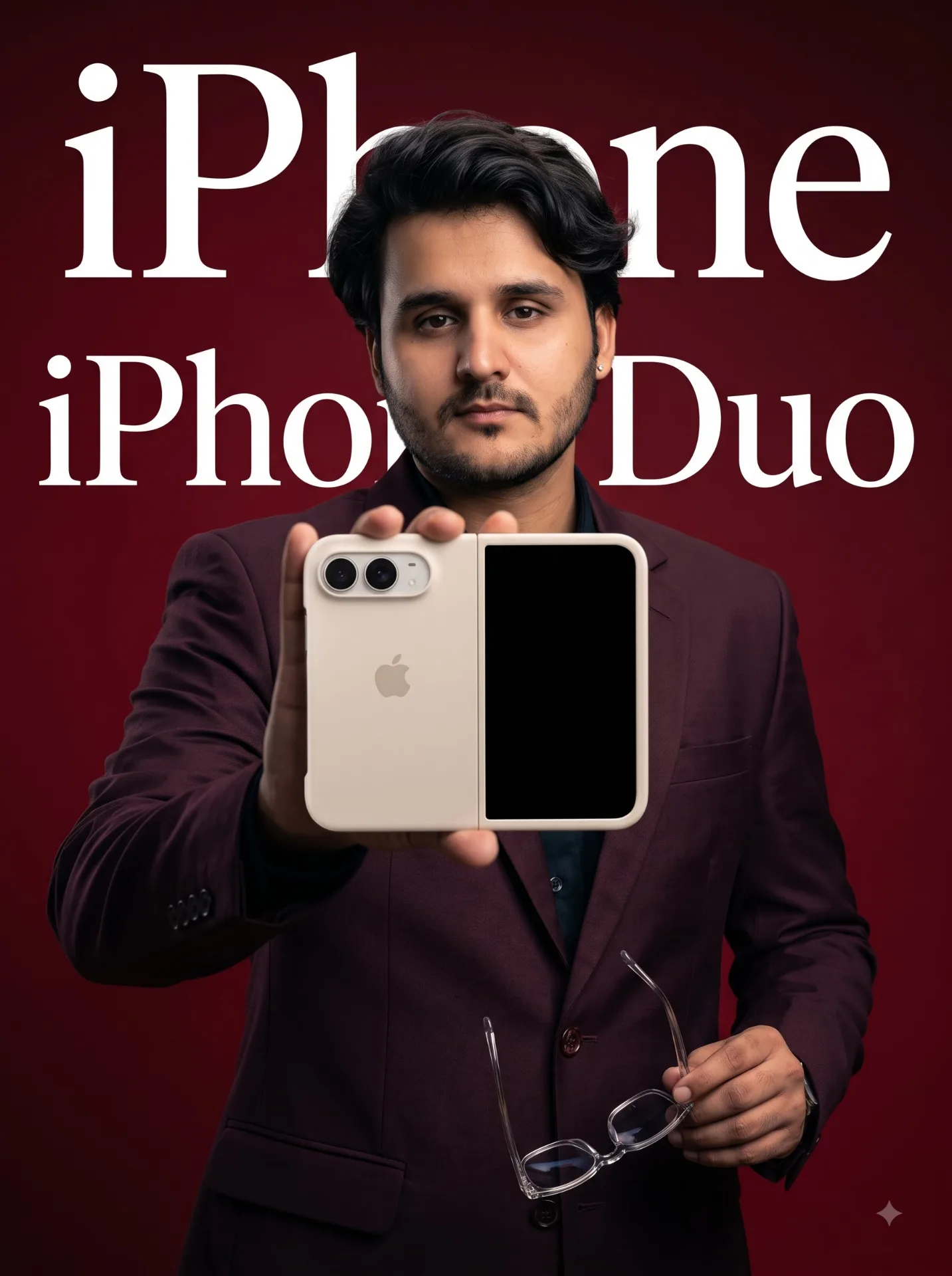
Example image provided with this prompt. This prompt has not been tested by our site.