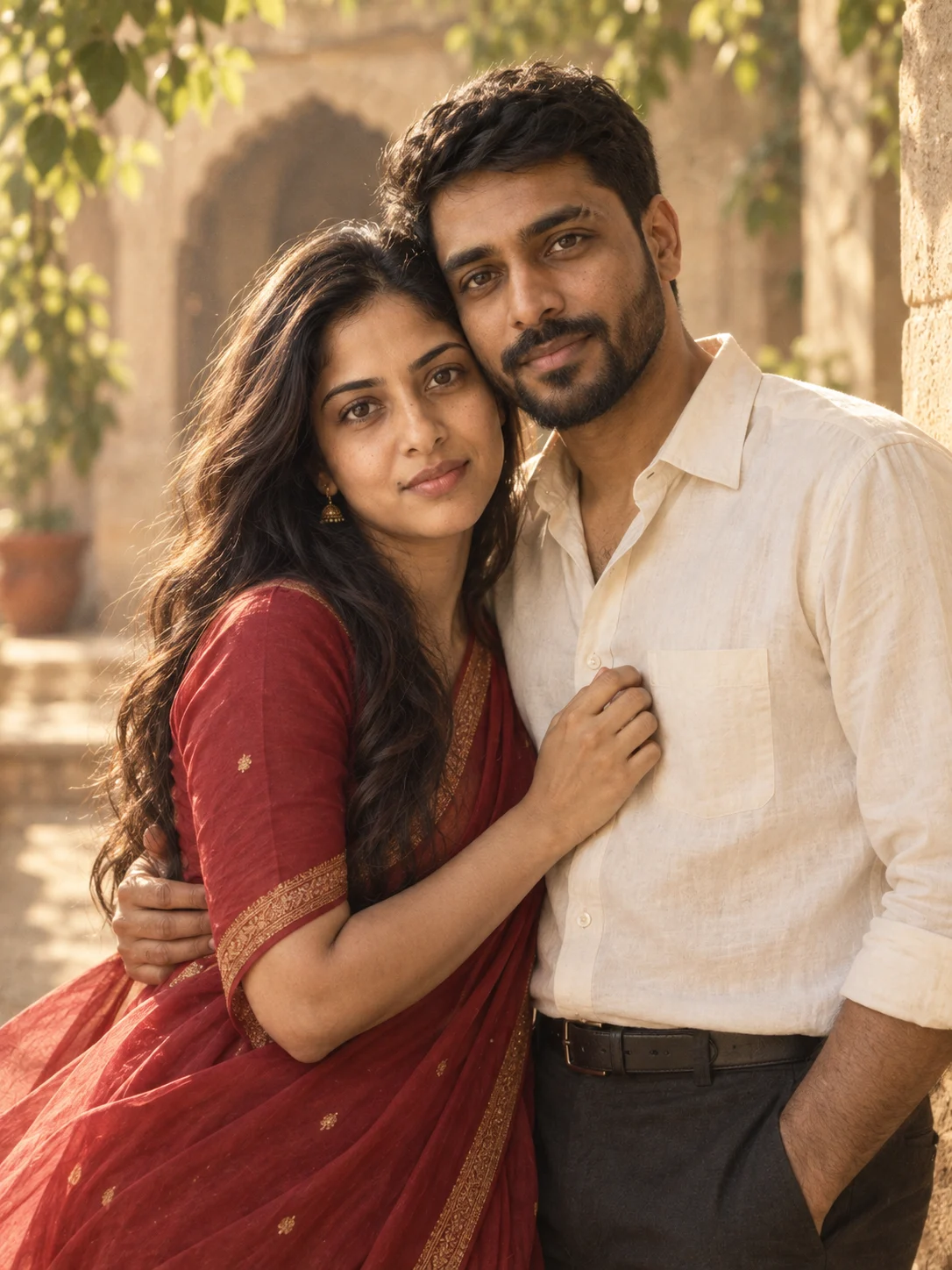
Choose two clear portraits
Pick one photo per adult with the full face visible, similar camera angles and reasonably similar lighting. Avoid sunglasses, heavy filters and tiny cropped faces.
THE TWO-PHOTO GUIDE
You don’t need a photo together. Start with one clear portrait of each person, then use a prompt that keeps their identities separate.
Choose a look for two photos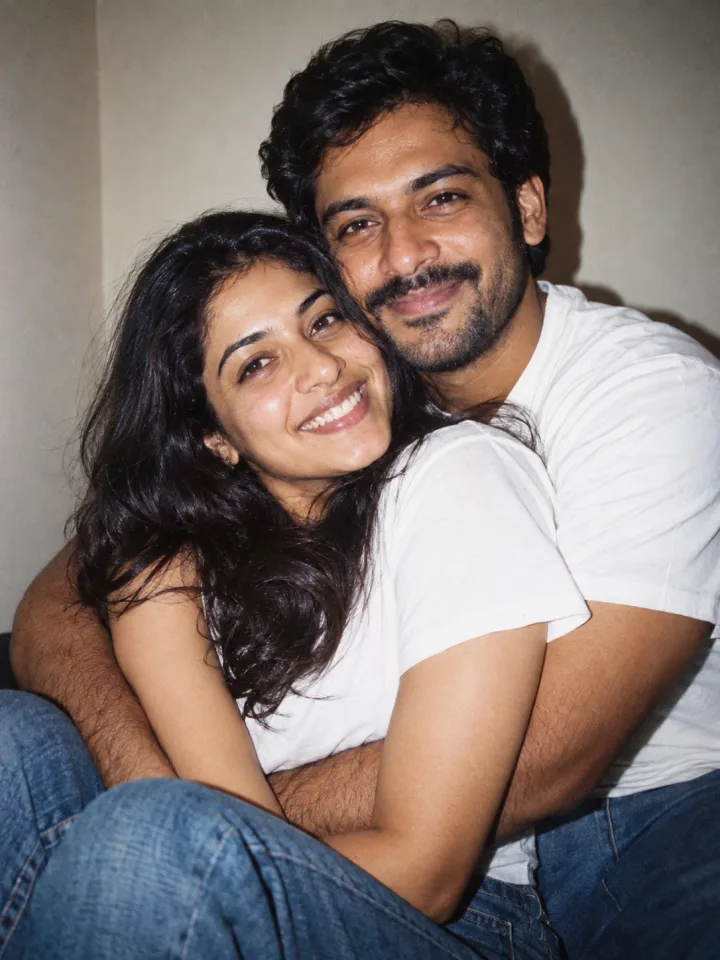
Pick one photo per adult with the full face visible, similar camera angles and reasonably similar lighting. Avoid sunglasses, heavy filters and tiny cropped faces.
Add one portrait under Person A and the other under Person B. If you use Gemini, attach both portraits and identify them as image 1 and image 2 in your prompt.
Start side by side with both faces visible. Check each face, skin tone and body proportions before changing clothing, backgrounds or more complicated poses.
A simple two-photo starter
Using Gemini? Copy this prompt and attach both portraits.
Use TWO uploaded portraits as separate identity references: image 1 is person A and image 2 is person B. Combine exactly these two adults into one coherent couple photograph. Keep each person’s facial features, skin tone, age, hairstyle, and body proportions recognizable and distinct; do not blend faces or copy one face onto both people. Match the camera perspective and lighting across them. Create a close shoulder-up portrait of the couple in a comfortable side hug against a plain indoor wall. Both smile at the camera; keep their faces unobstructed and heads at a natural distance. Use gentle direct flash with soft wall shadows. Dress the couple in simple white cotton tops with denim accents, keeping the styling casual and comfortable. Use an instant-film-inspired look with gentle grain, slightly softened color, realistic direct-flash falloff, and natural skin. Make one photograph, not a collage, with no printed border or text. Keep both faces clearly visible, with realistic anatomy and natural hands. Include only the two referenced adults. Compose as one 3:4 portrait. No added writing, logos, or watermark.
Face similarity is not guaranteed. Use the original references again if repeated edits change either person too much.
Use clear, well-lit adult reference photos that you have permission to use. Results can vary.
Try a clearer, front-facing reference. For two portraits, label image 1 as person A and image 2 as person B. Simplify the pose and start again from the originals.
Ask for a simpler pose: side by side, both faces visible, hands relaxed. Keep a result you like before trying a more complex gesture.
Ask for natural skin texture, softer light and less smoothing. For retro, change the grain and color before adding more props.
Generated examples
Created with OpenAI image generation in Codex using fictional AI-generated adults. These are actual tool outputs, not Gemini tests.