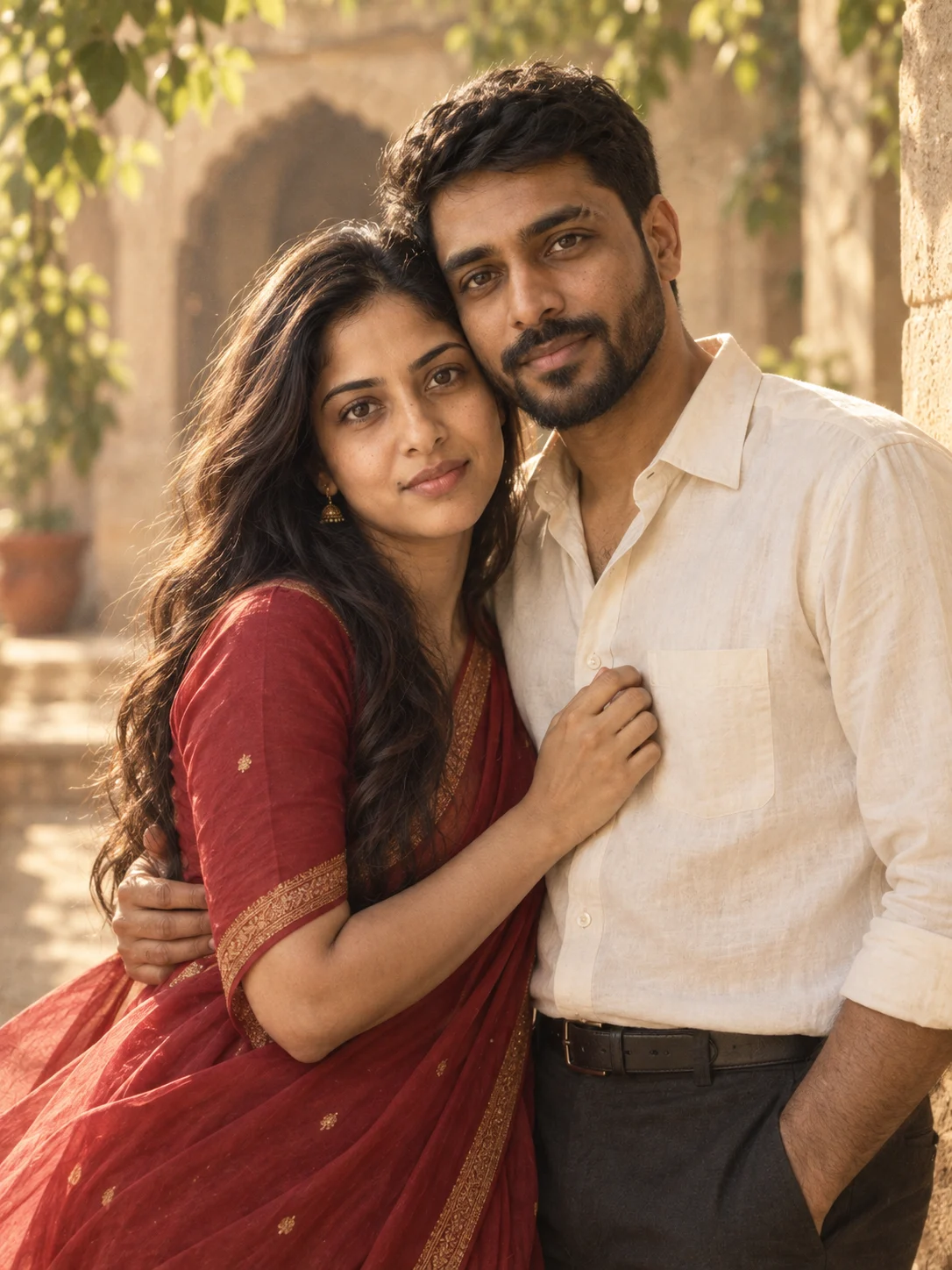
OpenAI · 2 portraits
A LITTLE PROMPT. A LOT OF US.
Choose a Gemini couple photo prompt, copy the text, and add your photos in Gemini. Explore retro, wedding and everyday looks for one photo together or two portraits.
12 looks · 4 prompt variations each
Tap a heart to save a look on this device.
Generated examples
Created with OpenAI image generation in Codex using fictional AI-generated adults.
OpenAI · 2 portraits
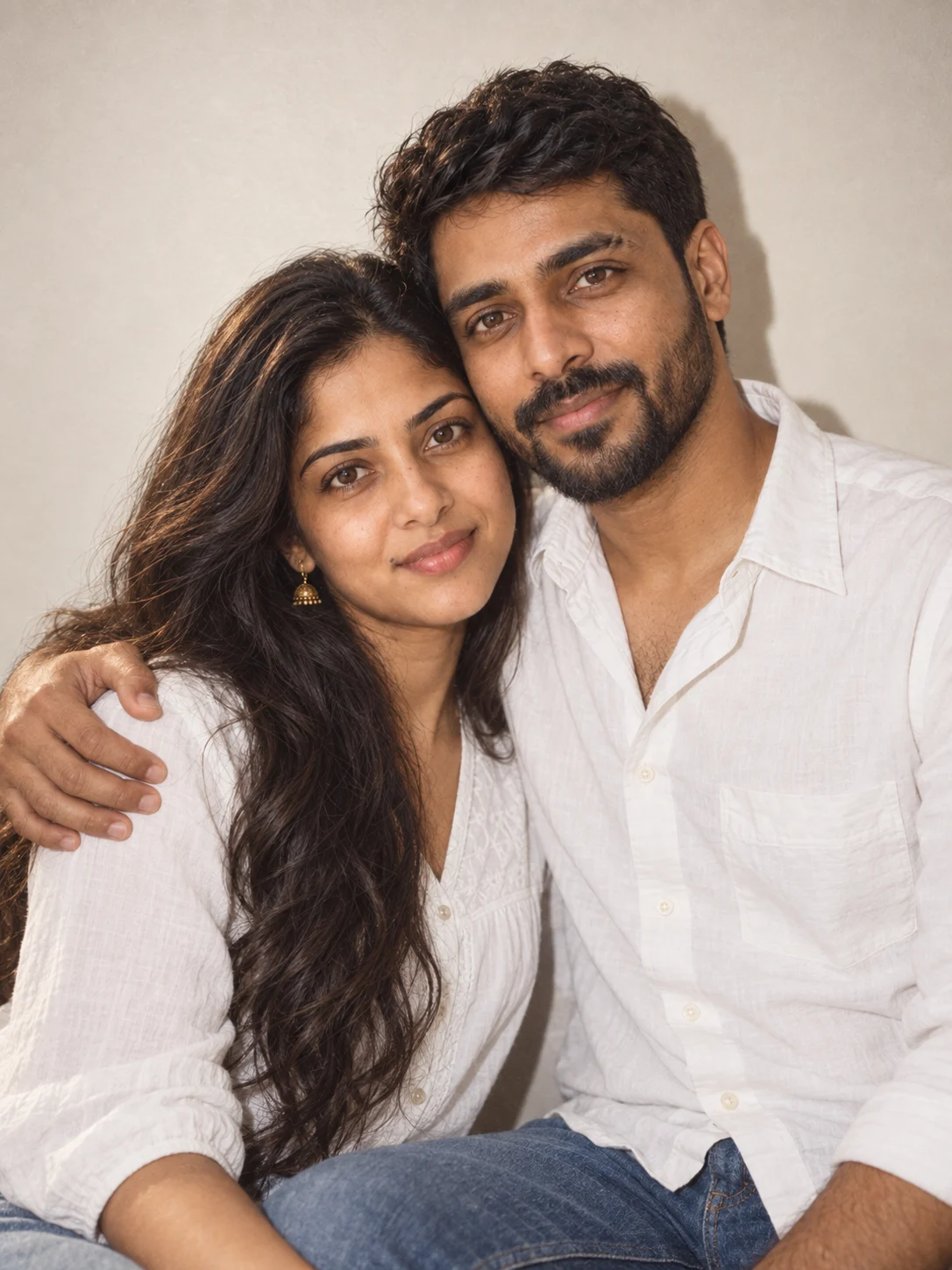
OpenAI · 1 couple photo
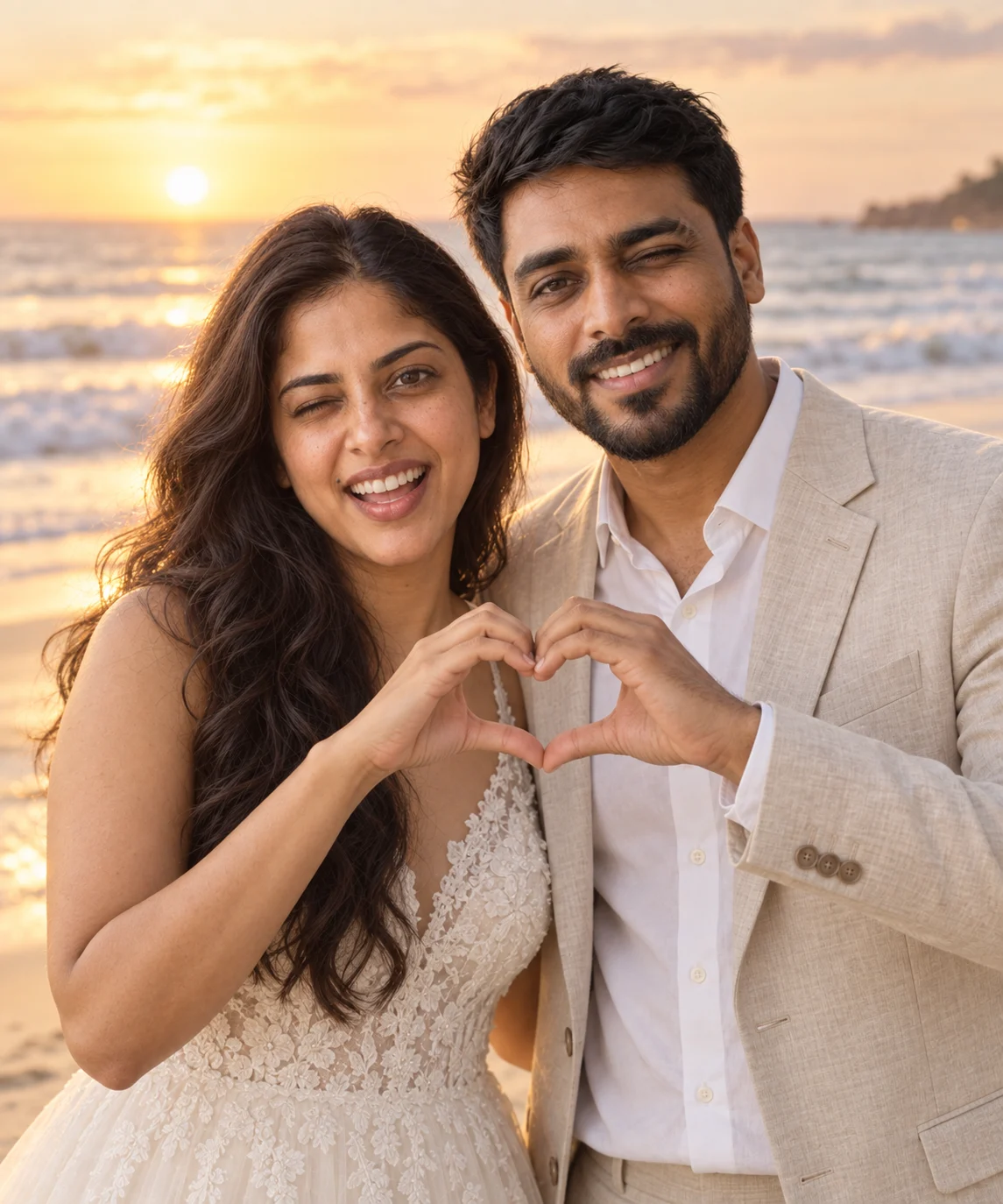
OpenAI · 2 portraits
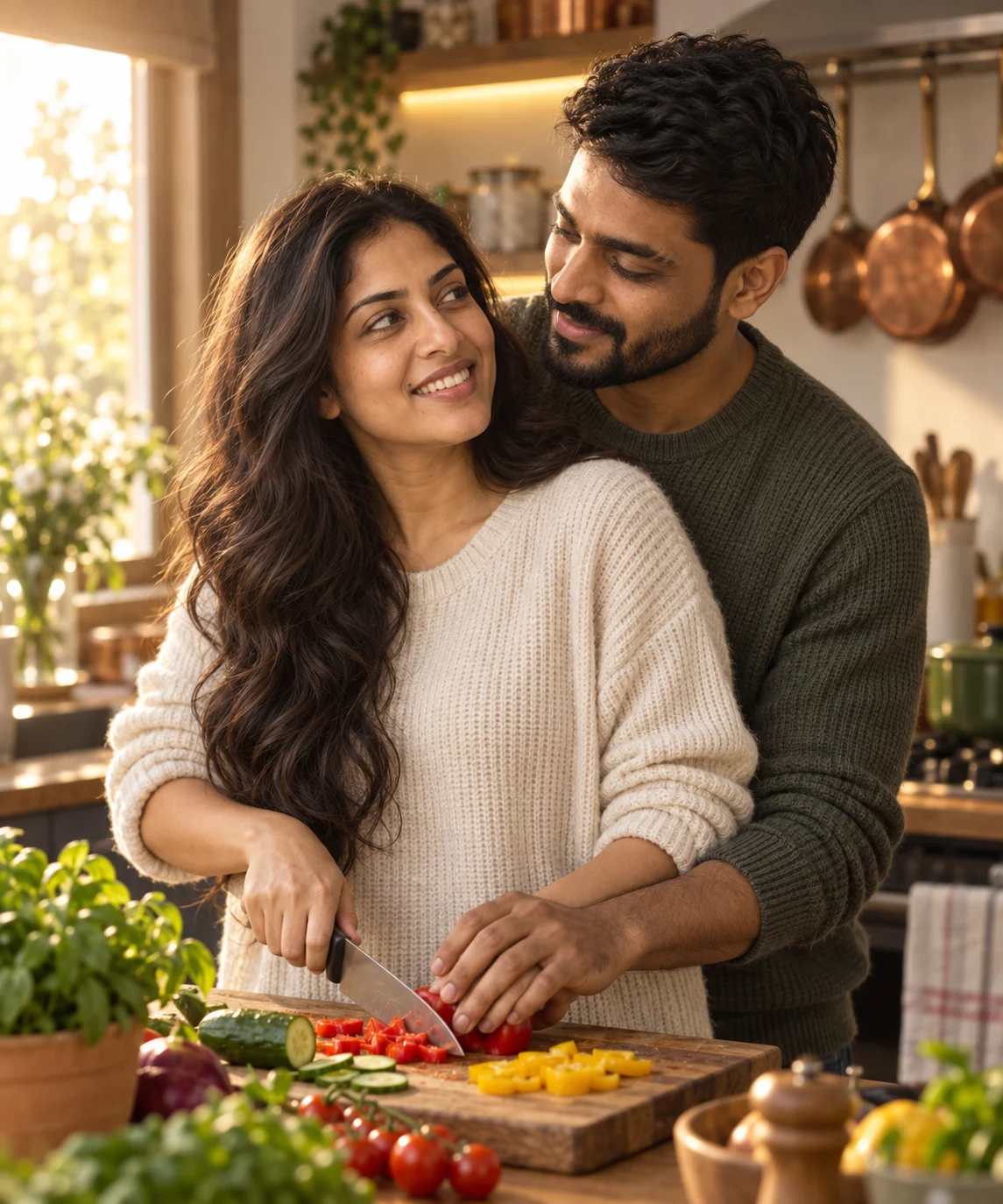
OpenAI · 2 portraits
1,632 sourced prompts
Each prompt includes its original text and source. Generated examples are labeled; other prompts have no preview yet.
The library could not load. Please refresh the page.
No prompts match these filters.
FROM AN IDEA TO A PHOTO
Pick a look and copy its prompt. In Gemini, upload a clear photo of you together or one portrait of each person, paste the text, and ask for the image. Check both faces, then adjust one detail at a time.
Read the two-photo guideChoose a Nano Banana prompt for Gemini and check its reference-photo instructions. Use the model filter to narrow the library. GPT Image 2 prompts are also included and labeled for use with that model family.
Yes. Select Two separate photos before copying a look prompt. It will describe the first upload as Person A and the second as Person B. You can also choose one photo together. Community prompts keep their original instructions.
Browse prompts for the Nano Banana and GPT Image 2 families. Each prompt shows the model named by its source. Choose a Nano Banana prompt for Gemini; results and reference-photo support can vary by version.
Open a prompt to read the full text and see its creator or collection, original source and license.
Try clearer, front-facing reference photos without strong filters. Ask for both people side by side with their faces visible, and keep the scene simple. Change one thing at a time; a prompt cannot guarantee an exact likeness.
Ask for a simpler pose: side by side, both faces visible, hands relaxed. Keep a result you like before trying a more complex gesture.
Ask for natural skin texture, softer light and less smoothing. For retro, change the grain and color before adding more props.