ChatGPT
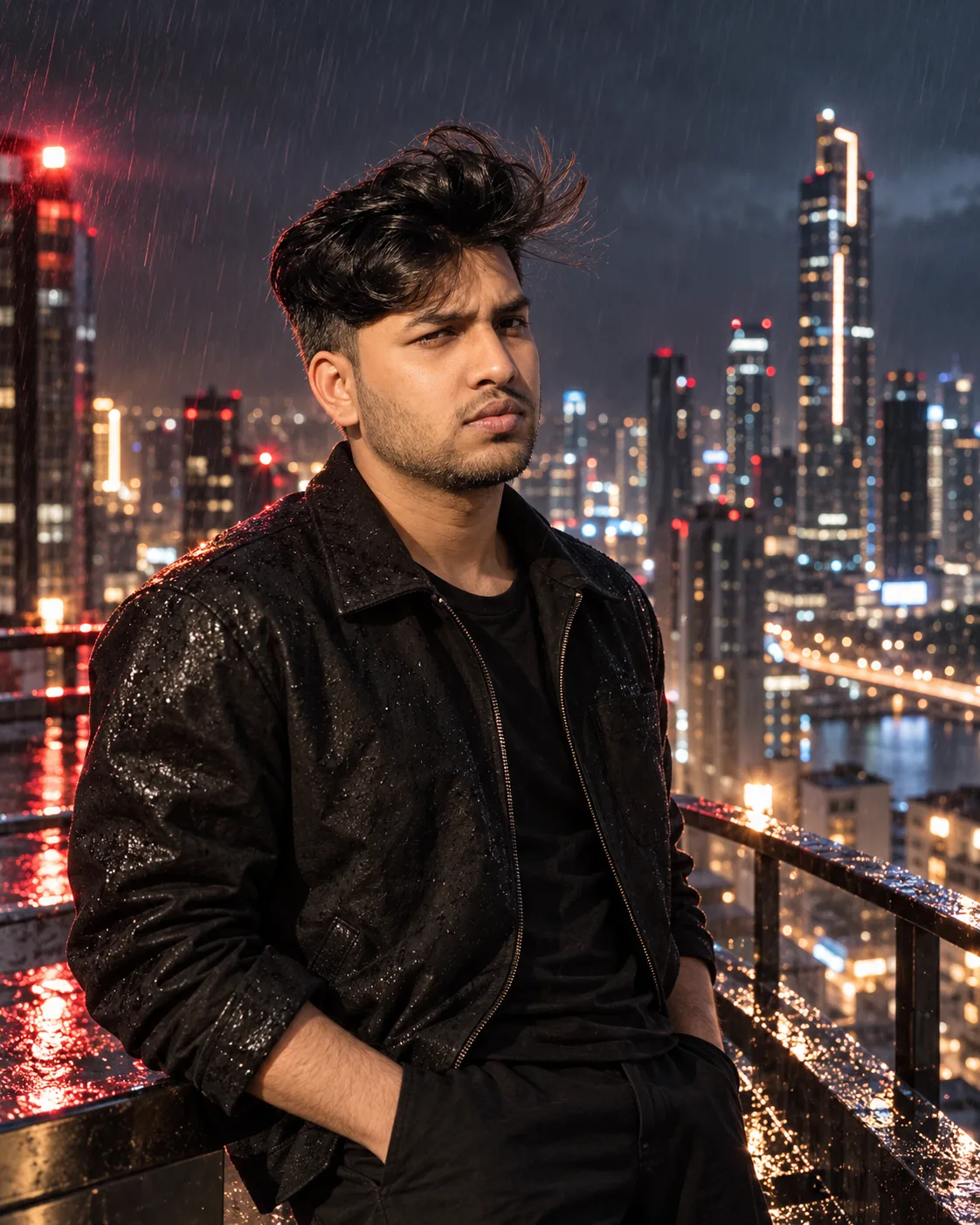
Midnight City Boy – Cinematic Portrait
Written for ChatGPT. Results and reference-photo support may differ across models.
The complete prompt
IDENTITY REFERENCE — ABSOLUTE HIGHEST PRIORITY:

Use the uploaded photograph as the ONLY identity source. Ignore the uploaded photograph’s original clothing, hairstyle, glasses, pose, facial expression, lighting, camera angle and background.

Preserve the uploaded person’s exact recognizable identity: natural skin tone, apparent age, gender presentation, face shape, forehead, natural hairline, eyebrow shape and spacing, eye shape and spacing, nose bridge, nose length, nose tip, nostrils, cheeks, cheekbones, lips, ears, jaw width, jaw angle, chin, moustache, beard pattern and all natural facial proportions.

The finished person must remain immediately recognizable as the uploaded individual. Do not mix the uploaded identity with another person. Do not create a similar-looking replacement or generic fashion model. Do not beautify, reshape or structurally alter the face.

Create an ultra-photorealistic vertical 9:16 cinematic nighttime portrait, 2160 × 3840 pixels.

EXACT SCENE:

Show exactly ONE person casually leaning against a rough, weathered light-grey concrete roadside barrier at night.

The person must wear an oversized black T-shirt, black trousers and modern black rectangular sunglasses while holding one smartphone with both hands.

Reproduce the exact body pose, composition, facial direction, outfit, sunglasses, concrete barrier, blurred night skyline, city-light bokeh, foreground plant, lighting and depth of field described below.

COMPOSITION AND FRAMING:

Place the person slightly right of the vertical centre.

The centre of the person’s face should sit approximately 55% from the left edge and 33% from the top edge.

Position the top of the hair around 23% of the canvas height. Leave a very large clean area of dark navy-blue night sky above the person’s head.

Use a vertical three-quarter body portrait showing the person from the top of the hair to below the knees. Both feet and shoes must remain outside the bottom edge.

The person should occupy approximately 58% of the canvas width. Keep enough background visible on both sides.

Position the concrete barrier across the lower half of the image. Place the skyline and circular bokeh behind the person’s shoulders and head.

Use the realistic perspective of an 85mm portrait lens at approximately f/1.4. Create natural telephoto compression, a sharply focused subject, strong background blur and realistic cinematic depth.

EXACT BODY POSE:

The person is casually resting their lower back and right hip against the top edge of a horizontal concrete barrier.

Keep the upper torso mostly facing the camera, turned only slightly toward the viewer’s left.

The right shoulder should be slightly closer to the concrete barrier. Keep both shoulders relaxed and naturally uneven.

One leg should extend straight downward beyond the bottom edge of the image.

Bend the other leg naturally at the knee and angle it toward the lower-left corner. Rest the raised foot against the lower part of the concrete barrier. The bent knee must be clearly visible in the bottom-left section.

Both elbows must remain relaxed beside the torso.

Bend both forearms naturally in front of the lower abdomen. Show both hands holding exactly one modern smartphone at waist level.

Keep the smartphone vertical in portrait orientation. The metallic back and camera section should remain partially visible to the viewer.

Position the fingers naturally around the smartphone. Place both thumbs close to the screen, but do not show the person actively typing.

FACE DIRECTION AND EXPRESSION:

Turn the head approximately 30 degrees toward the viewer’s right.

The face should remain in a natural three-quarter angle. Keep the chin level and the neck posture relaxed.

The person should appear to be looking toward something outside the right side of the frame. Although the eyes are covered by dark lenses, maintain the correct head and eye direction underneath the sunglasses.

Use a calm, serious, confident and slightly thoughtful expression.

Keep the eyebrows relaxed, jaw natural and lips gently closed. Do not add a smile, visible teeth, anger, surprise or exaggerated emotion.

SUNGLASSES — MANDATORY:

Add one pair of premium modern black rectangular sunglasses.

The sunglasses must have:

* Slim glossy black frames
* Medium-width rectangular lenses
* Slightly softened lens corners
* Dark smoke-black tinted lenses
* Subtle warm city-light reflections
* A thin black bridge
* Realistic nose pads or natural bridge contact
* Temple arms positioned correctly above both ears
* Accurate perspective matching the three-quarter head angle
* Natural contact with the nose and face

The sunglasses must fit the uploaded person’s exact face width and nose shape. They must not appear oversized, floating, crooked or pasted onto the face.

The two lenses must remain symmetrical and correctly aligned. Do not use round glasses, aviators, transparent eyeglasses, coloured lenses or extremely large fashion glasses.

The sunglasses should partially conceal the eyes without hiding or changing the person’s recognizable nose, eyebrows, cheeks, jawline or face shape.

HAIRSTYLE:

Preserve the uploaded person’s natural hair colour, natural hairline and realistic hair density.

Style the hair into short, thick, naturally curly black hair with defined textured curls on top. Create a clean low taper fade around both sides and the back.

Use individually visible hair strands, slightly uneven natural volume and subtle warm brown highlights caused by the city lighting.

Keep a few loose curls falling naturally toward the forehead.

Do not create excessively tall hair, long hair, straight hair, wet hair, artificial wig texture or an unnaturally sharp hairline.

FACIAL HAIR:

Preserve the uploaded person’s exact natural moustache and beard pattern.

If the uploaded person has facial hair, keep the same density, beard line, moustache width, sideburns and natural patchiness.

If the uploaded person is clean-shaven, keep them clean-shaven. Do not invent a beard or moustache.

Do not sharpen, thicken, darken or reshape the beard artificially.

EXACT CLOTHING:

Dress the person in a premium oversized black short-sleeve crewneck T-shirt.

The T-shirt must have:

* Deep matte-black colour
* Thick premium cotton fabric
* Relaxed oversized fit
* Wide short sleeves ending close to the elbows
* Slightly dropped shoulders
* Clean round crew neckline
* Natural fabric folds
* Subtle realistic cloth texture
* A small, barely visible, tone-on-tone embossed black “LV” monogram on the left chest
* No bright print or contrasting colours

The shirt should fall naturally over the waist and overlap the upper trousers.

Dress the person in fitted black denim jeans or fitted black casual trousers.

The trousers must remain deep black while retaining visible seams, natural creases, fabric texture and soft highlights. Do not make the shirt and trousers merge into one flat black shape.

Do not add a jacket, hoodie, cap, necklace, chain, bracelet, wristwatch, ring, backpack, earphones or any additional accessory.

SMARTPHONE:

Show exactly one slim modern smartphone with realistic proportions.

Use a metallic silver-grey or dark titanium finish with a realistic multi-camera section. Keep the phone correctly sized for the person’s hands.

The smartphone must be held vertically with both hands at waist level. Maintain realistic finger contact and correct perspective.

Do not create an extra phone, floating phone, oversized phone, glowing screen, distorted camera lenses or incorrect phone orientation.

HANDS AND ANATOMY:

Show two anatomically correct hands with five natural fingers on each hand.

The fingers must wrap naturally around the phone. Keep the knuckles, nails, wrists and finger joints realistic.

Do not create extra fingers, missing fingers, fused fingers, duplicated thumbs, broken wrists or hands merging into the smartphone.

CONCRETE BARRIER:

Place a large horizontal light-grey concrete roadside barrier behind and underneath the person.

The top edge of the barrier should begin at approximately 58% of the canvas height.

Use a rough aged cement surface with:

* Visible small cracks
* Chipped areas
* Dark stains
* Scratches
* Uneven colour
* Worn patches
* Realistic weather damage

The barrier should extend across the complete width of the image.

Keep the top edge wide and flat enough for the person to lean against naturally. Maintain correct physical contact between the person’s lower back, right hip and the barrier.

The body must not float or appear pasted onto the scene.

NIGHT CITY BACKGROUND:

Create a modern metropolitan skyline at night.

Cover the entire upper background with a deep navy-blue and dark charcoal sky. Add extremely subtle atmospheric haze and a faint natural night-sky gradient.

Do not add clouds, stars or a visible moon.

Place multiple modern skyscrapers across the distant background. Keep every building strongly out of focus.

Add one dominant tall skyscraper behind and slightly to the right of the person’s head. Position it around 77% from the left edge.

The dominant tower must have:

* A softly glowing blue-white horizontal crown near its top
* A narrow antenna rising above the crown
* One small blurred red warning light at the tip
* Vertically arranged warm golden circular lights
* A dark blurred building structure

Surround the main tower with multiple smaller out-of-focus towers and dark building silhouettes.

Place warm city-light bokeh horizontally across the background behind the person’s chest and shoulders.

Use circular bokeh lights in:

* Warm golden yellow
* Cream
* Soft white
* Pale cyan-blue
* Muted red
* Occasional soft green

Make the bokeh circles creamy, naturally varied in size and completely out of focus.

Add a dark, softly blurred urban roadway or open city area between the skyline and the concrete barrier. Do not show recognizable vehicles, people, signs or sharp objects.

FOREGROUND PLANT:

Place a large heavil
Copy the complete prompt and use your own reference photos where requested.
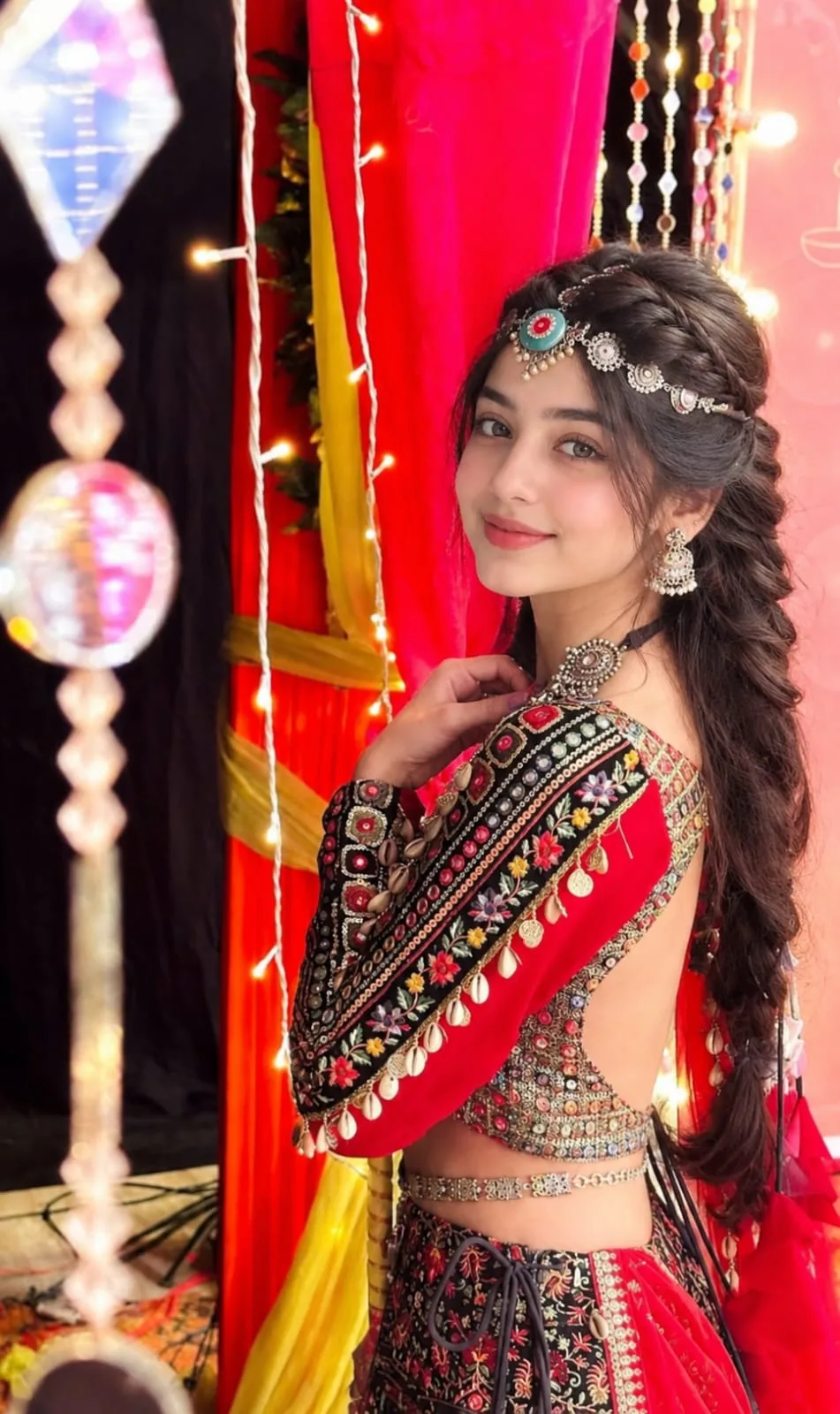
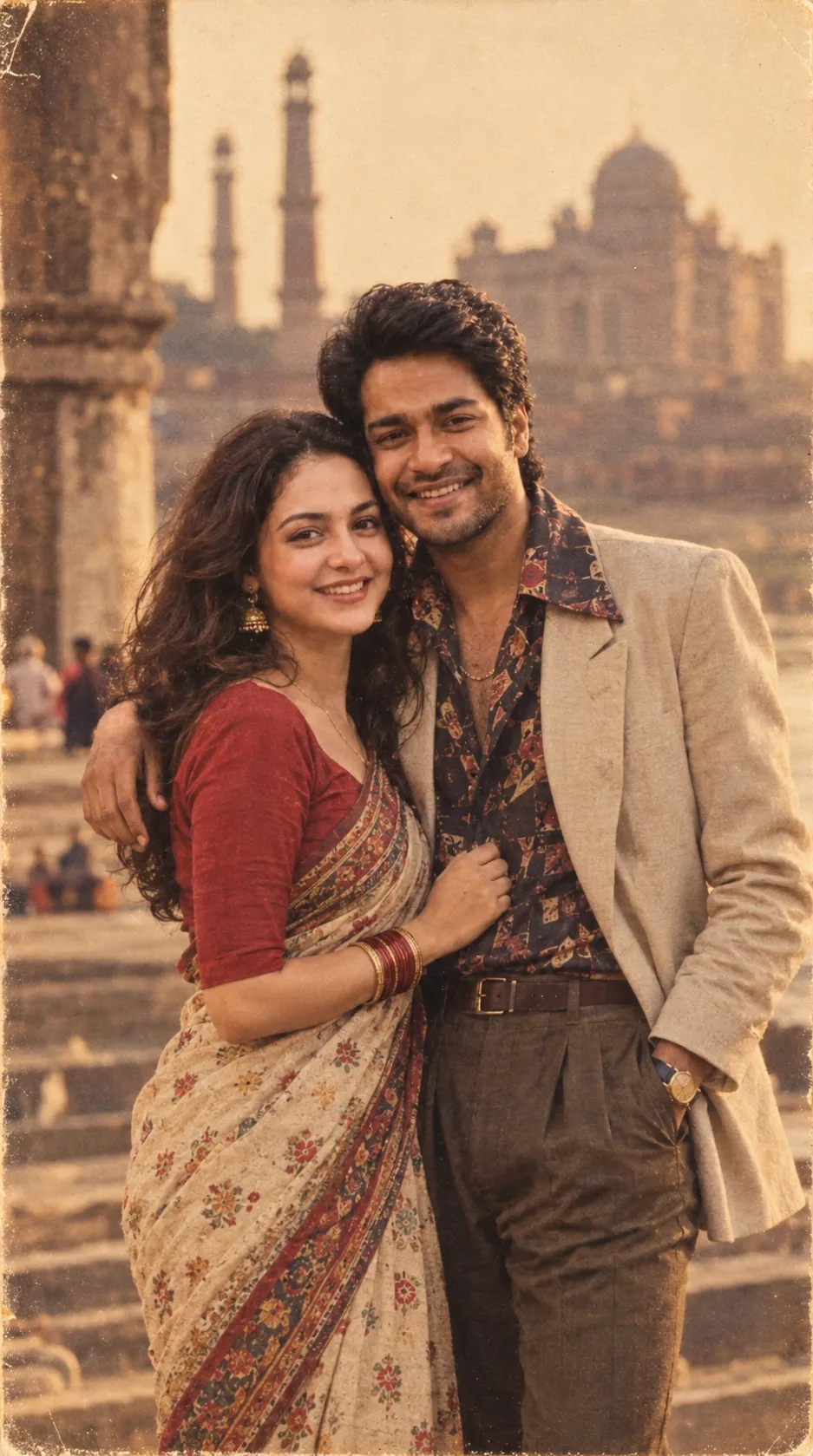
Example image provided with this prompt. This prompt has not been tested by our site.