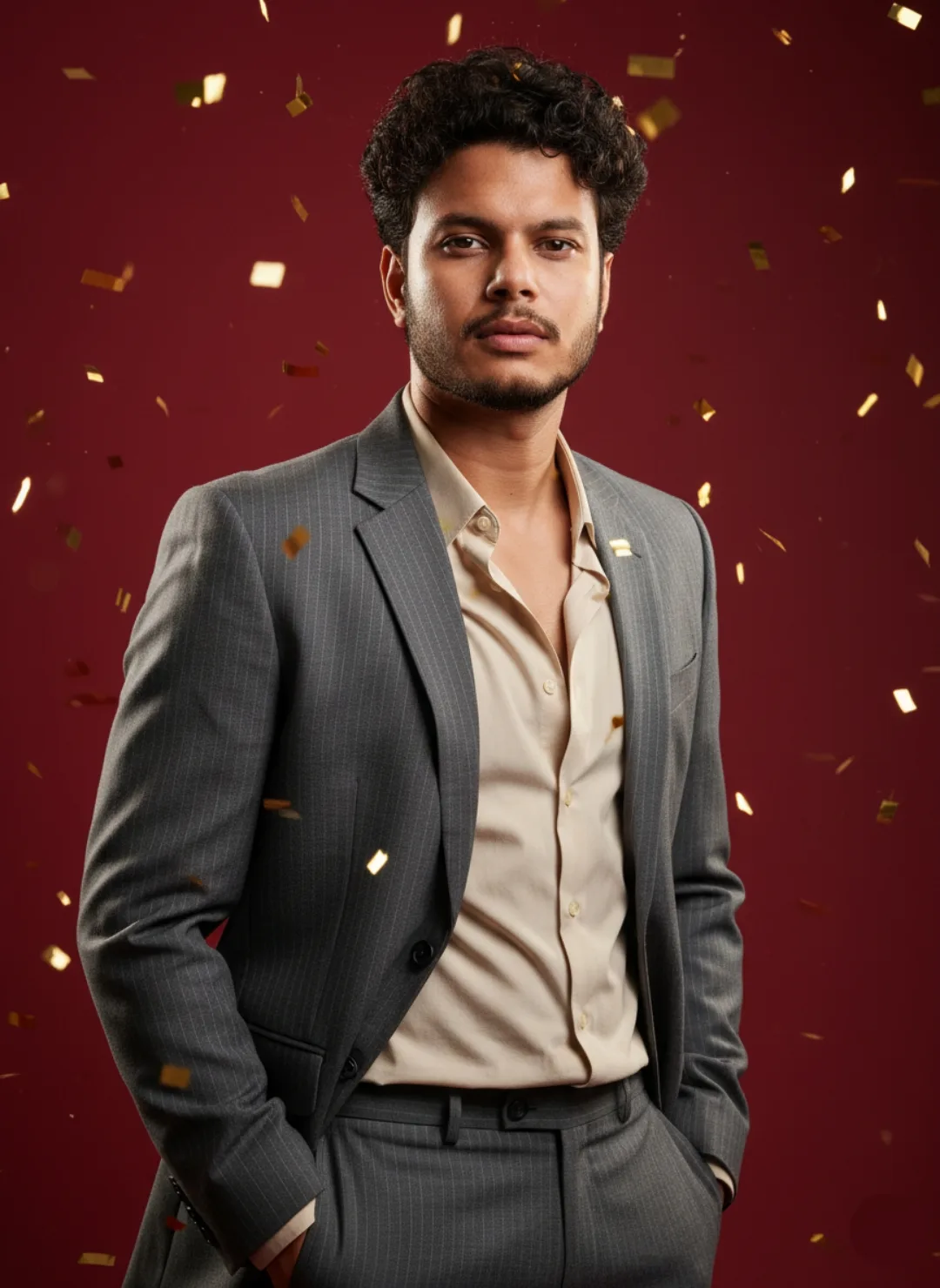
 OpenAI exampleIndoor
MADE FOR TWO
Photo & creative prompts. Find your next idea.
Browse Gemini couple photo prompts, portraits and creative ideas for ChatGPT. Find a look, copy the text, and make it yours.
11,638 sourced prompts
Browse complete prompts and example images. Open a prompt to see every image and copy the full text.
The library could not load. Please refresh the page.
OpenAI exampleIndoor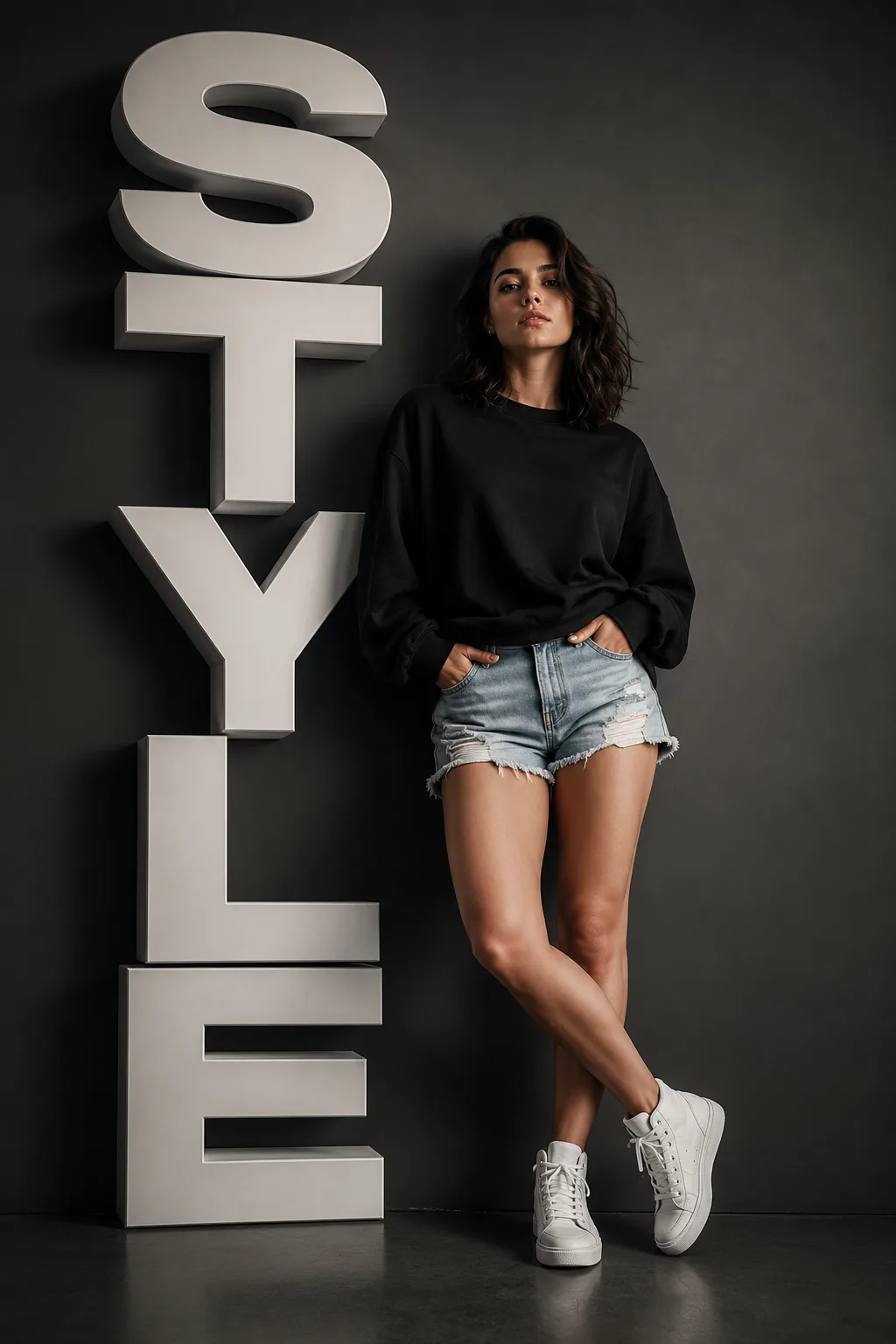 OpenAI exampleIndoor
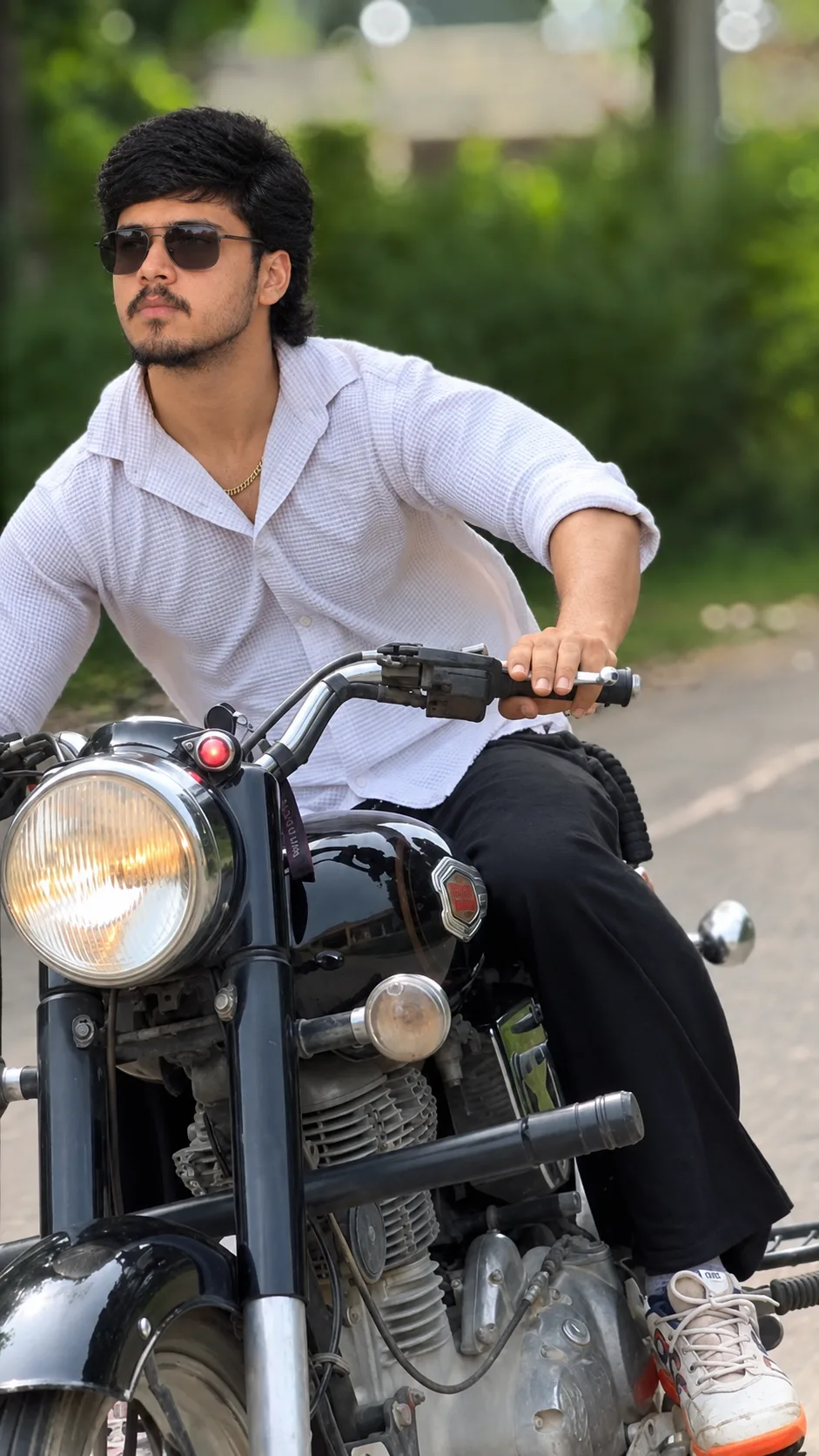 OpenAI exampleOutdoor
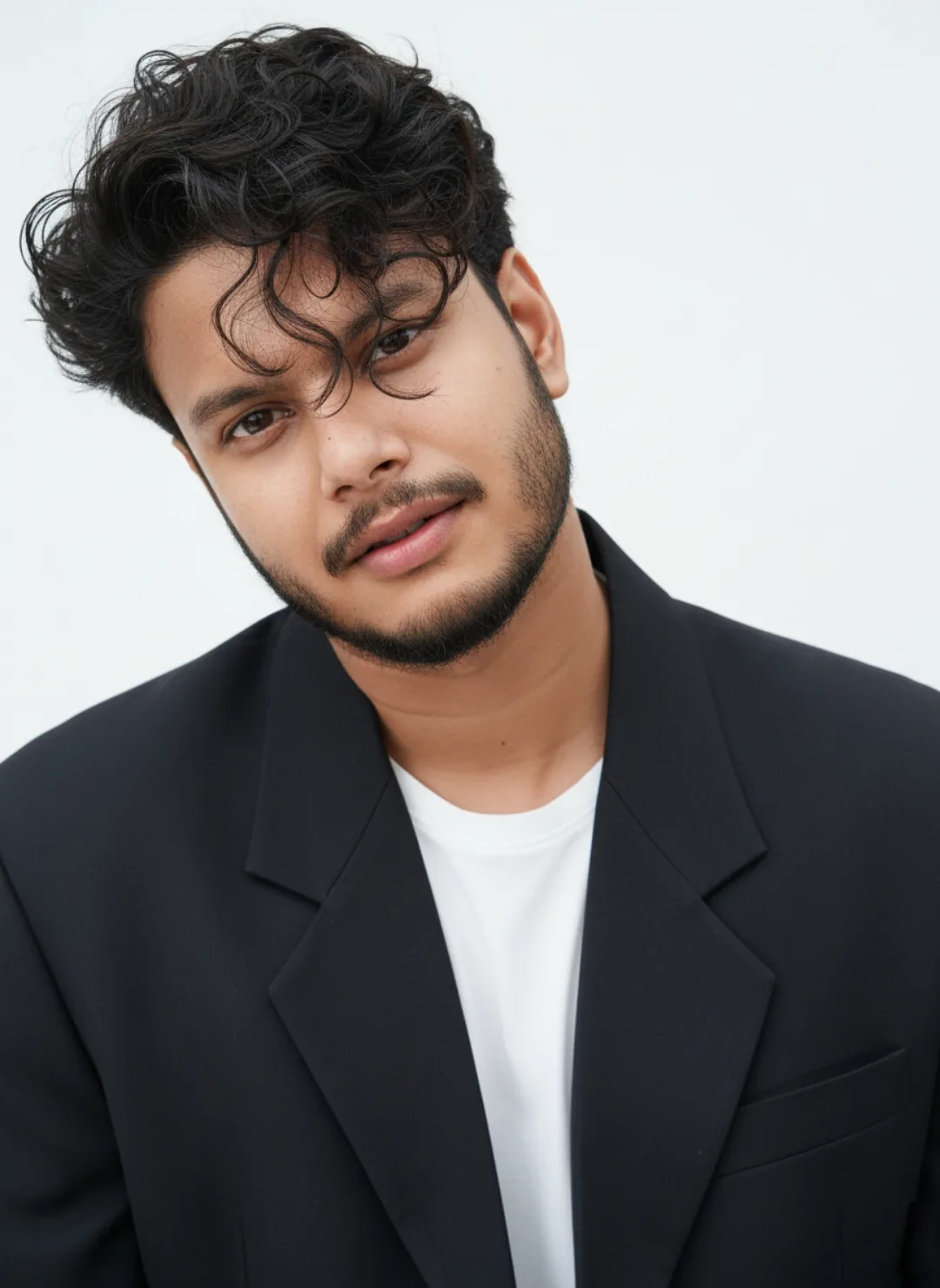 OpenAI exampleIndoor
 OpenAI exampleOpen setting
 OpenAI exampleOpen setting
 OpenAI exampleOutdoor
 OpenAI exampleOutdoor
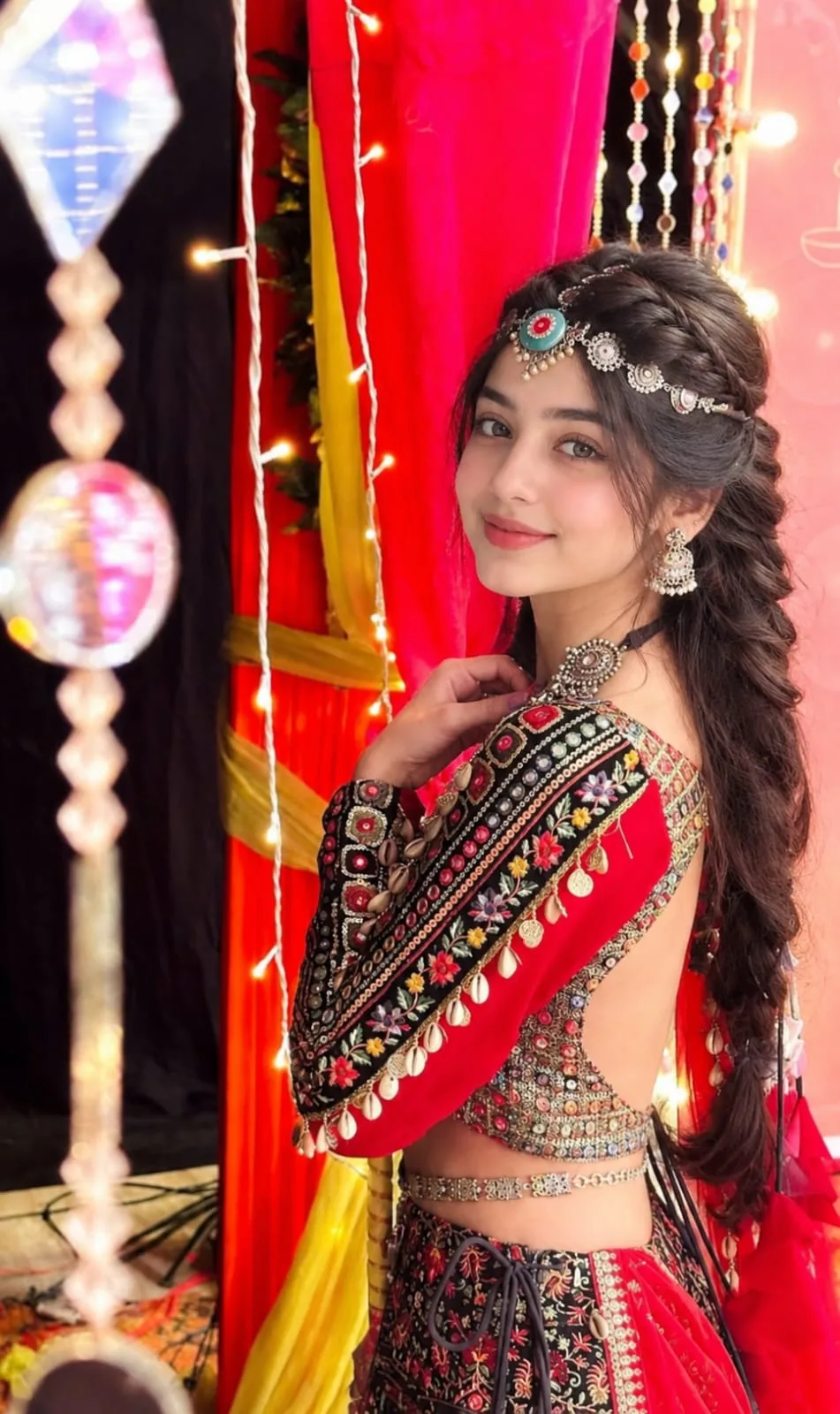 OpenAI exampleOpen setting
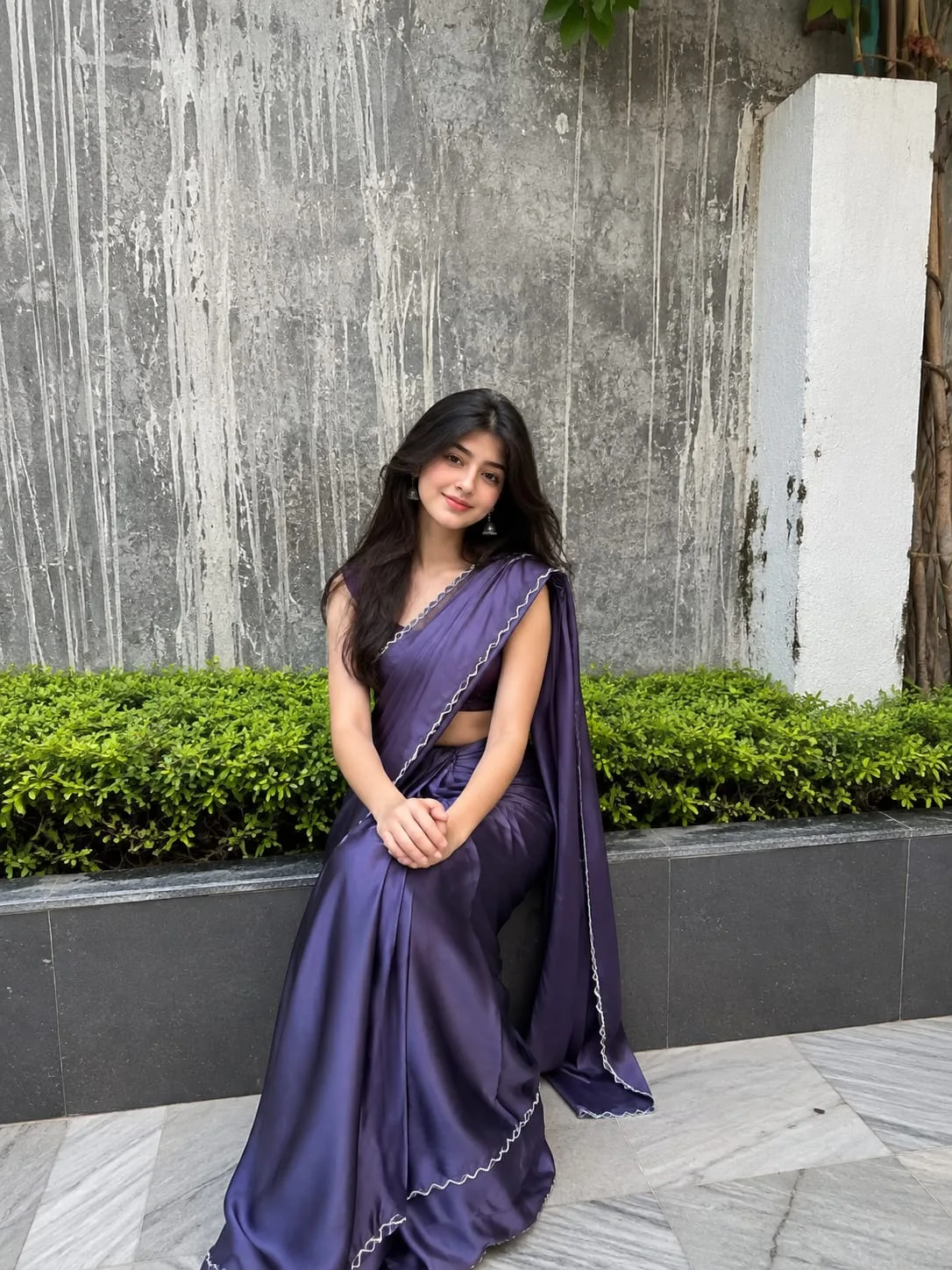 OpenAI exampleOutdoor
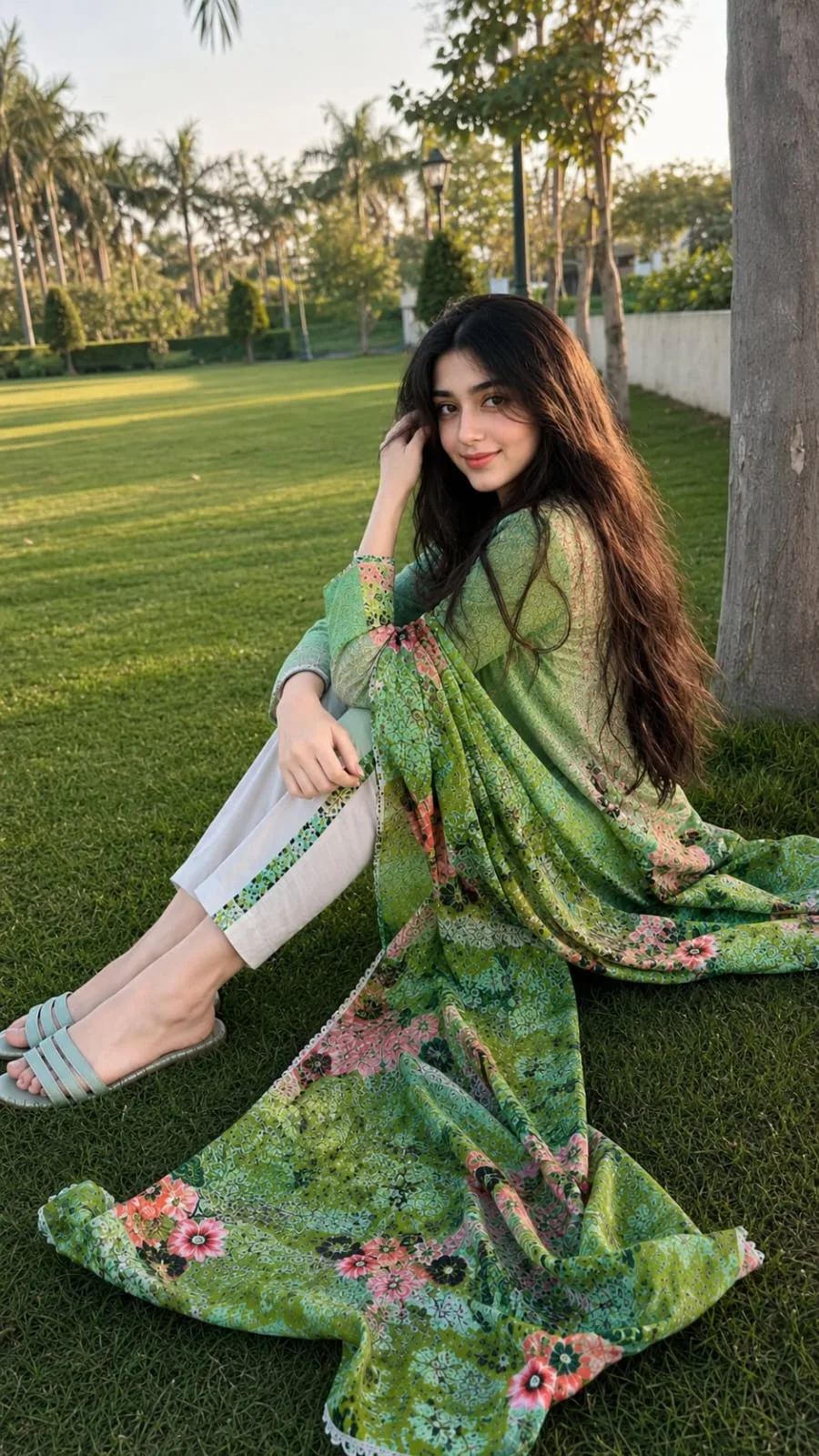 OpenAI exampleOutdoor
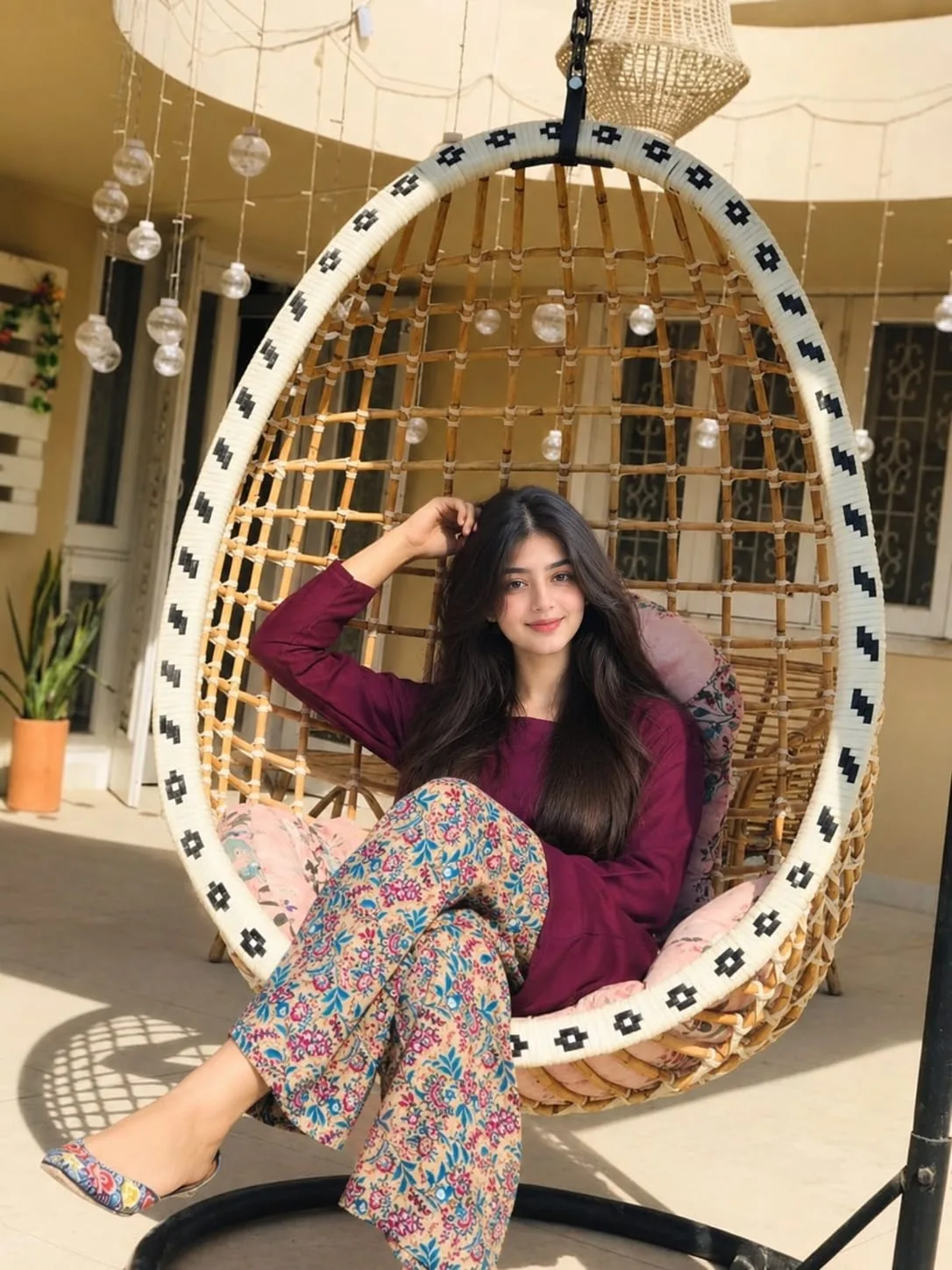 OpenAI exampleIndoor & outdoor
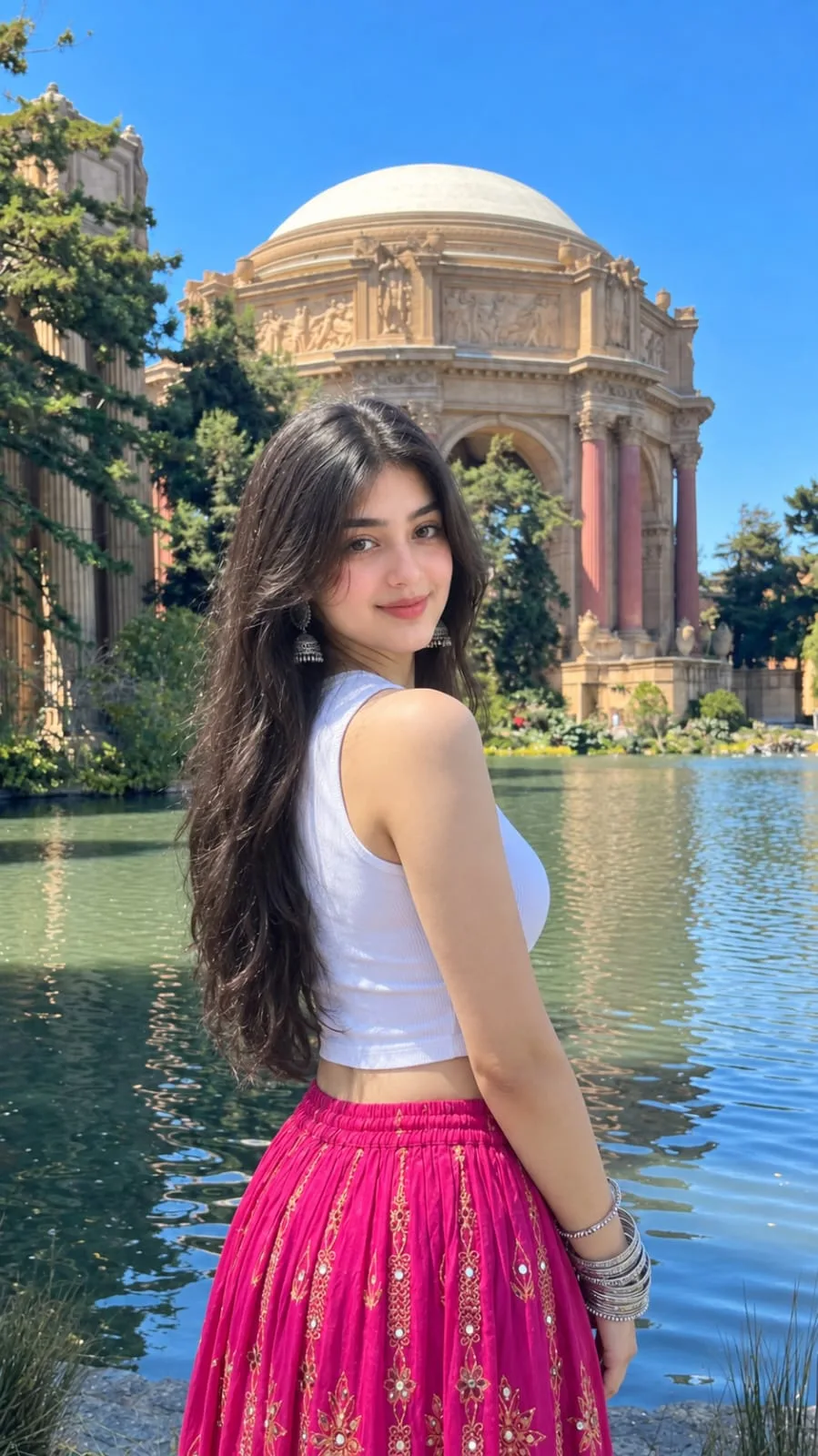 OpenAI exampleOutdoor
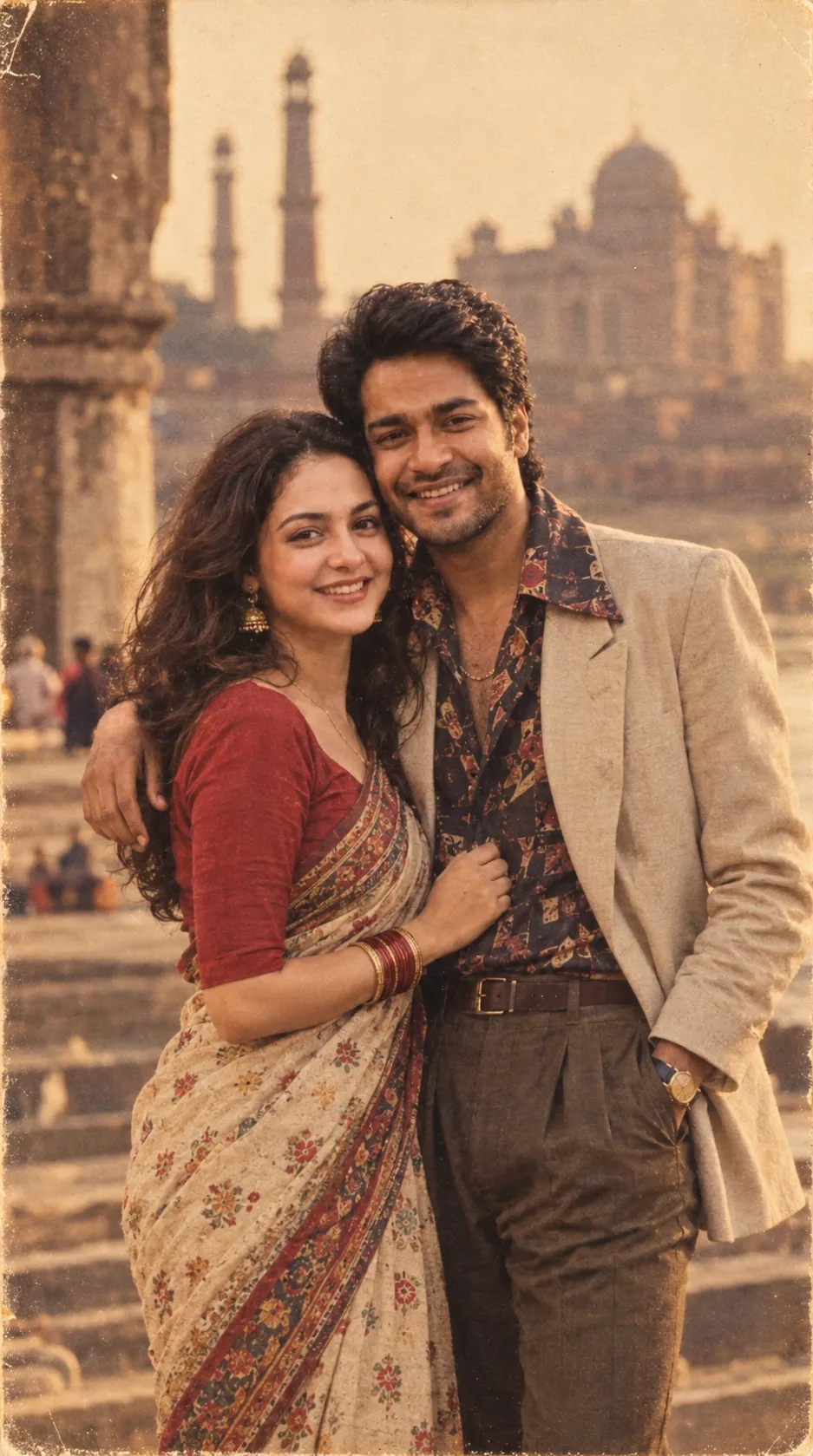 OpenAI exampleOpen setting
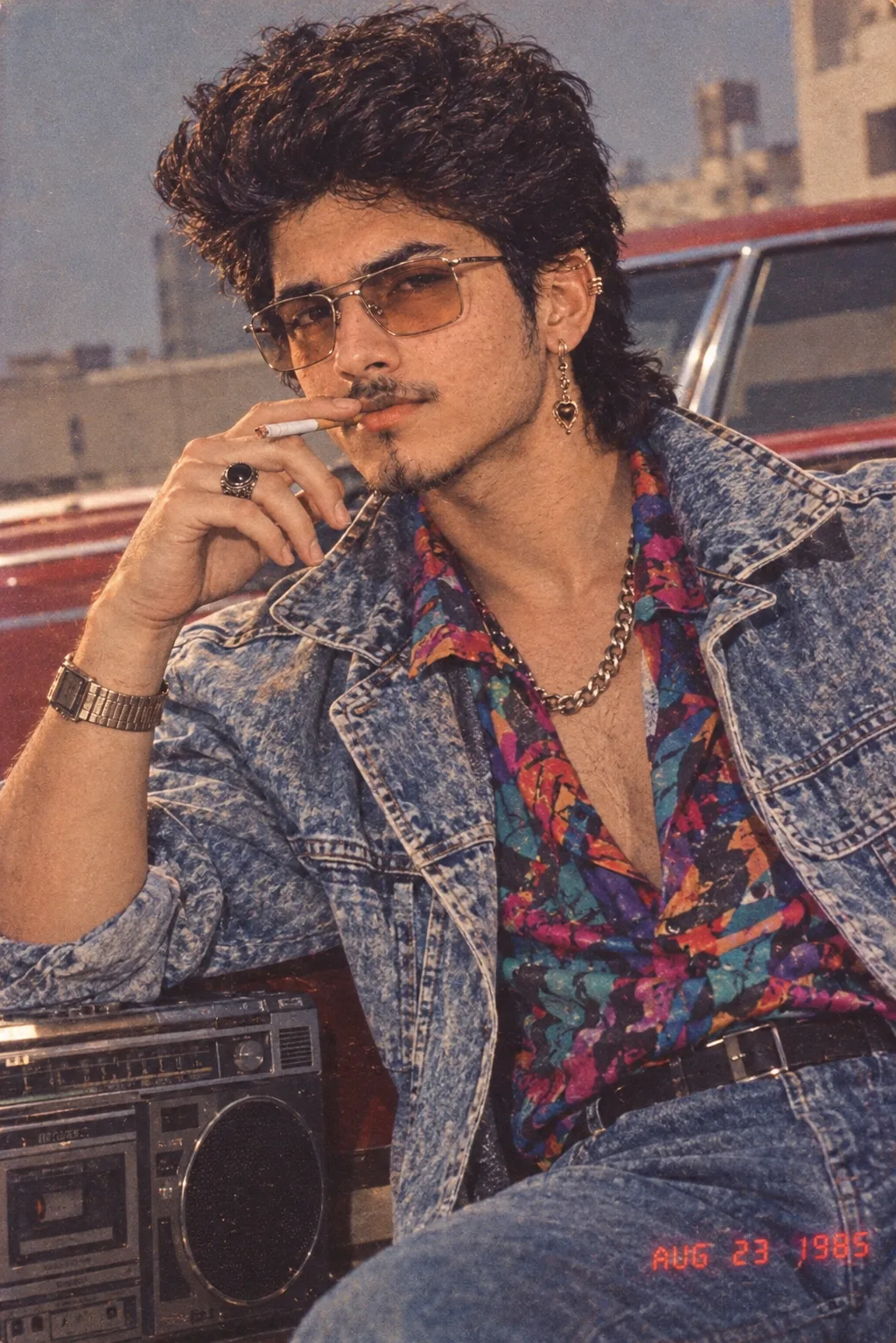 OpenAI exampleOpen setting
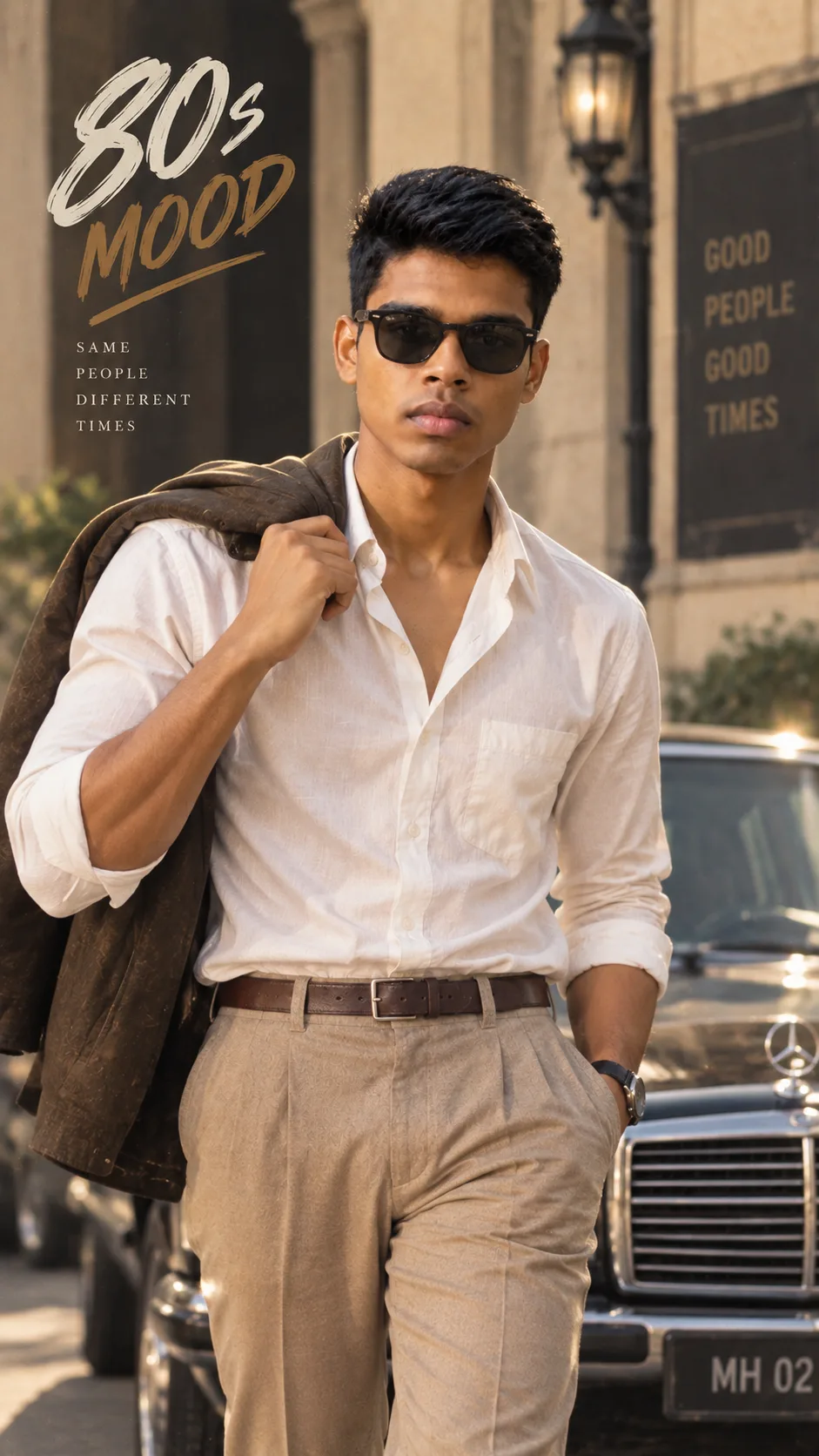 OpenAI exampleOutdoor
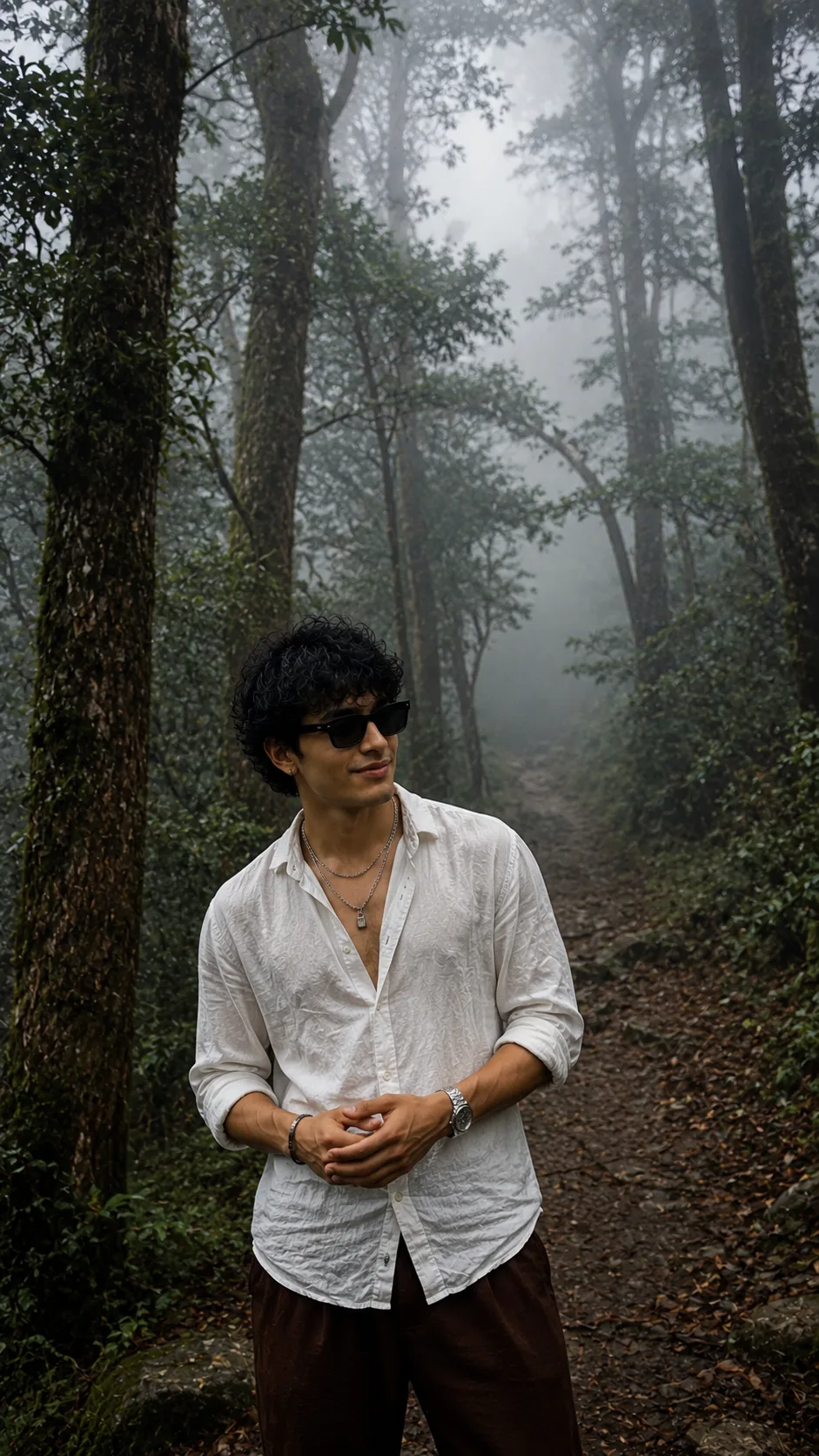 OpenAI exampleIndoor & outdoor
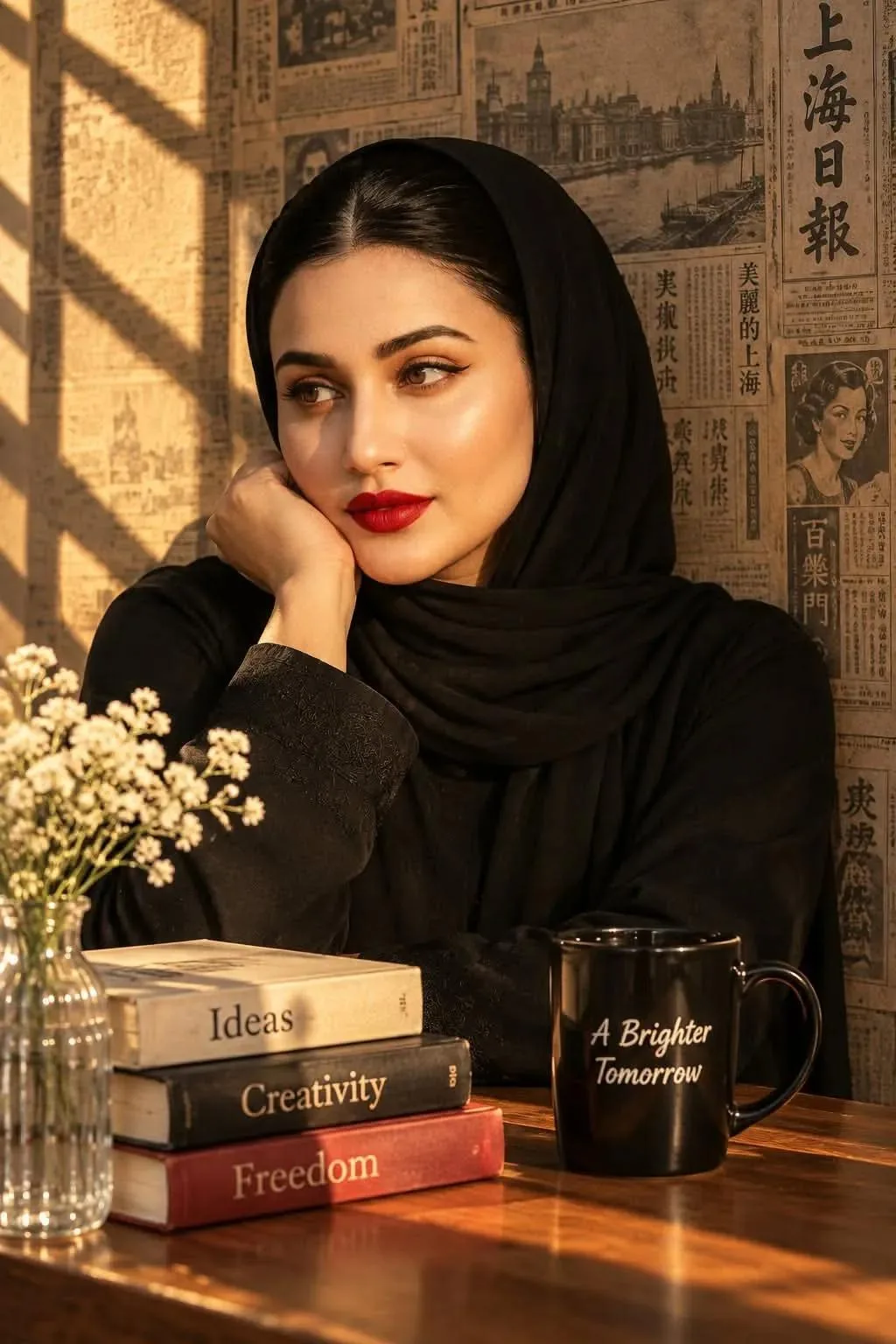 OpenAI exampleIndoor
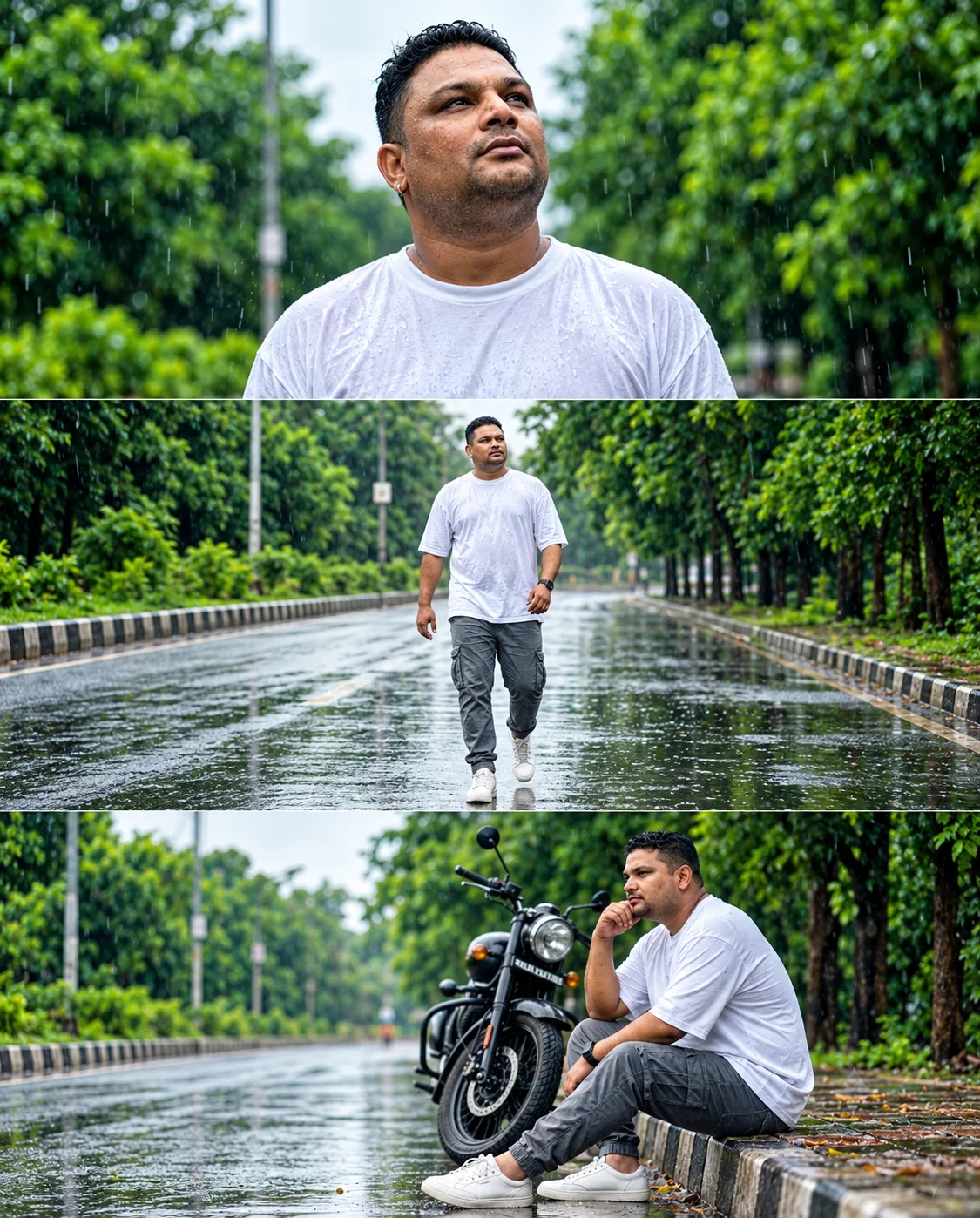 OpenAI exampleOpen setting
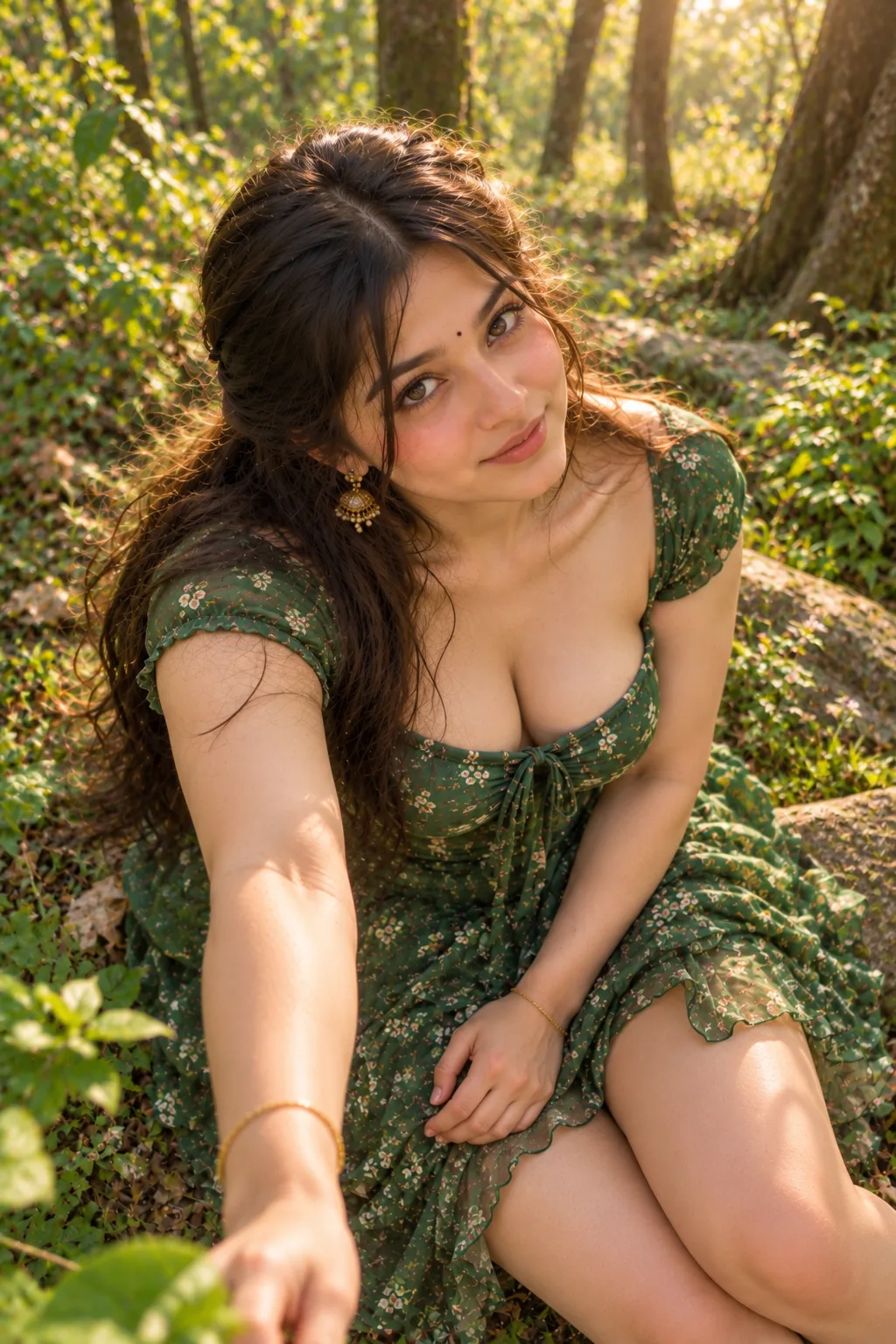 OpenAI exampleIndoor
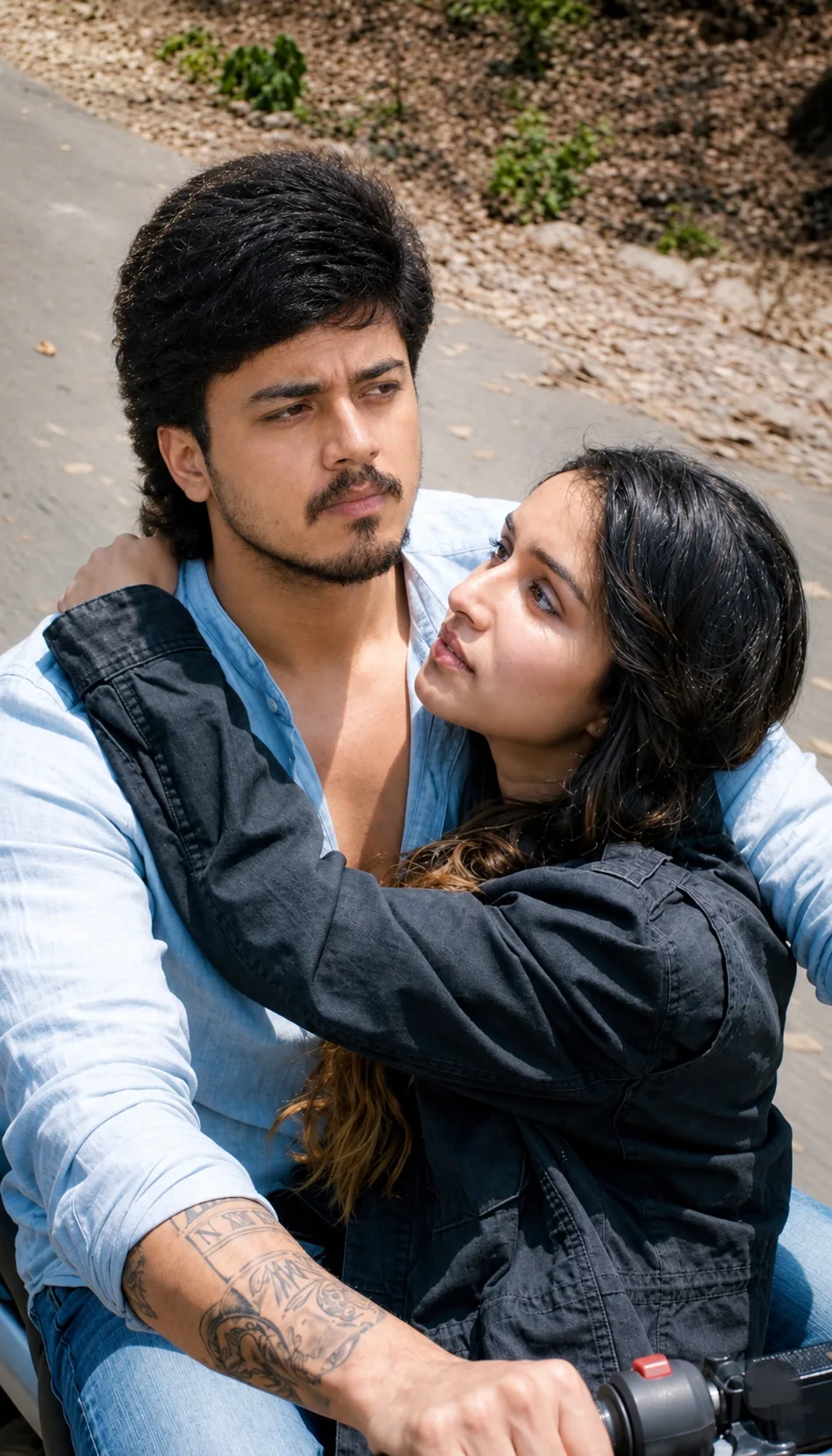 OpenAI exampleOutdoor
 OpenAI exampleIndoor & outdoor
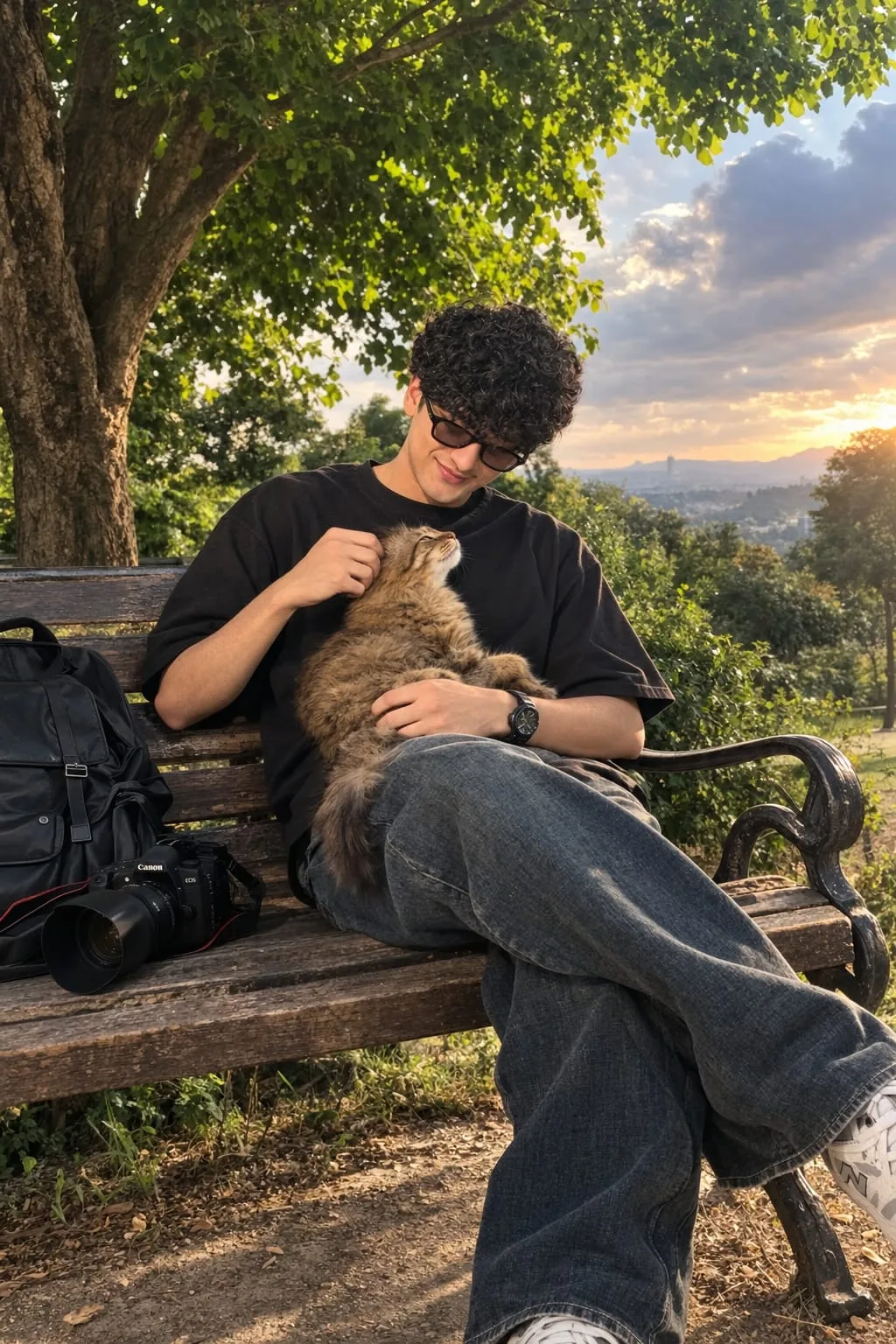 OpenAI exampleOutdoor
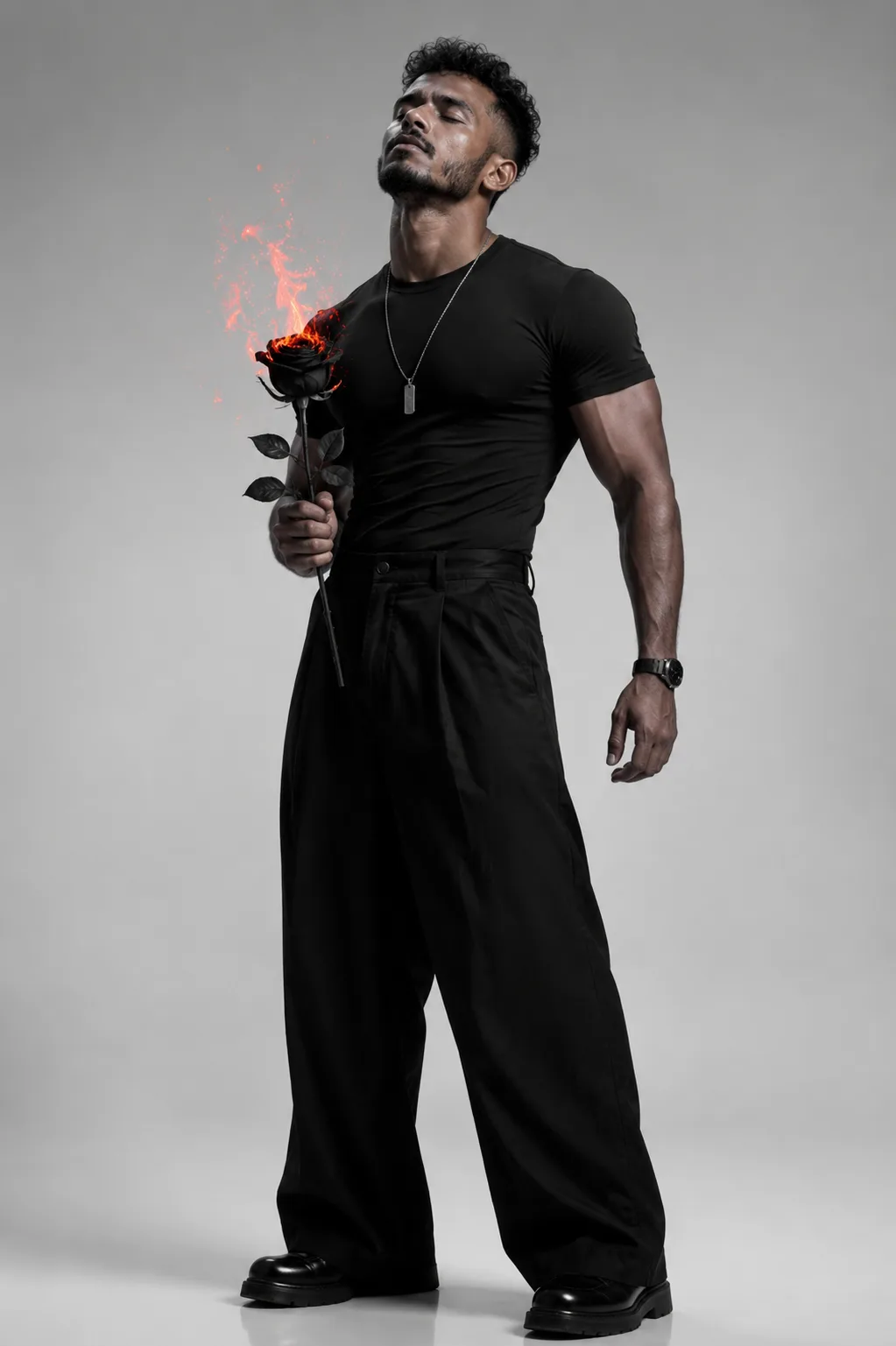 OpenAI exampleIndoor
No prompts match these filters.
Have an idea? Start with your own prompt
Couple photo prompt ideas
12 looks · 4 prompt variations each
Tap a heart to save a look on this device.
Generated examples
From two portraits to a shared moment.
Created with OpenAI image generation in Codex using fictional AI-generated adults.
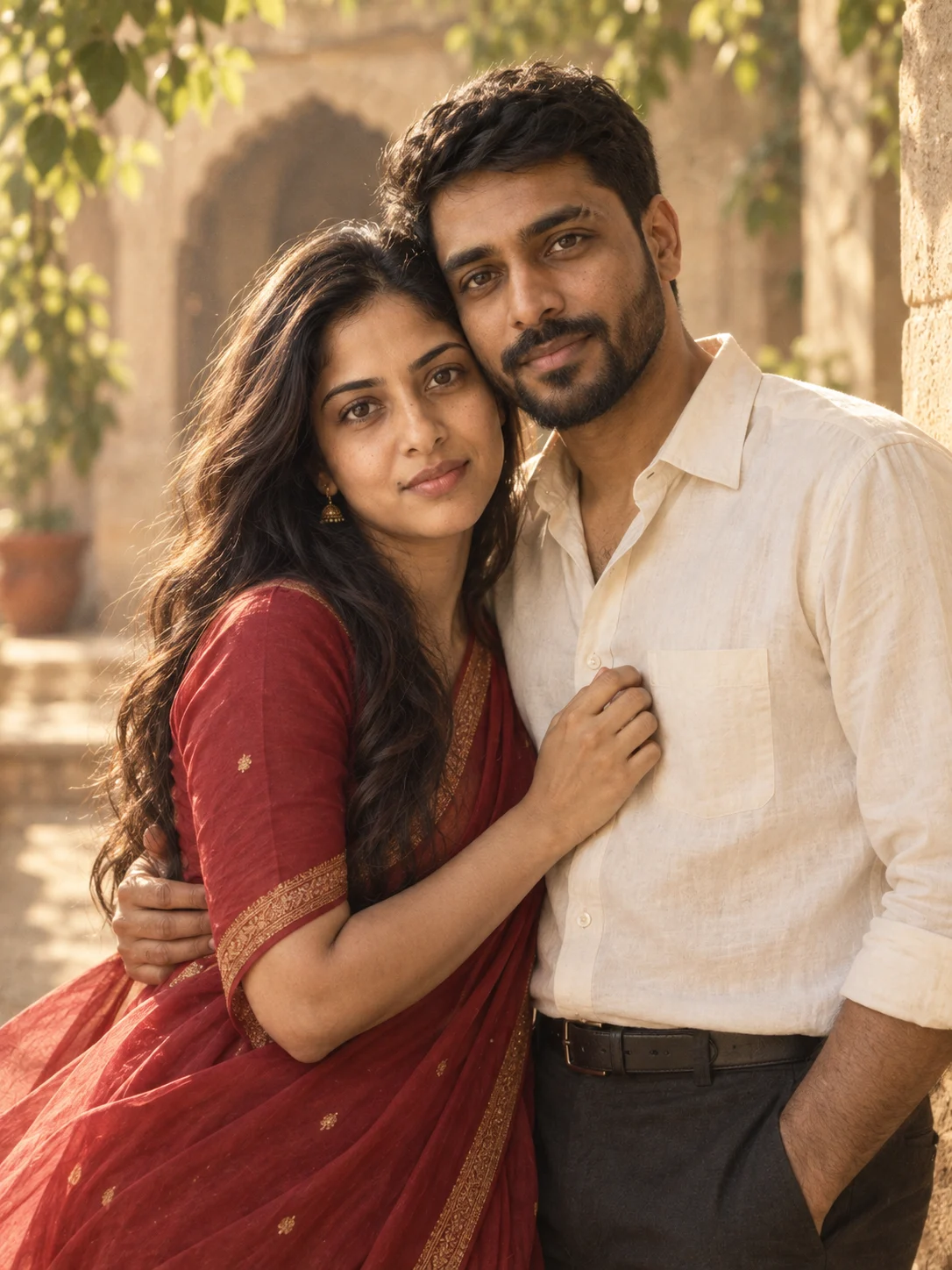
OpenAI · 2 portraits
Red saree, two portraits
See inputs & result →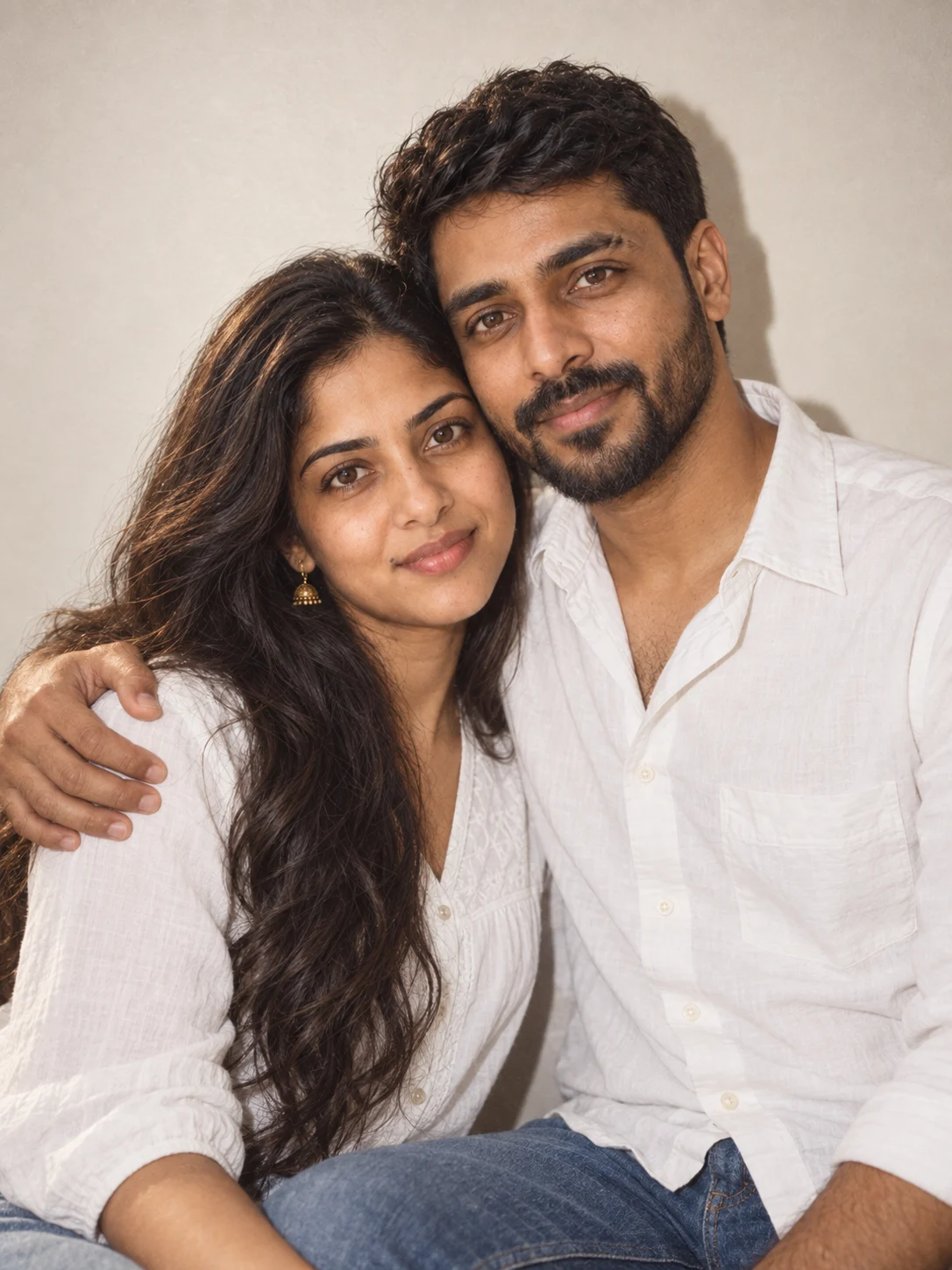
OpenAI · 1 couple photo
An instant-film photo from one couple photo
See inputs & result →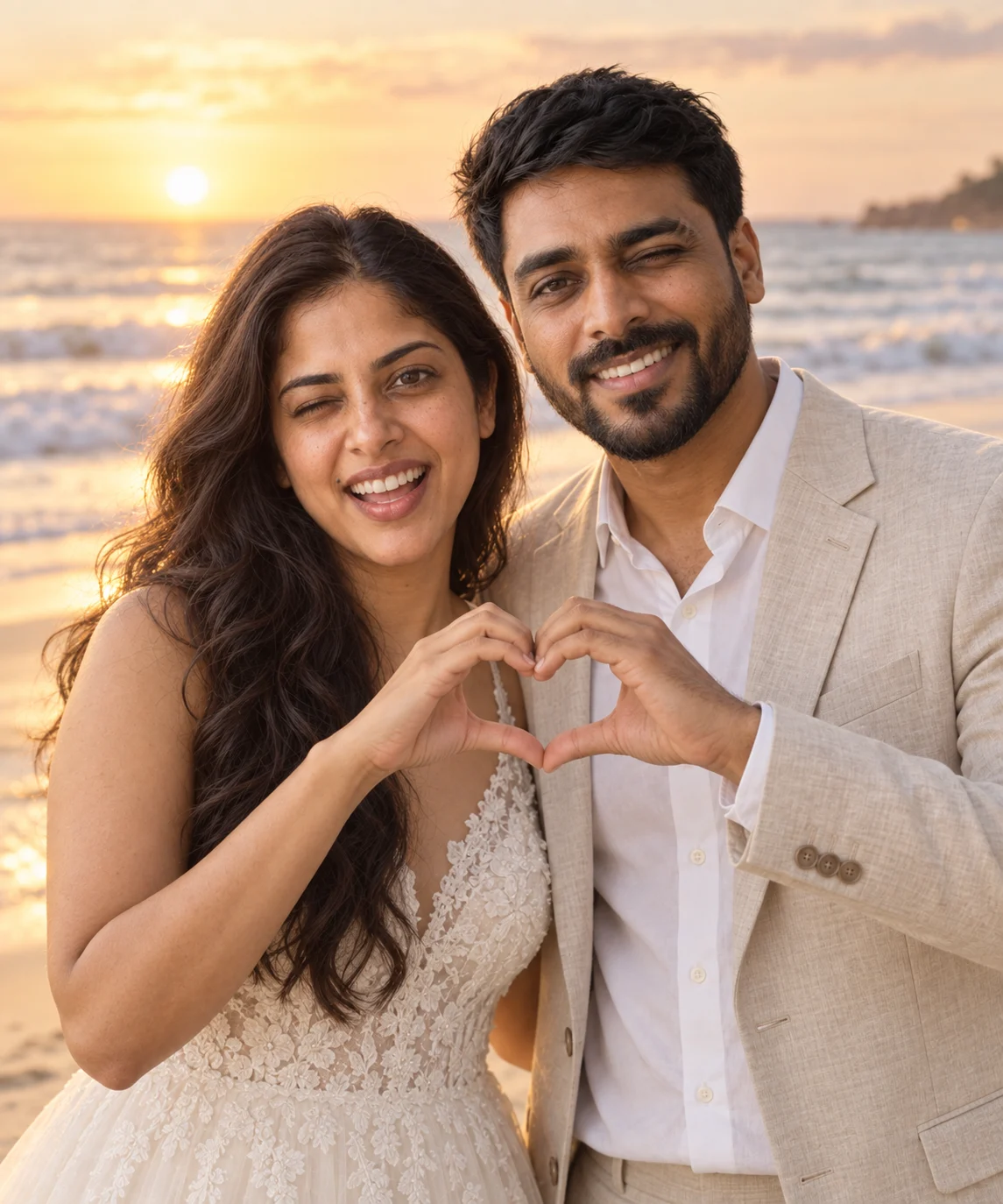
OpenAI · 2 portraits
A heart on the beach, from two portraits
See inputs & result →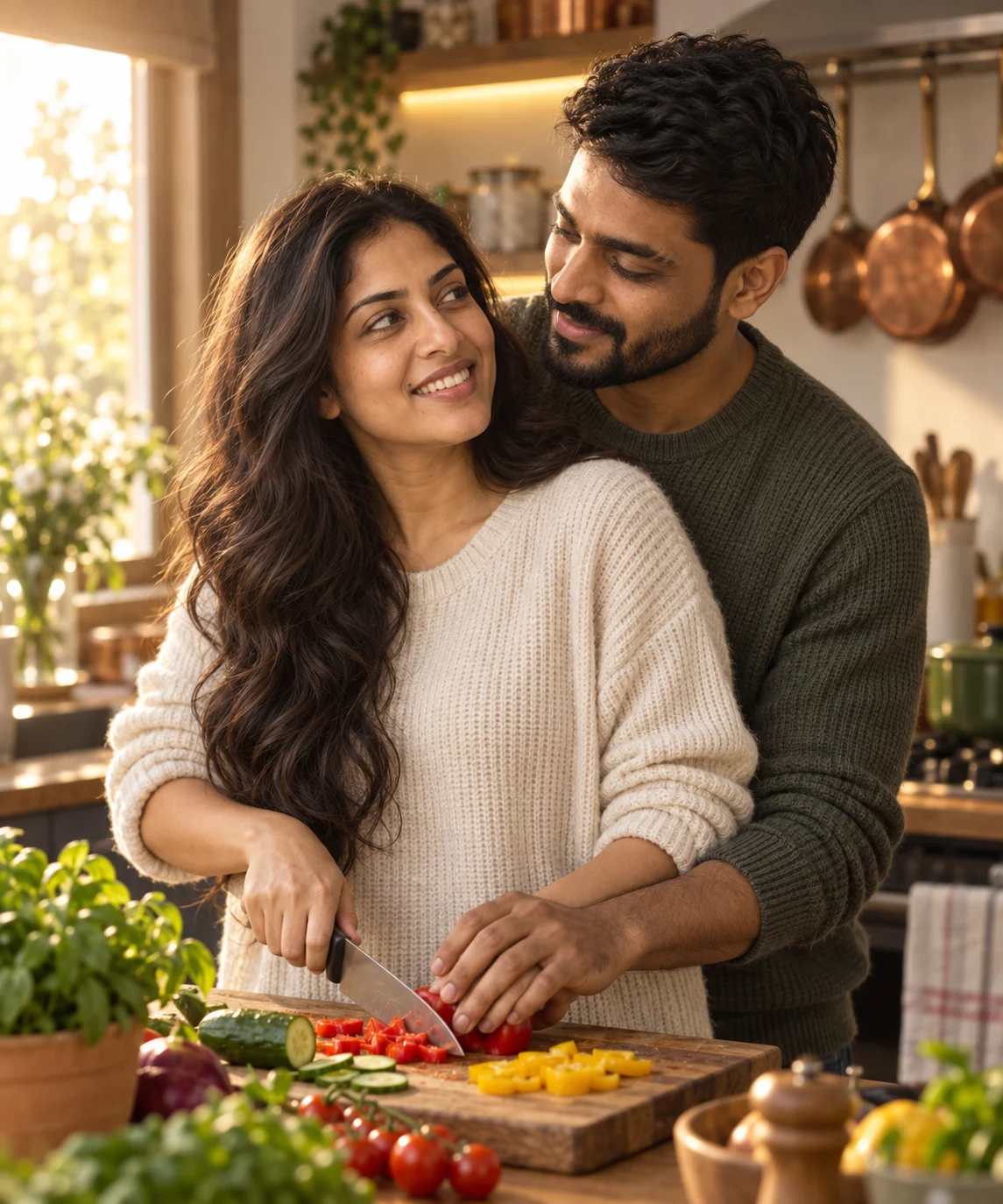
OpenAI · 2 portraits
A kitchen moment, from two portraits
See inputs & result →FROM AN IDEA TO A PHOTO
How to use a couple photo prompt in Gemini
Pick a look and copy its prompt. In Gemini, upload a clear photo of you together or one portrait of each person, paste the text, and ask for the image. Check both faces, then adjust one detail at a time.
Read the two-photo guideA few things to know
How do I choose a couple prompt for Gemini AI?
Choose a Nano Banana prompt for Gemini and check its reference-photo instructions. Use the model filter to narrow the library. GPT Image 2 prompts are also included and labeled for use with that model family.
Can I upload two separate photos?
Yes. Select Two separate photos before copying a look prompt. It will describe the first upload as Person A and the second as Person B. You can also choose one photo together. Community prompts keep their original instructions.
Will every prompt work with Gemini?
Browse prompts for the Nano Banana and GPT Image 2 families. Each prompt shows the model named by its source. Choose a Nano Banana prompt for Gemini; results and reference-photo support can vary by version.
Where can I see the original source?
Open a prompt to read the full text and see its creator or collection, original source and license.
What if our faces do not look like us?
Try clearer, front-facing reference photos without strong filters. Ask for both people side by side with their faces visible, and keep the scene simple. Change one thing at a time; a prompt cannot guarantee an exact likeness.
Hands or the pose look awkward?
Ask for a simpler pose: side by side, both faces visible, hands relaxed. Keep a result you like before trying a more complex gesture.
The look is too polished?
Ask for natural skin texture, softer light and less smoothing. For retro, change the grain and color before adding more props.