ChatGPT
Concept Art / Cinematic Horror Portrait
Written for ChatGPT. Results and reference-photo support may differ across models.
The complete prompt
High-impact cinematic depiction of [LEAD CHARACTER NAME], featuring defined facial structure, short wet tousled black hair falling naturally across the forehead, intense serious expression, realistic skin texture, muscular athletic physique, wearing loose black athletic shorts, layered metallic necklaces and a black smartwatch. Positioned in a dark industrial interior, surrounded by dense swirling black smoke that forms a shadowy supernatural figure behind him with two glowing white eyes. The scene conveys a dark, ominous, supernatural horror atmosphere through dramatic low-key lighting, deep shadows, warm red-orange practical light from below, and subtle highlights across the subject’s face and body. Captured using a 35mm cinematic lens from a slightly low camera angle, medium-full body framing, shallow depth of field, cinematic composition. Ultra-detailed textures, realistic skin tones, professional cinematic color grading, sharp focus, HDR, ultra-high resolution, 4K, masterpiece quality.

TAGS:
cinematic, ultra-detailed, 4K, dramatic lighting, shallow depth of field, HDR, professional, film still, dark fantasy, supernatural horror, smoky atmosphere, low-key lighting, photorealistic

NEGATIVE PROMPT:
low quality, blurry, flat lighting, distorted face, bad anatomy, extra limbs, duplicated body, unrealistic muscles, oversharpening, cartoon, plastic skin, text, watermark, logo, excessive gore, distorted hands, malformed fingers, unnatural eyes, deformed
Copy the complete prompt and use your own reference photos where requested.
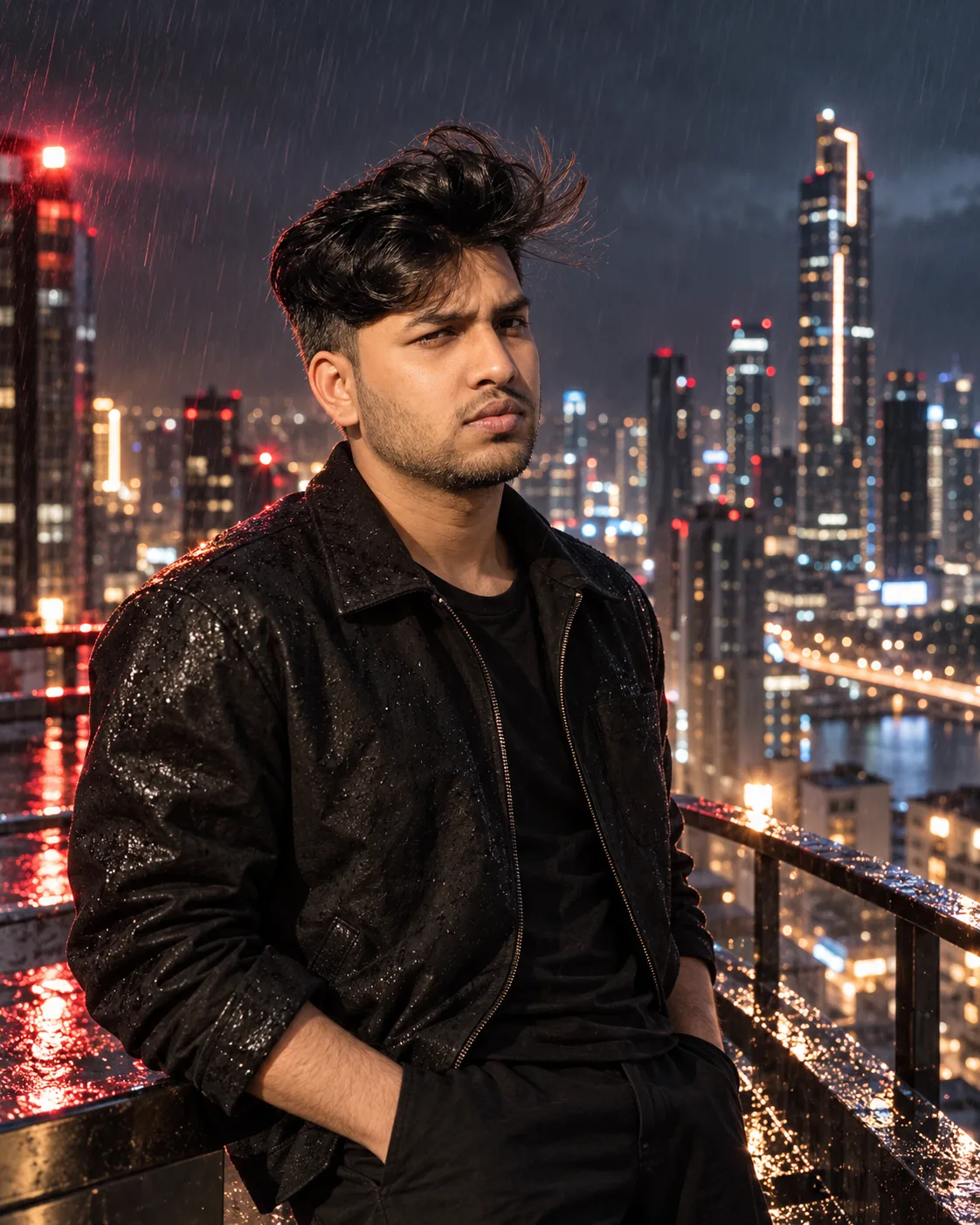
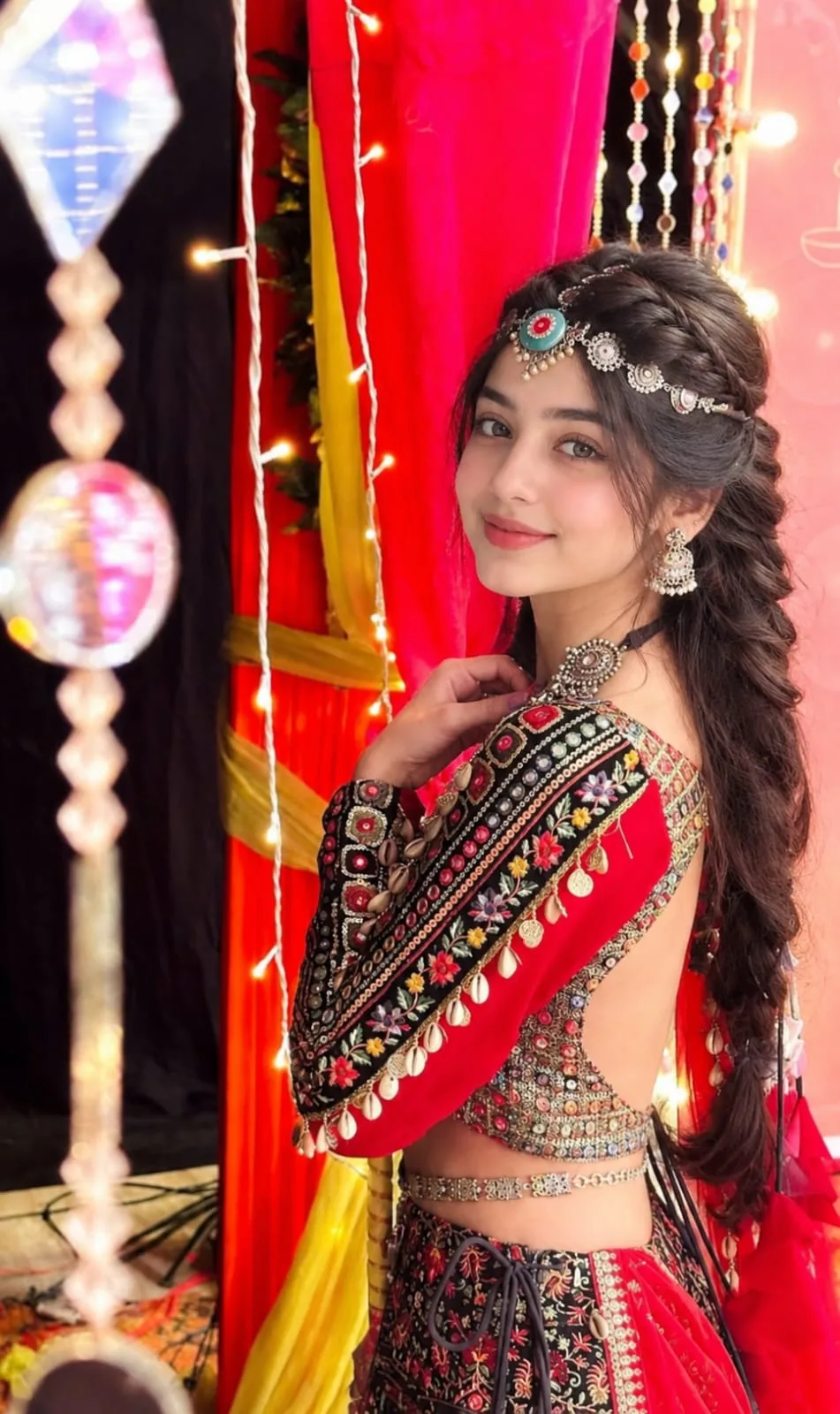
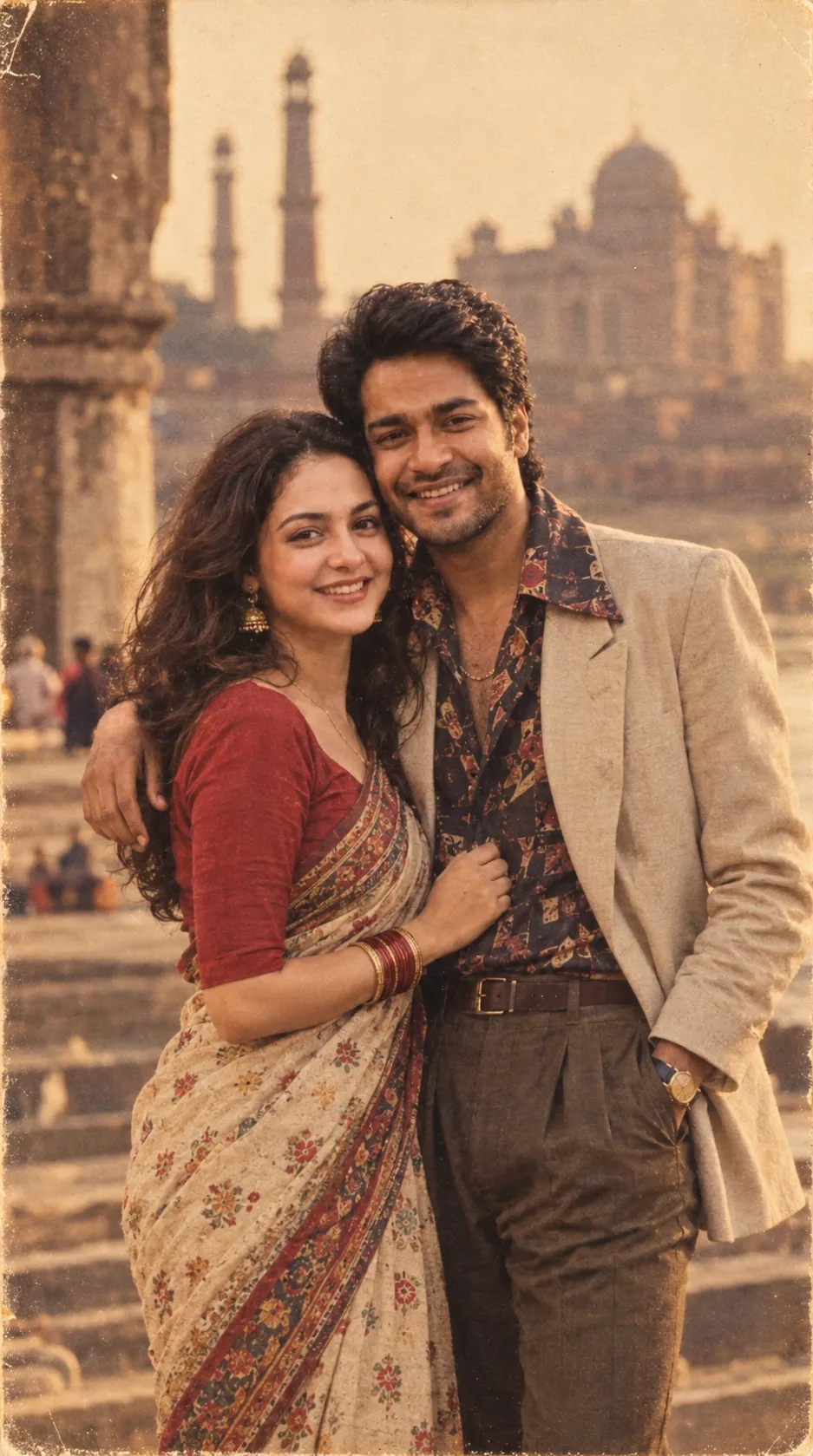
Example image provided with this prompt. This prompt has not been tested by our site.