ChatGPT
Durga Puja Glow 🪔❤️ | Natural Bengali Festive Portrait
Written for ChatGPT. Results and reference-photo support may differ across models.
The complete prompt
Transform the uploaded photo into a highly realistic natural Bengali Durga Puja photograph.
Preserve the person's exact facial identity, facial features, skin tone, hairstyle and natural body proportions. Keep the person recognizable and realistic.
Place the person naturally inside a beautifully decorated Durga Puja pandal in Kolkata during the evening. The environment should feel like a real festive celebration, with traditional Bengali decorations, warm fairy lights, dhak players softly visible in the background, flower decorations and a beautifully detailed Maa Durga idol placed naturally behind the subject.
Dress the person in elegant traditional Bengali festive clothing that looks authentic and naturally fitted. Create a relaxed candid pose, as if the person is genuinely visiting the pandal during Durga Puja, with a natural expression rather than a forced model pose.
Use warm ambient festival lighting mixed with soft natural skin tones. Add realistic background bokeh, subtle crowd movement in the distance, authentic shadows, realistic fabric texture and natural environmental details.
The Maa Durga idol should look traditionally detailed and respectful, with realistic ornaments, red and gold clothing and soft warm illumination. Keep the idol clearly visible but naturally integrated into the background.
Make the final image look like a genuine professional DSLR photograph taken at a real Kolkata Durga Puja celebration, not an AI-generated image.
Photorealistic, ultra-detailed, realistic skin texture, natural hair, realistic hands and fingers, authentic Bengali festival atmosphere, 50mm DSLR photography, shallow depth of field, natural cinematic color grading, vertical 4:5 composition.
No face distortion, no identity change, no plastic skin, no extra fingers, no deformed hands, no duplicate person, no artificial-looking idol, no fantasy environment, no excessive HDR, no text, no watermark.
/facepreserve
Copy the complete prompt and use your own reference photos where requested.
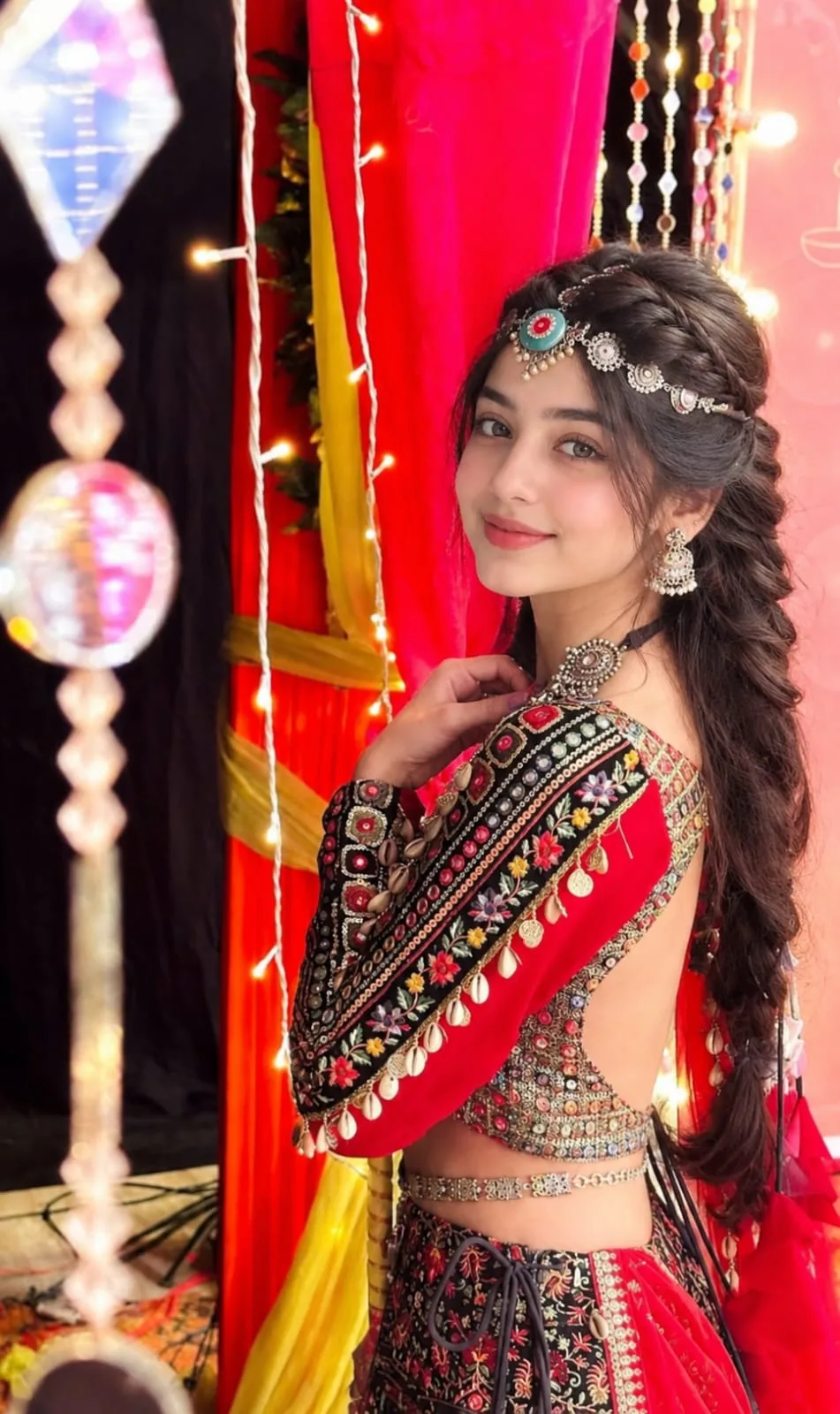
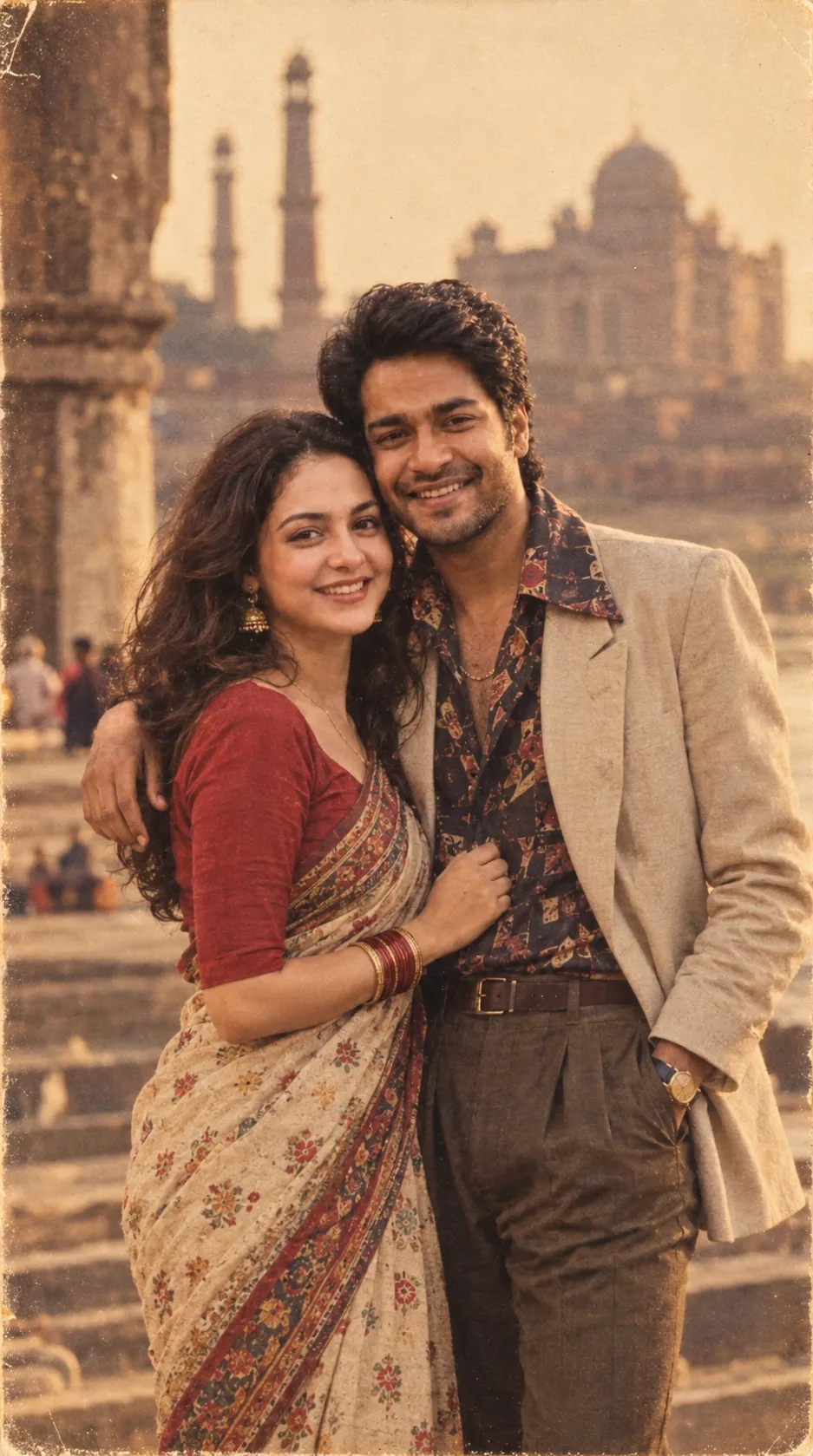
Example image provided with this prompt. This prompt has not been tested by our site.