ChatGPT
New
Written for ChatGPT. Results and reference-photo support may differ across models.
The complete prompt
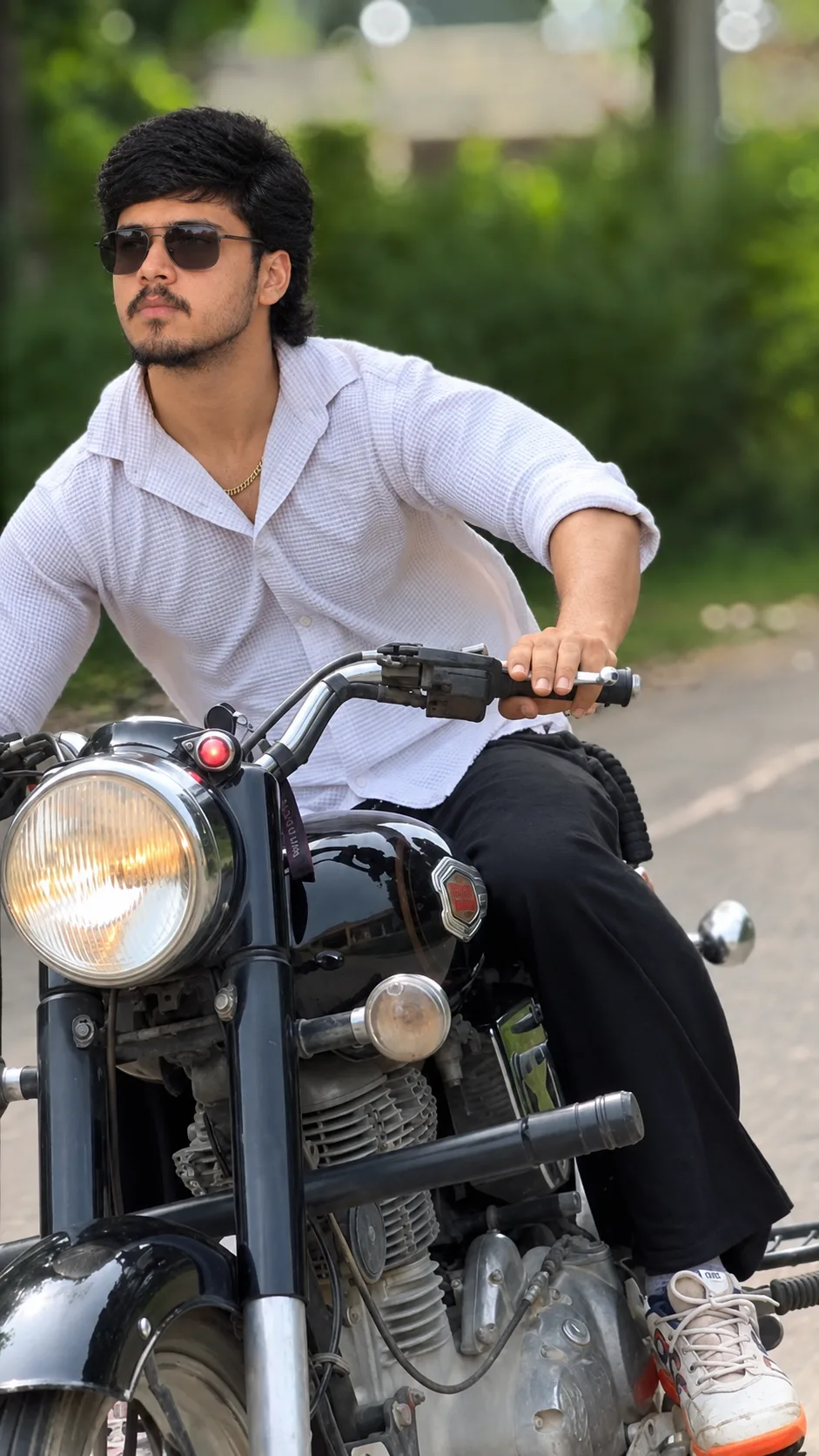
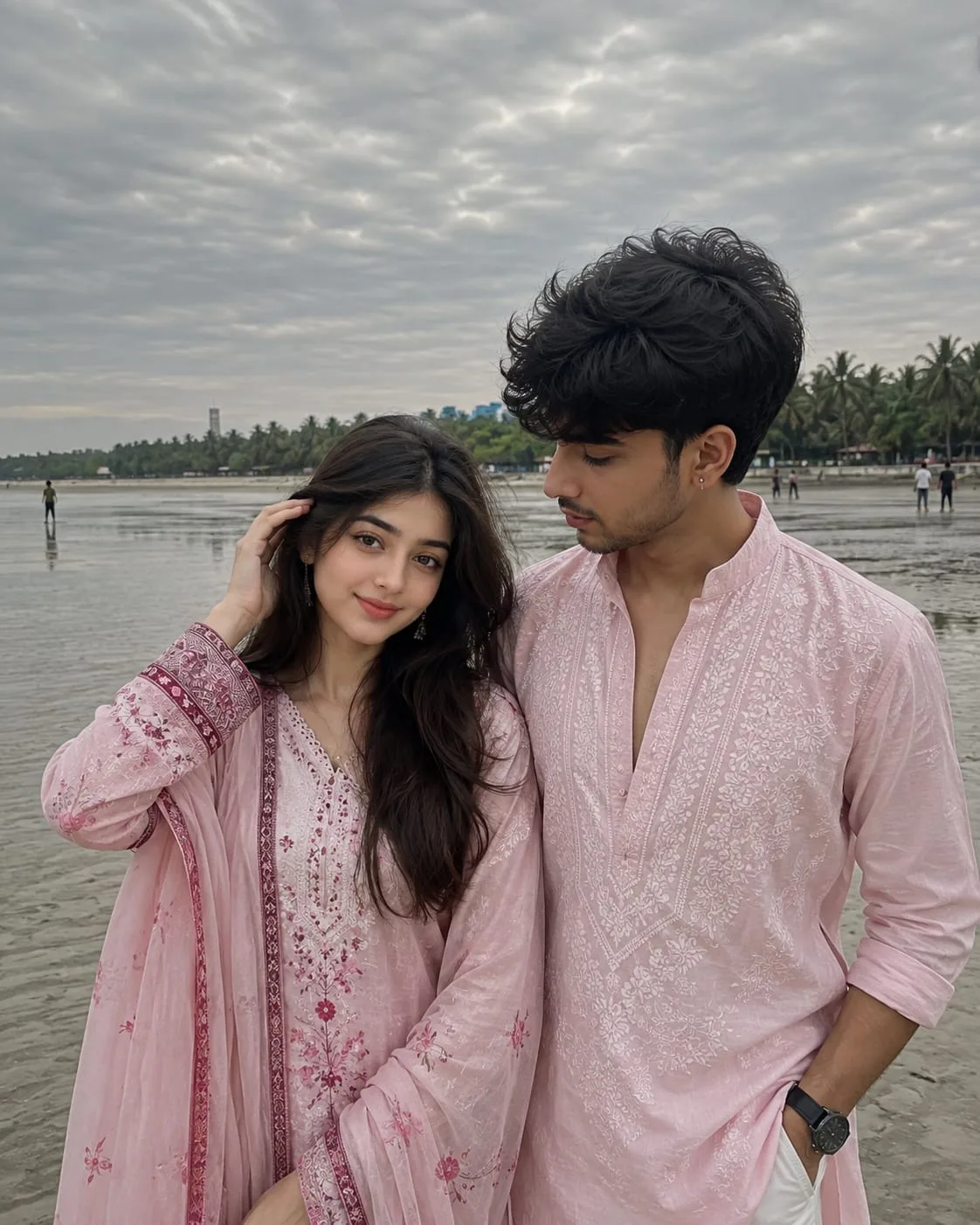
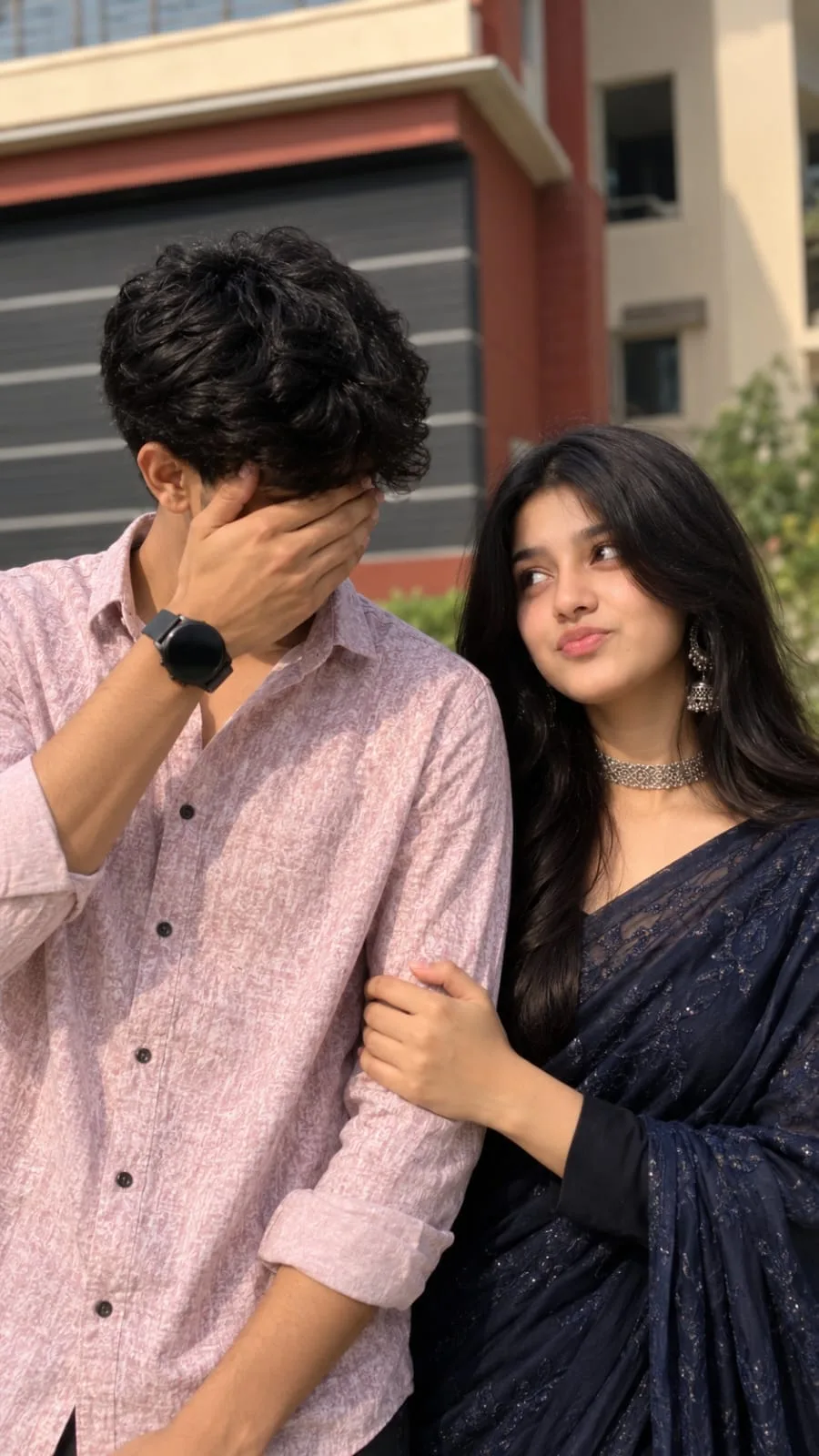
Transform the uploaded photo into a highly realistic professional night street photograph.

Keep the person's exact facial identity, facial features, skin tone, hairstyle and natural body proportions unchanged. Preserve the person's identity accurately.

Place the person naturally on a beautiful modern city street at night, surrounded by glowing street lights, elegant shop lights, soft neon signs and realistic urban background elements.

Create a stylish natural pose with a confident but relaxed expression. Add subtle reflections from the lights on the street surface, realistic ambient lighting, soft background bokeh and atmospheric depth.

Use a professional 85mm portrait lens look with shallow depth of field, realistic skin texture, natural facial details, cinematic low-light exposure and authentic photographic lighting.

The background should feel like a real premium city location, with believable buildings, lights, pedestrians softly blurred in the distance and natural environmental details.

Make the final image look like an actual professional DSLR photograph taken during a beautiful city night, not an AI-generated image.

Photorealistic, highly detailed, realistic eyes, natural skin texture, realistic hair, realistic hands and fingers, professional photography, cinematic composition, vertical 4:5 framing.

No face distortion, no identity change, no extra fingers, no deformed hands, no duplicate person, no unrealistic body proportions, no artificial-looking background, no text, no watermark.
/facepreserve
Copy the complete prompt and use your own reference photos where requested.
Example image provided with this prompt. This prompt has not been tested by our site.