ChatGPT
Candid Travel Portrait at Lotus Temple
Written for ChatGPT. Results and reference-photo support may differ across models.
The complete prompt
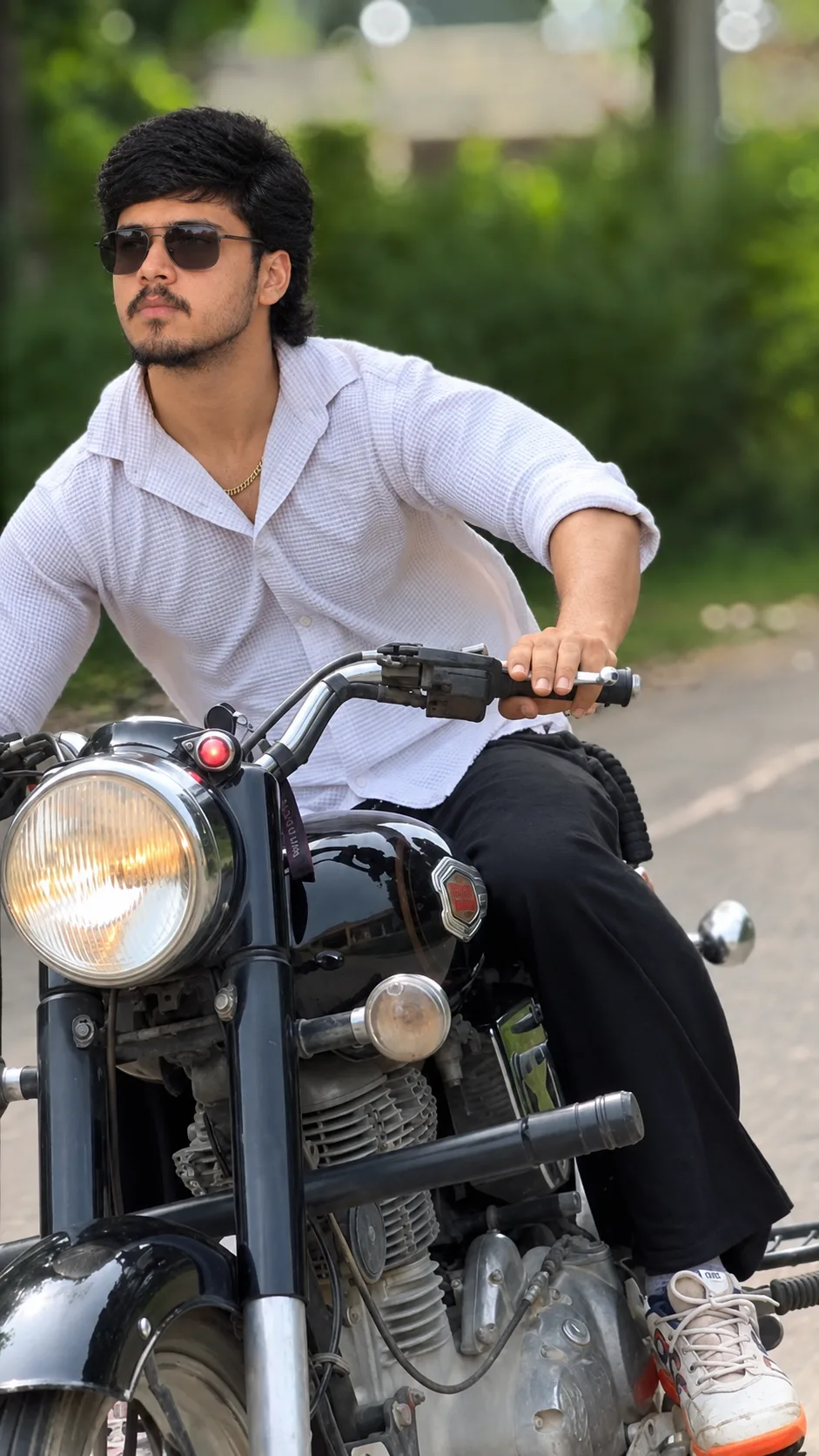
Create a photorealistic candid travel photograph of a young Indian man taking a natural outdoor portrait at the Lotus Temple in New Delhi. Use the uploaded reference image as the main visual reference for the overall composition and photographic style.
The man is standing in the foreground in a relaxed three-quarter side pose, looking slightly upward and away from the camera. He has thick naturally wavy black hair, light beard and moustache, realistic Indian facial features, and wears black rectangular sunglasses. He is dressed in a pink-and-white vertically striped casual shirt with a white collar and rolled-up sleeves.
Behind him, show the large white lotus-shaped temple architecture prominently, with a bright clear blue sky, several birds flying naturally, green manicured lawns, pathways, bushes, and a realistic crowd of tourists walking around the entrance.
Make it look like a real smartphone travel photograph, not an AI-generated image. Use natural midday sunlight, realistic skin texture, authentic shadows, accurate clothing folds, natural body proportions, detailed hair, realistic background depth, subtle camera imperfections, and true-to-life colors. Keep the scene lively and spontaneous, with tourists naturally positioned in the background.
Composition: vertical portrait, approximately 4:5, subject occupying the foreground, temple clearly visible behind him, realistic perspective, sharp subject with naturally detailed background.
Negative prompt: cartoon, illustration, CGI, plastic skin, over-smoothed face, artificial lighting, distorted hands, extra fingers, deformed body, unrealistic hair, oversaturated colors, excessive HDR, fake bokeh, duplicate people, warped architecture, text, watermark.
Copy the complete prompt and use your own reference photos where requested.
Example image provided with this prompt. This prompt has not been tested by our site.