ChatGPT
Blue-Toned Confidence Editorial Collage
Written for ChatGPT. Results and reference-photo support may differ across models.
The complete prompt
Use the uploaded image as the PRIMARY VISUAL REFERENCE. Preserve the exact recognizable facial identity, facial structure, curly hairstyle, skin tone and natural body proportions of the subject. Recreate the same stylish editorial collage with one large full-body portrait on the left and three close-up portrait panels arranged vertically on the right. Preserve the white sweatshirt, blue jeans, white sneakers, silver wristwatch and clean casual styling. Keep the main portrait in natural colour, while the three smaller portraits use a consistent cool blue monochrome treatment. Recreate the geometric blue-and-white background, angled panel divisions, clean studio setting and premium fashion-campaign composition. Vary the close-up poses naturally while keeping the same identity throughout. The main portrait MUST look directly into the camera, and all visible close-up portraits should also maintain direct camera gaze. Photorealistic professional studio photography, crisp facial detail, realistic skin texture, controlled soft lighting, 1122 × 1402 px, vertical.

Negative Prompt

Face distortion, wrong identity, inconsistent identity between panels, pasted face, altered hairstyle, inconsistent curly hair, bad anatomy, distorted hands, extra fingers, warped clothing, incorrect watch, mismatched skin tone, uneven blue monochrome effect, distorted panel geometry, excessive saturation, CGI look, blur, unnatural shadows, random text, watermark, AI artifacts.
Copy the complete prompt and use your own reference photos where requested.
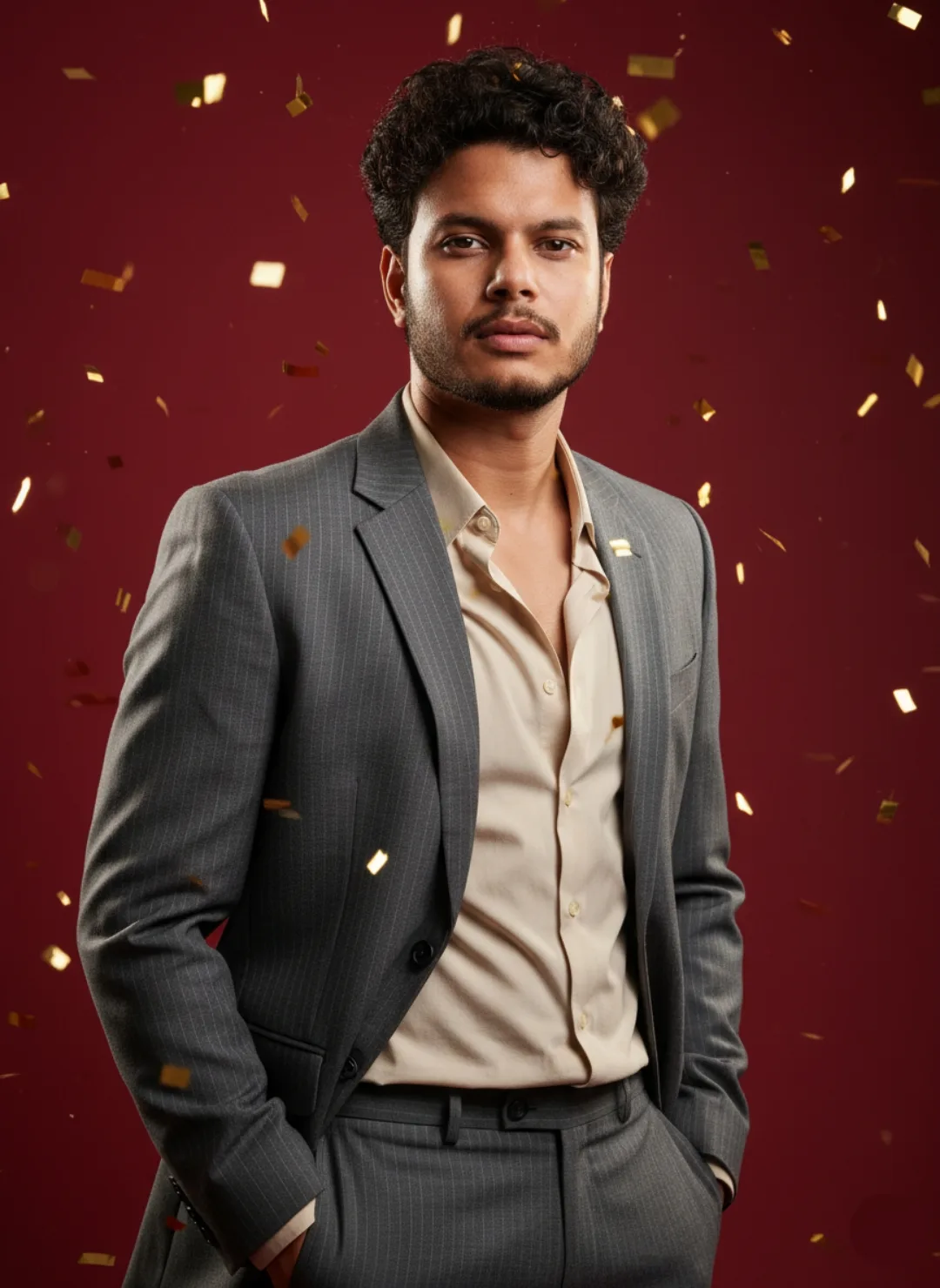
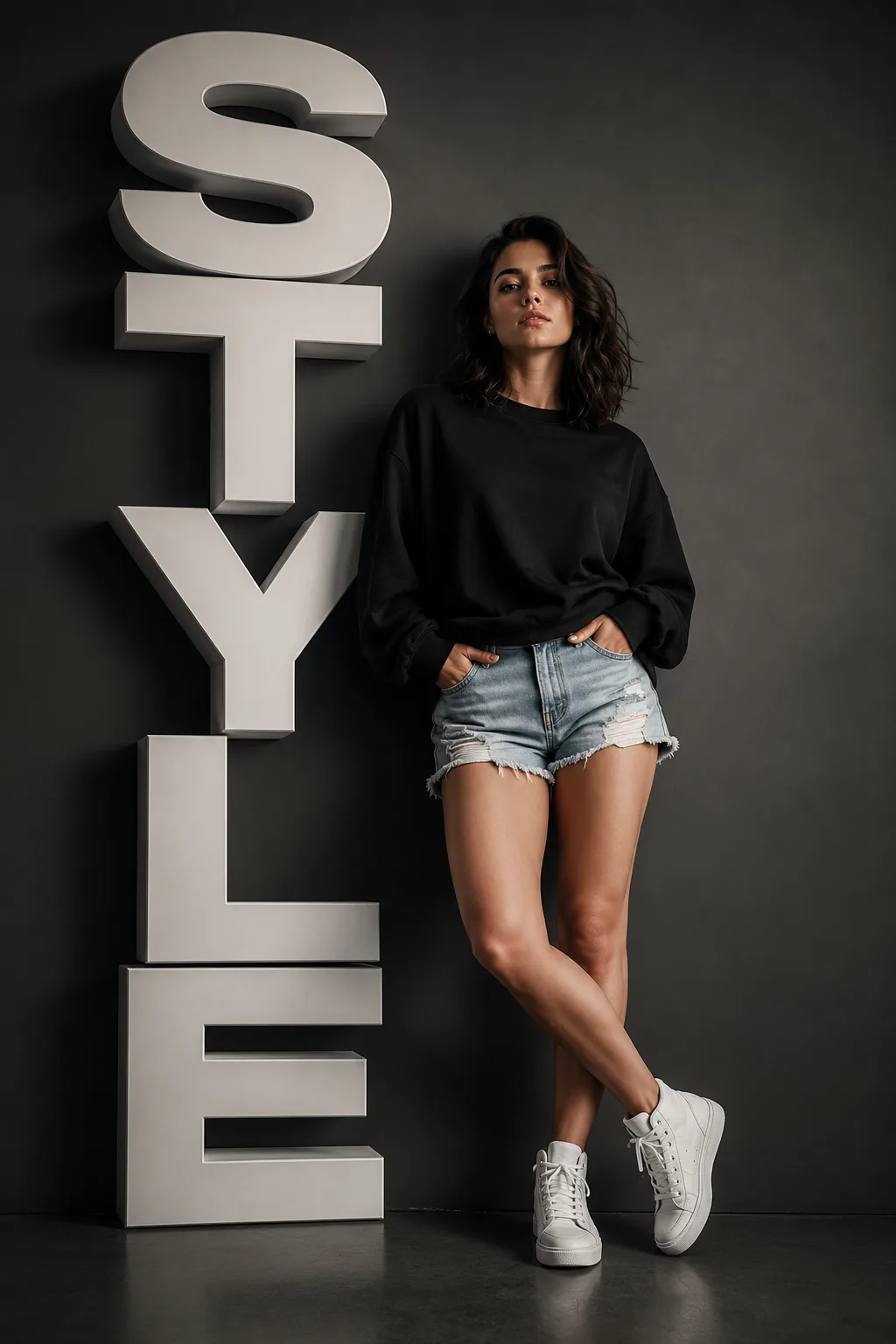
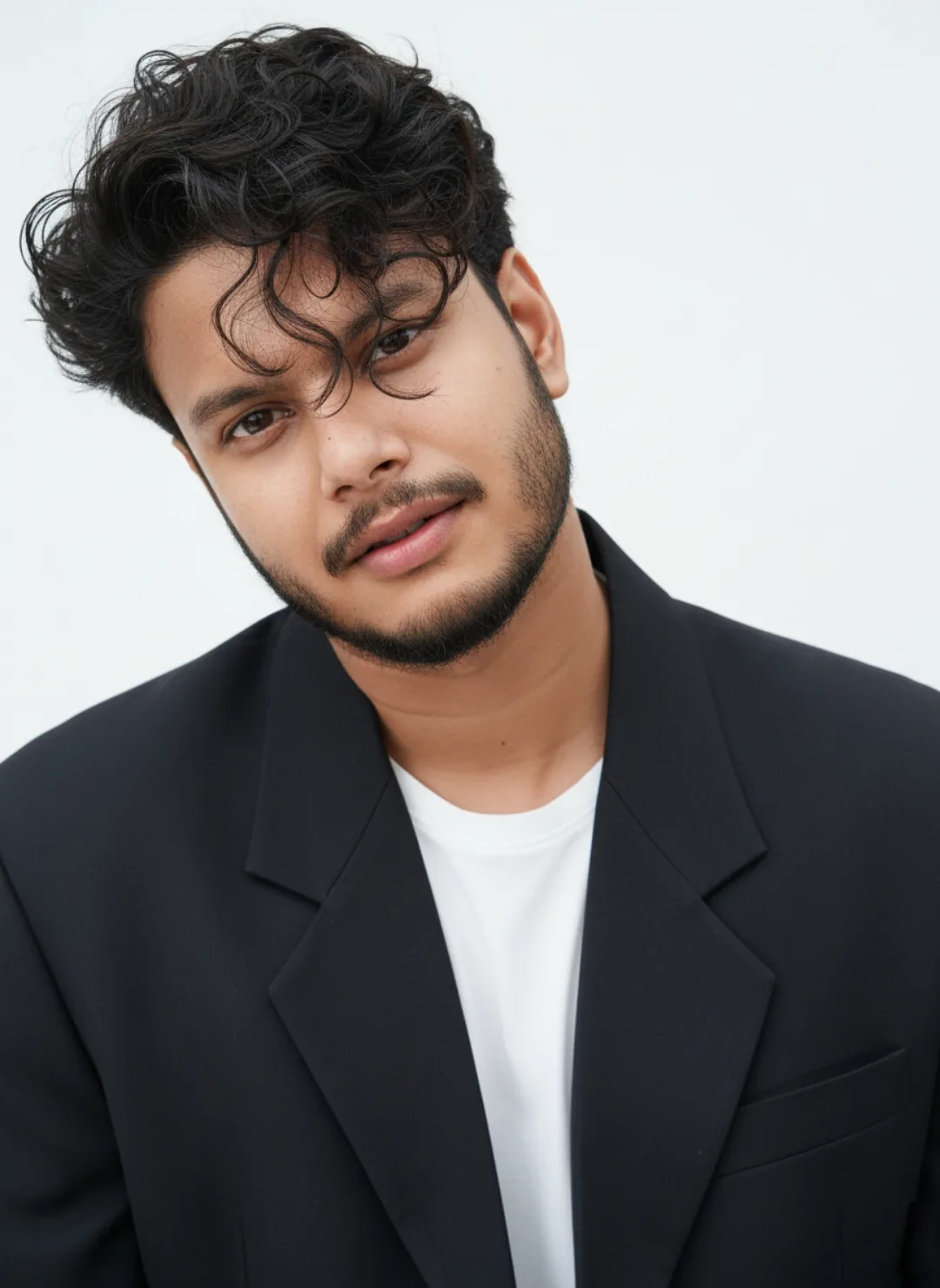
Example image provided with this prompt. This prompt has not been tested by our site.