EVIDENCE-BASED GUIDE · Published October 4, 2026
Do “4K”, “8K” and Camera Names in Prompts Match the Files?
A resolution phrase in a prompt is not proof of the output’s pixel dimensions. Check the delivered file and distinguish visual styling language from verified metadata.
Testing scope and limitations
These guides analyze existing September 26, 2026 generation records from OpenAI image generation in Codex. The tool did not disclose a model version. References are fictional AI adults. Observations do not validate Gemini, Midjourney or a named GPT Image model, and are not success-rate measurements.
Evidence: 2 recorded examples. The prompts and results below are preserved; suggestions for follow-up revisions are explicitly untested.
Requested resolution versus delivered dimensions
The diner prompt requested 4K, but the recorded output was 1,145 × 1,374 pixels. The heritage case had the same recorded dimensions despite 8K and HDR wording in the source prompt. These are dimensions from the generation records, not estimates from a thumbnail.
Camera wording is not camera provenance
Lens, camera and film terms may describe a desired visual effect. They do not prove that a physical camera was used, that an image has matching EXIF metadata or that a requested HDR format was delivered.
Prepare an image for its final use
Inspect the file dimensions and intended crop before printing or exporting. If you need a larger file, use an available size setting or a separate resizing workflow and inspect the result again. No upscaling workflow was tested in these cases.
Review checklist
- Read the actual pixel width and height.
- Keep the requested size and delivered size as separate fields.
- Do not label a preview as 4K or 8K solely because its prompt says so.
Recorded evidence
Sharing a milkshake in a 1950s diner


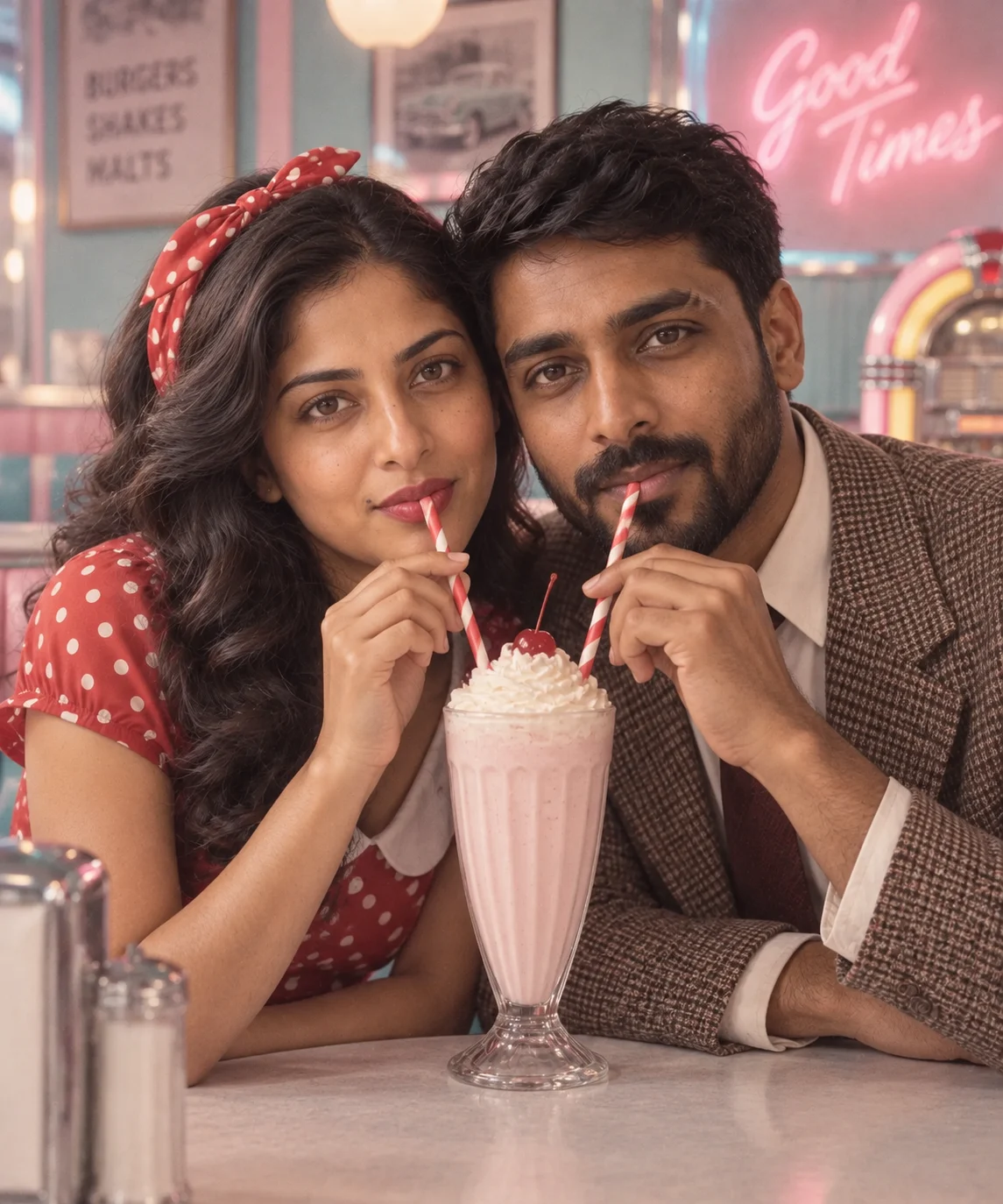
The pastel diner, vintage clothes and shared milkshake match the requested scene. The close crop emphasizes the two faces rather than the whole booth. The actual output is 1,145 × 1,374 pixels, below the 4K resolution requested in the source prompt.
A flower in a heritage courtyard
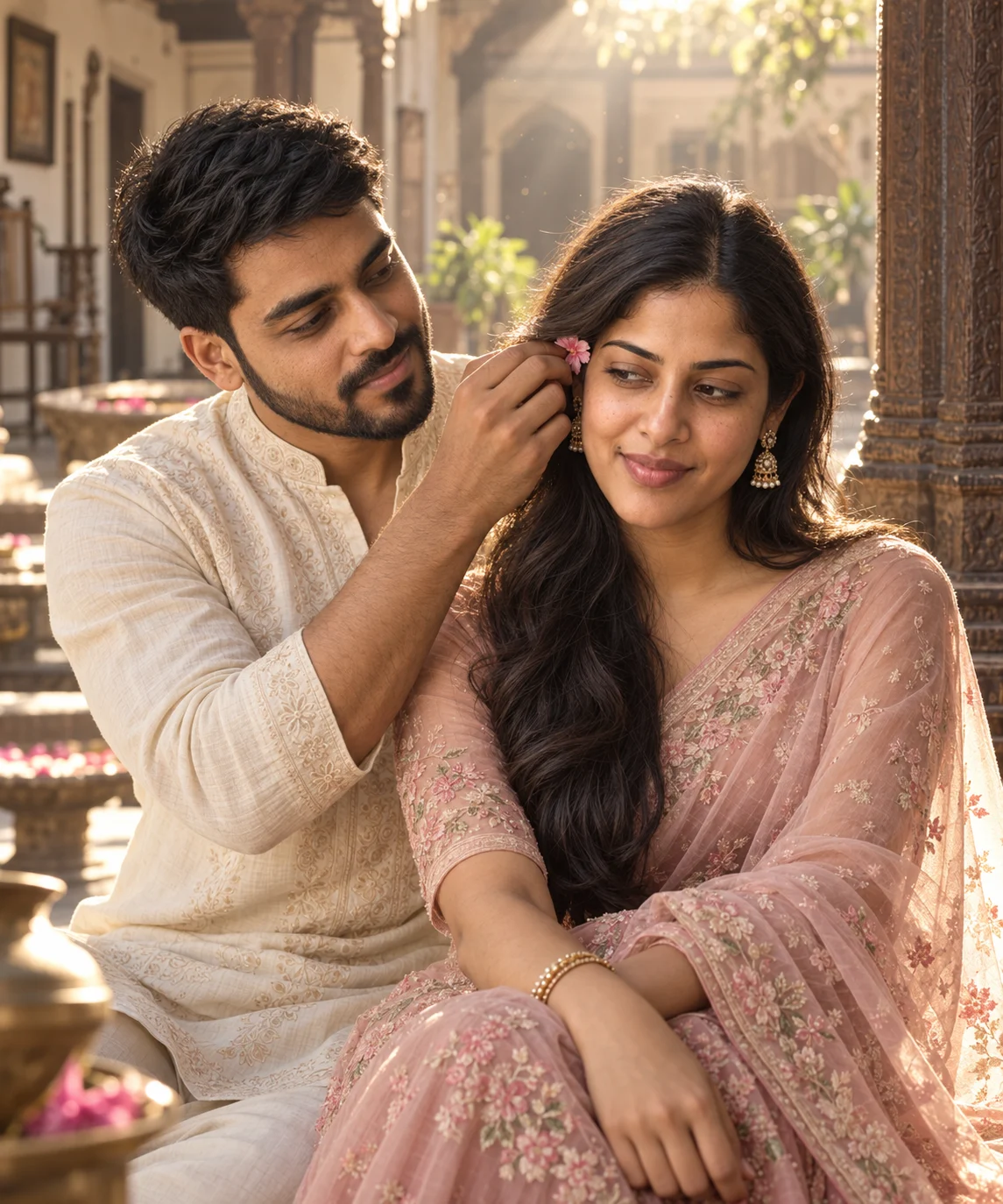
The pink flower, embroidered ivory kurta, blush-pink saree and sunlit carved courtyard match the scene. The flower-tucking gesture is visible and the woman looks slightly away. The actual output is 1,145 × 1,374 pixels; the source prompt’s camera, 8K and HDR wording does not describe verified file metadata.