EVIDENCE-BASED GUIDE · Published October 4, 2026
Fixing Couple Poses and Overlapping Hands: Tested Examples
Identify the exact contact or gesture that failed, then simplify it. Our examples show that a scene can look coherent while a requested gesture remains wrong or hard to read.
Testing scope and limitations
These guides analyze existing September 26, 2026 generation records from OpenAI image generation in Codex. The tool did not disclose a model version. References are fictional AI adults. Observations do not validate Gemini, Midjourney or a named GPT Image model, and are not success-rate measurements.
Evidence: 3 recorded examples. The prompts and results below are preserved; suggestions for follow-up revisions are explicitly untested.
Separate pose failure from identity failure
The courtyard case shows a different head contact from the requested pose. That is a pose mismatch, even if the outfits and setting look right. Compare both faces separately before deciding which instruction to revise.
Reduce competing hand actions
The kitchen and bookshop outputs contain overlapping hands. Ask for a simpler relationship between one visible hand and one object, or place the other hand at the person’s side. This is a proposed next revision; it was not generated as part of these recorded cases.
Describe visible constraints
State which hand belongs to which person, where it touches and whether fingers should remain visible. Avoid adding several complicated interactions while correcting the first one. A stronger instruction is not a guarantee of correct anatomy.
Review checklist
- Inspect contact points at full image size.
- Keep the already successful scene and clothing instructions unchanged during a pose revision.
- Record the revised prompt and actual output before claiming that a fix worked.
Recorded evidence
Red saree, two portraits
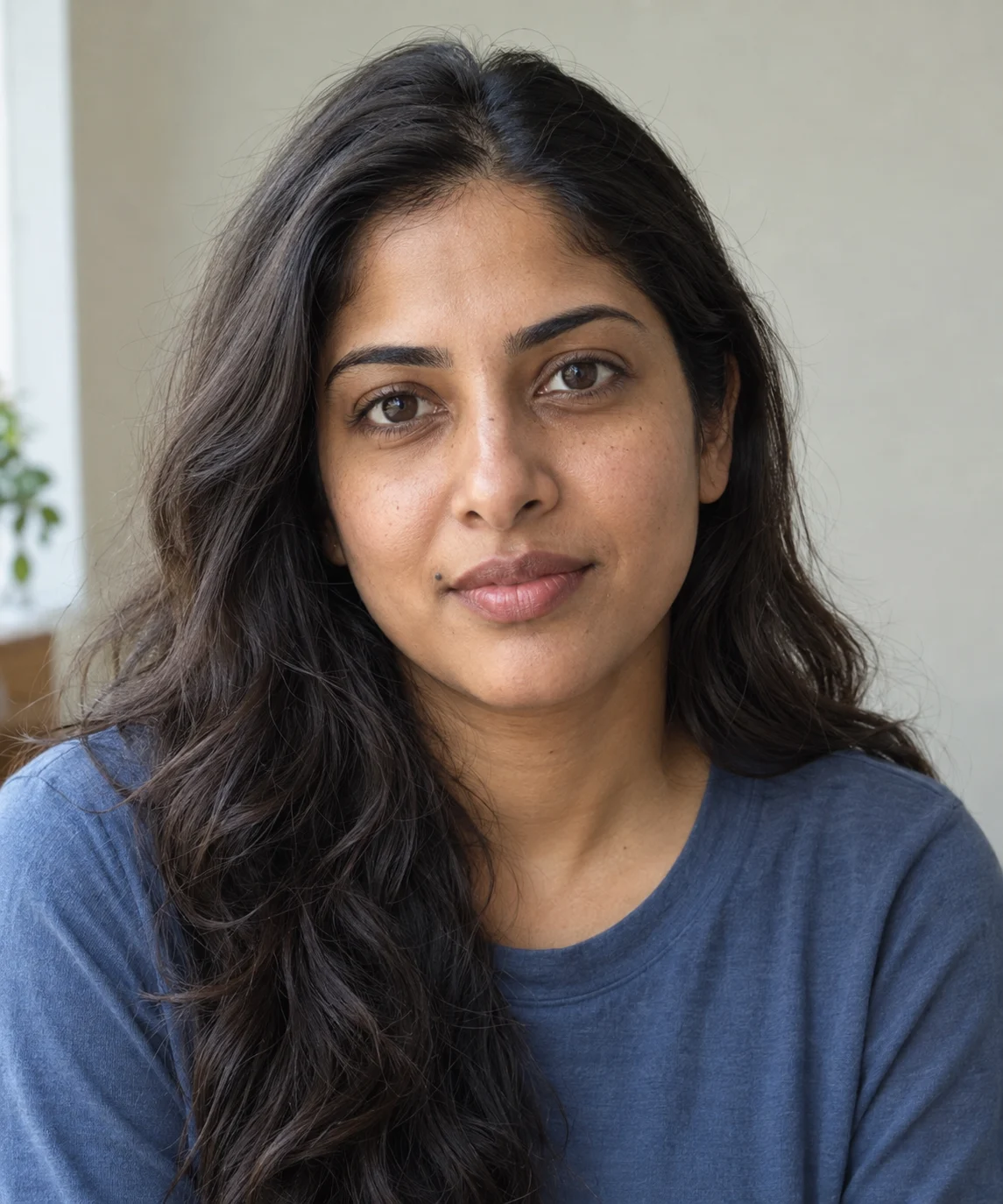
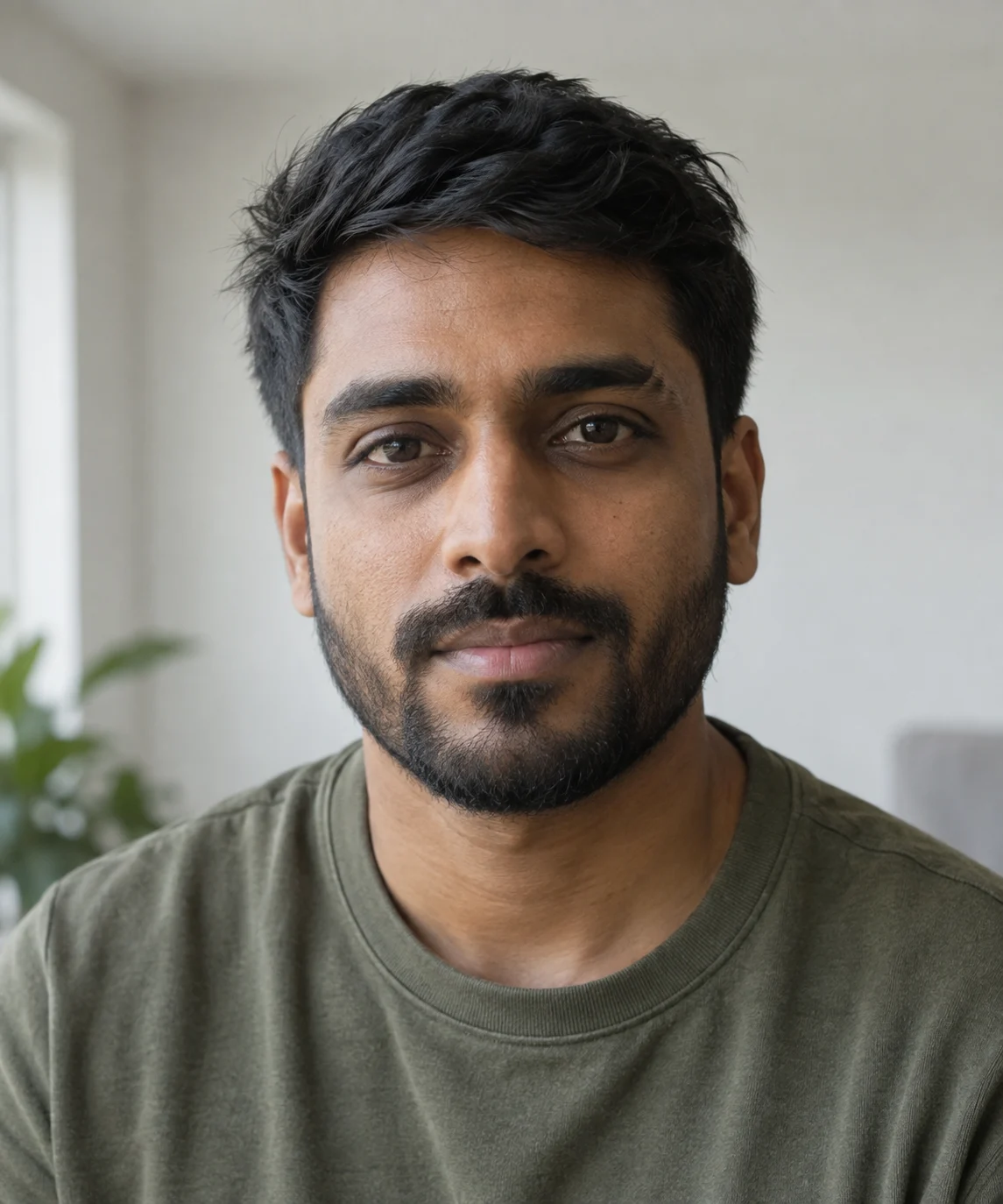
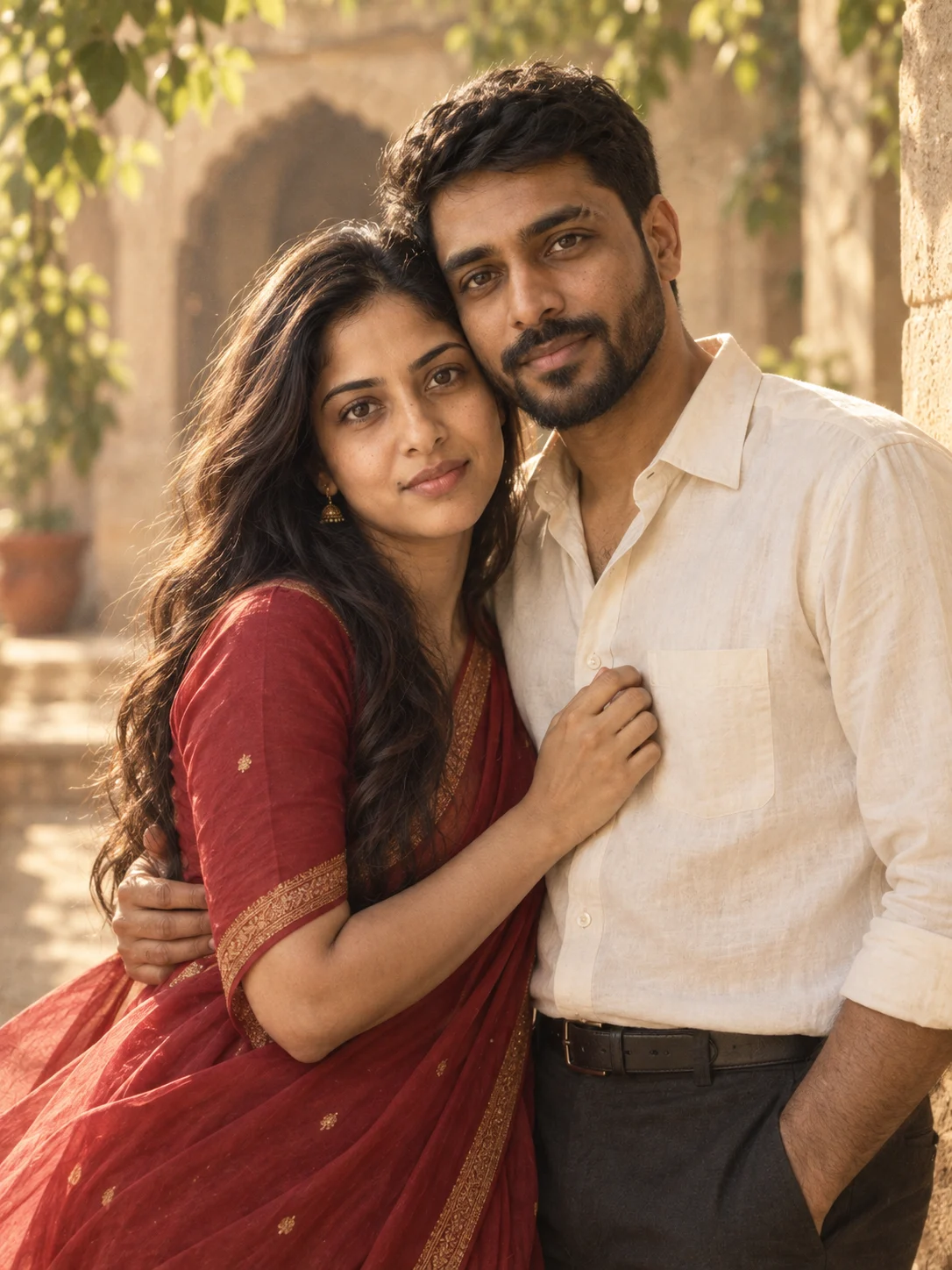
The red saree, ivory shirt and warm courtyard appear in the result. Compare the woman’s mouth-side mole and the man’s brow and beard with the inputs. The requested forehead-to-forehead pose became a temple lean facing the camera. A follow-up prompt would need to correct the pose.
A kitchen moment, from two portraits

Both adults appear together with the requested sweaters, warm window light and kitchen setting. The overlapping hands make the exact hand-over-hers action difficult to read, and the man’s hairstyle is more tousled than in his reference. Check hands and hair as well as faces before keeping your result.
Quiet smiles in a bookshop

The narrow bookshop, paperback, canvas tote and mix of window light and warm lamps match the prompt. Both people look toward the shelf. Their reaching hands overlap in the foreground, making the fingers difficult to distinguish; a follow-up could ask for one pointing hand and the other resting at the side.